
AI marketing content: one source sheet for a campaign
Keep AI campaign drafts aligned with an approved offer, facts and assets. Includes an email, graphic and landing-page example, plus a revision impact table.
Sources checked:
Prepared with AI assistance and source review on September 16, 2026. Examples are illustrative, not provider benchmark results.
On this page
Before asking AI to make a week's marketing content, write one approved campaign source sheet. Put the offer, audience, product facts, asset rights and destination URL in it. Every email, image brief and post should draw from that same version.
Anthropic's September 15 update to Claude for Small Business describes workflows for marketing and other business tasks, with approval controls. The announcement is a useful reminder that making more deliverables also creates more places for an outdated price or unsupported claim to appear. Anthropic's update
The sheet below addresses that coordination problem. It is an original planning template, not a review of those workflows or evidence that automated marketing produces sales.
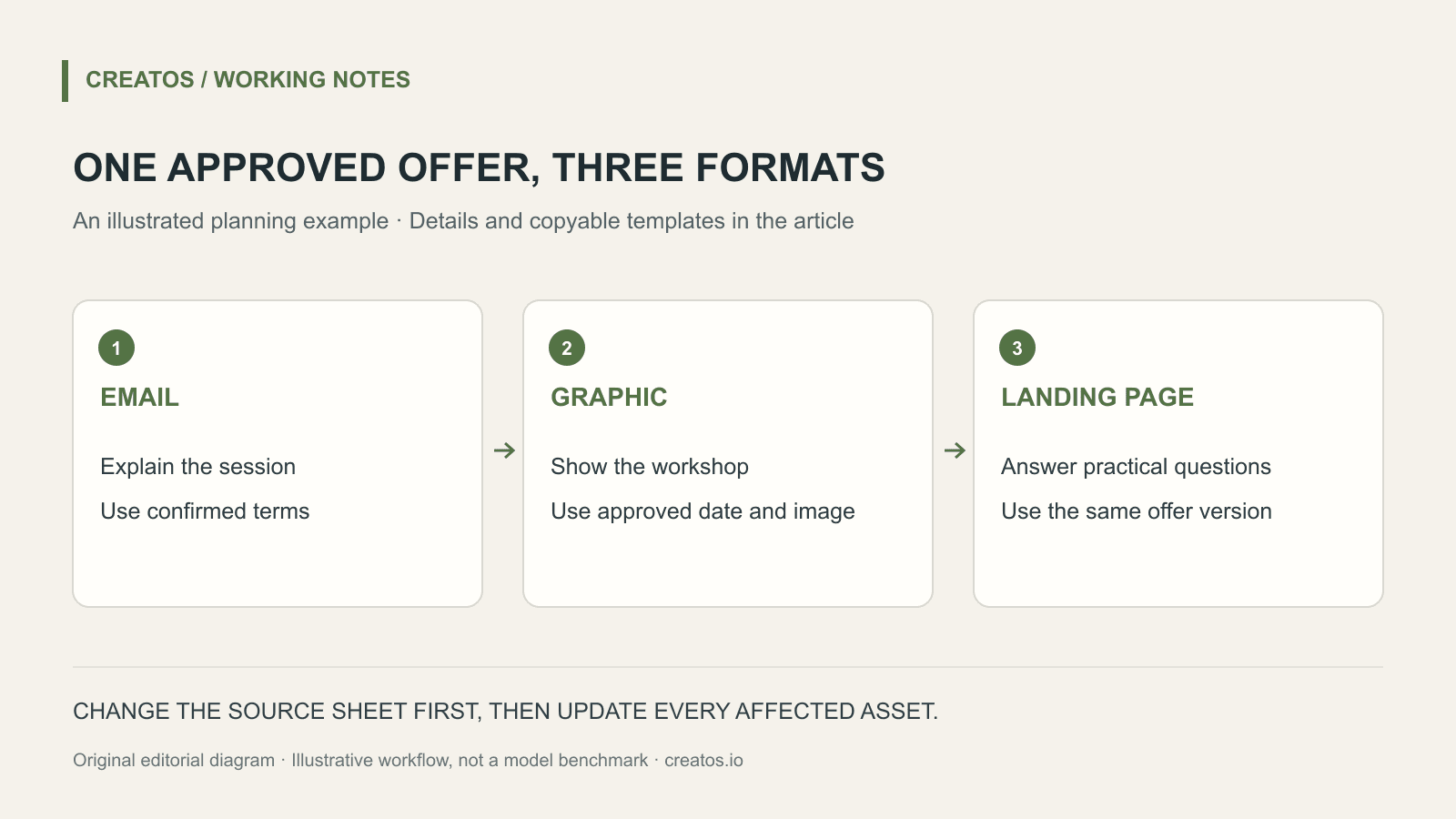
One offer, three different deliverables
Take a fictional pottery class called Saturday Clay. It needs a short email, a square graphic and a landing-page introduction. The invented offer is a two-hour beginner session with materials included. Its date and booking URL have not yet been approved.
| Field | Approved input for the example | What the AI must not infer |
|---|---|---|
| Audience | Adults trying pottery for the first time | That children can attend |
| Session | Two hours; beginner level | A professional qualification |
| Included | Clay and use of studio tools | Firing, delivery or refreshments |
| Price | Pending confirmation | A discount or invented amount |
| Date and capacity | Pending confirmation | “This Saturday” or “Only 3 places left” |
| Destination | Pending approved booking URL | A guessed checkout link |
| Visuals | Original photograph of the studio table | That pictured finished pieces are guaranteed outcomes |
The gaps are deliberate. The team can still draft tone, structure and visual direction, but it cannot publish a complete offer until the missing facts are settled. An assistant should return those gaps instead of filling them with plausible details.
Give each format its own job
The source sheet stays fixed; the format instructions change.
For the email, the job is to help a beginner decide whether the session suits them. Ask for a short subject line, a clear description of what is included and one booking link once approved. Avoid false urgency.
For the square graphic, the job is recognition and quick comprehension. Use a short workshop title, an approved date and a real studio image. Put detailed terms on the landing page rather than shrinking them into unreadable text.
For the landing page, the job is to answer practical questions. Separate included materials from unresolved extras, show the confirmed venue and explain how booking works. A friendly headline cannot substitute for those details.
Draft three pieces from campaign-source-v1 only:
1. A short email for first-time pottery students.
2. A square graphic brief: text, image choice and layout.
3. A landing-page introduction plus unanswered questions.

Use only approved facts. For a missing fact, return a note
outside the proposed public copy. Do not invent scarcity,
testimonials, discounts, dates or links.
List which source-sheet fields each deliverable uses.
These are drafts; do not send or publish them.
Make a change once, then find every affected asset
Suppose the studio later confirms that tools are available but clay is charged separately. This is a hypothetical revision. Change the approved sheet first and give it a new version. Then list every deliverable that mentions included materials.
| Asset | Affected wording | Required action |
|---|---|---|
| Email draft | “Materials included” | Replace with the newly approved terms |
| Graphic | “Everything provided” | Remove; it is too broad |
| Landing page | Included-materials list | Separate tools from clay cost |
Ask the model for this impact list before it rewrites the copy. It gives you something concrete to inspect and helps avoid correcting the email while leaving the old offer in an image.
Keep old exported assets in an archive marked with their source-sheet version. Do not leave two files both named final.png in the handoff folder. Use a name such as saturday-clay-square-v2.png, and put the approved version in the publication checklist.
Measure a useful action after publishing
Decide what counts as a result before launching: completed booking, qualified inquiry or another actual business action. A page visit is useful context, but it is not a sale. If you add campaign parameters to links, keep their spelling consistent and confirm that the destination and analytics setup record them correctly.
This sheet can live in a Creatos text node with the approved image and draft copy next to it. The quick-start guide explains how to make a blank canvas; the flow-editor guide covers organizing and exporting it. Keep publication permissions and actual performance data in the tools that manage those tasks.
Prepared on September 16, 2026. Saturday Clay, its offer and revisions are fictional; no sales outcome or provider integration is asserted.
Sources
Continue reading
Browse all posts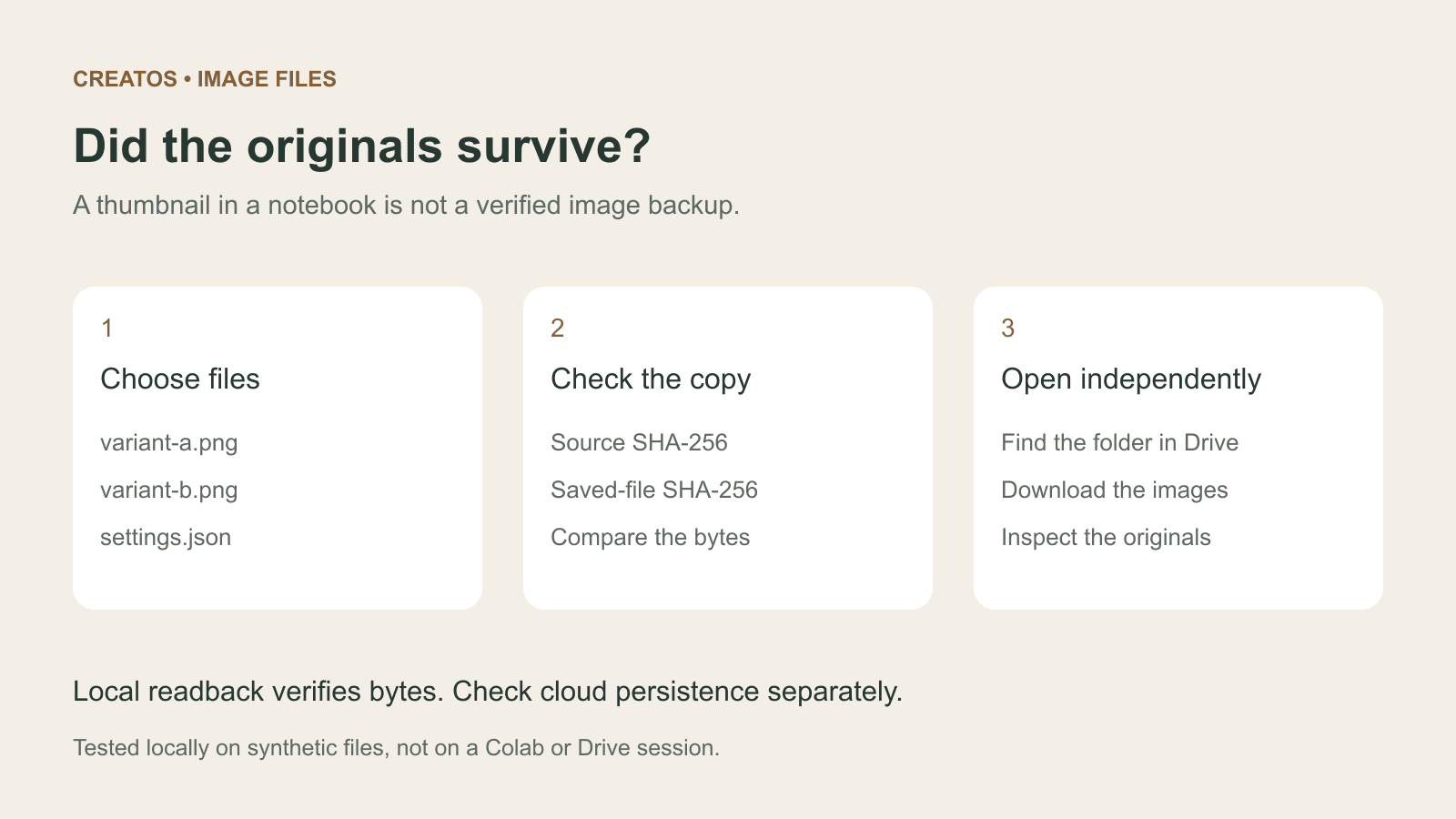
Save Colab images before a runtime reset: verify the copy
Keep generated PNGs and settings outside the Colab runtime. Use a locally tested copy-and-hash helper, then check the files independently in Drive.

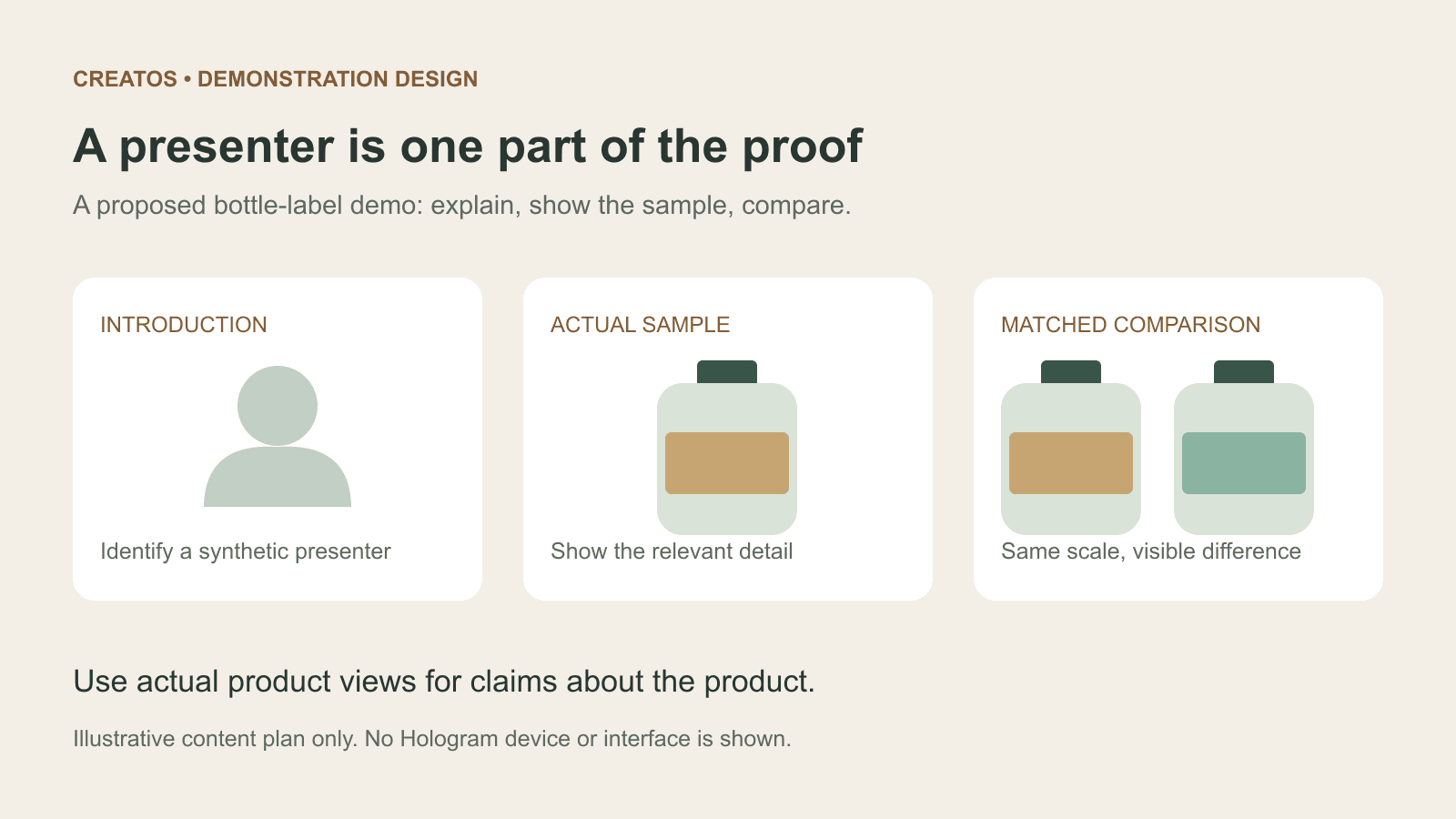
Meta Hologram vs a live camera in product demos
Separate an AI presenter from evidence of a product. A proposed 35-second label demo shows when to use actual photos, screen recordings and captions.
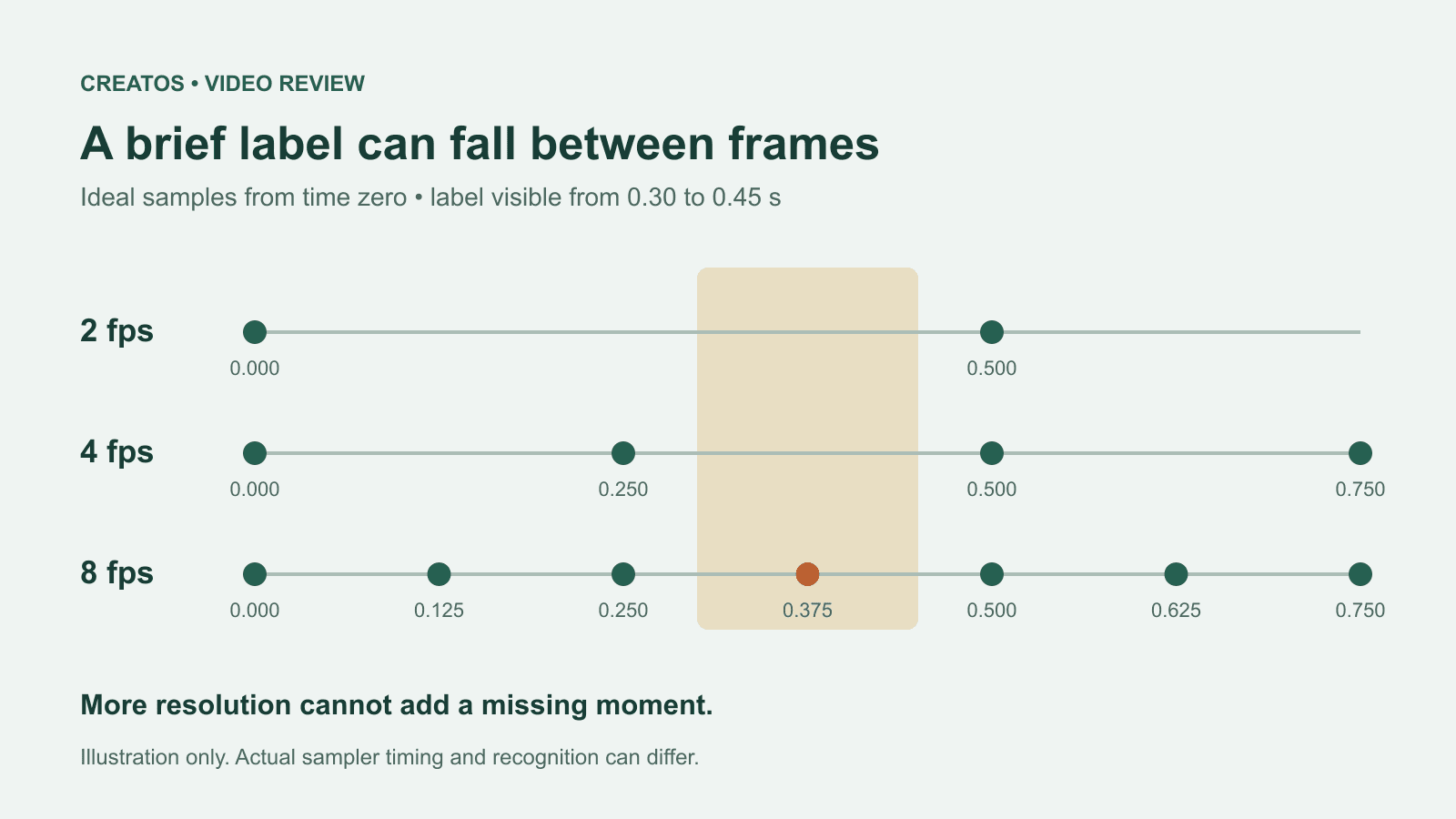
MiMo video review: why short details disappear
A worked sampling example shows why MiMo can miss a brief label, how fps differs from resolution, and what to check before approving a product video.