
MiMo video review: why short details disappear
A worked sampling example shows why MiMo can miss a brief label, how fps differs from resolution, and what to check before approving a product video.
Sources checked:
Prepared with AI assistance and checked against linked documentation. Sampling figures are an idealized calculation, not a MiMo API experiment or accuracy benchmark.
On this page
A video model can describe the scene correctly and still miss a price card that flashes for a fraction of a second. Before raising image resolution, check whether the review is sampling often enough to encounter the card at all.
MiMo exposes separate controls for this. Its video-understanding documentation defines fps as extracted frames per second, defaulting to 2 within a range of 0.1 to 10. media_resolution controls spatial detail, with default and max options. These are API settings; changing a video's export frame rate is a different operation.
Two equally brief labels, two different results
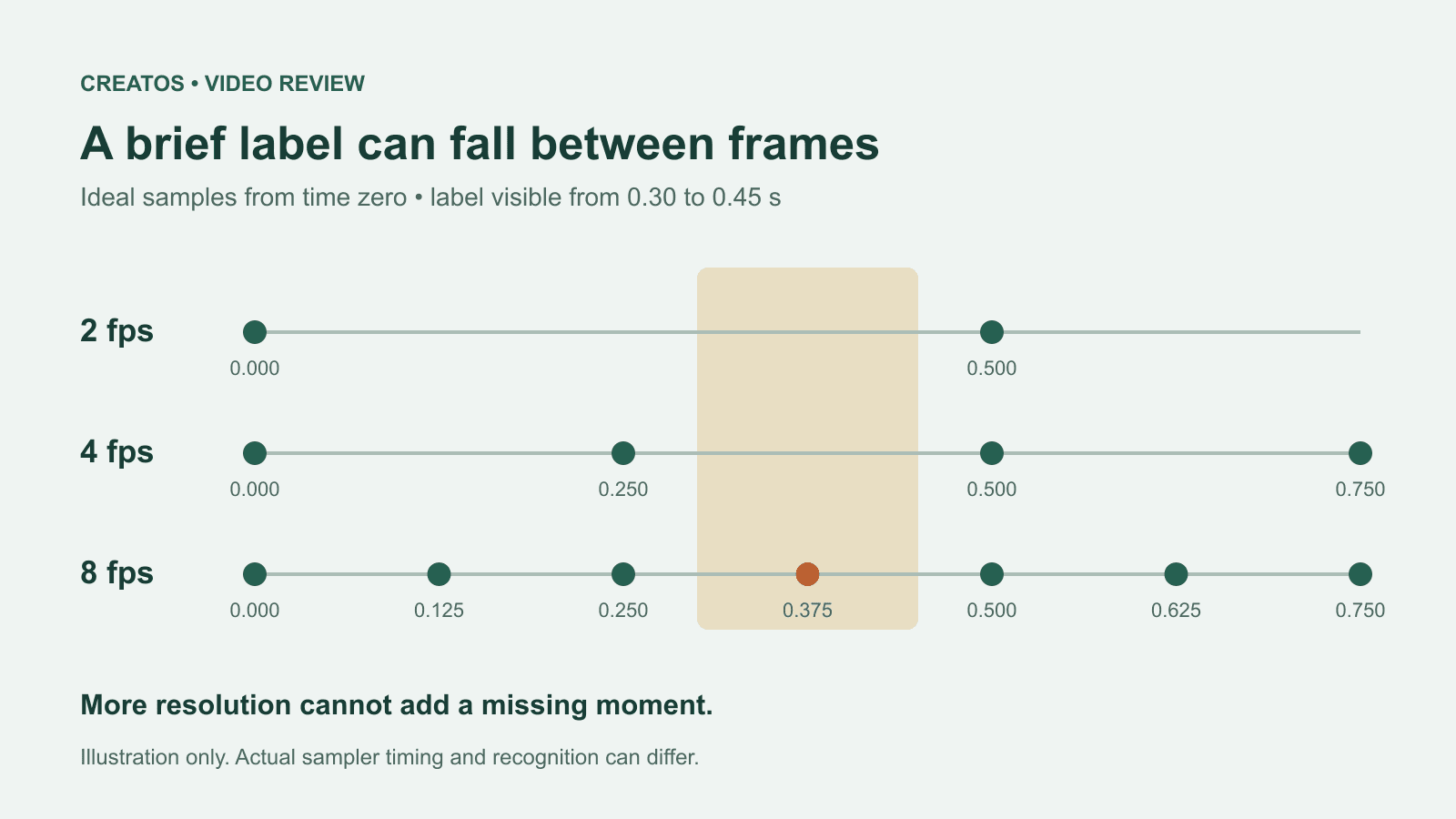
Consider a two-second product clip. Label A appears from 0.20 seconds until just before 0.35. Label B appears from 0.30 until just before 0.45. Each lasts 150 milliseconds.
For this calculation, sample at time zero, then at equal intervals of 1 / fps. Count a hit only when a sample falls inside the label's interval.
| Sampling rate | Time between samples | Label A sampled? | Label B sampled? |
|---|---|---|---|
| 2 fps | 0.500 seconds | No | No |
| 4 fps | 0.250 seconds | Yes, at 0.250 | No |
| 8 fps | 0.125 seconds | Yes, at 0.250 | Yes, at 0.375 |
At 4 fps, two labels with identical durations produce different outcomes because they begin at different points between samples.
This is an idealized calculation, not a MiMo API test. We calculated the timestamps using exact fractions. It does not establish the service's sampling phase, decoding behavior or recognition accuracy. Even a sampled frame may contain motion blur, tiny text or an occluded label. Eight fps is not a universal safe setting.
More pixels cannot recover a moment that was never included in the sampled visual input. A successful scene summary therefore does not prove that every on-screen claim was inspected.
Choose the next check from the failure
Suppose you are reviewing a generated product teaser before showing it to a client.
| What went wrong? | What to check next |
|---|---|
| The answer never mentions a brief price flash | Revisit temporal coverage. Try a denser sample setting on the relevant segment, then check the original playback. |
| The card is mentioned, but its digits are unclear | Inspect a full-size original frame. Resolution or blur may matter more than sampling frequency. |
| The correct text is reported at the wrong moment | Compare the returned time with the original file. Record any offset introduced by trimming. |
| The model says the whole clip is approved | Ask which visible evidence supports each required check. An unsupported all-clear is not a completed review. |
Xiaomi notes that denser sampling and higher spatial detail can increase token use. Its documentation includes a token estimator; for a real run, record the usage returned by the API instead of assuming that doubling fps simply doubles the bill. MiMo video controls and token guidance
An original review prompt you can adapt:
Review visible price and product-name text. For each observation, give the approximate timestamp, the text you can read and any uncertainty. Separate "not observed" from "confirmed absent." Do not certify the entire clip from a scene summary.
This wording has not been benchmarked against MiMo. It specifies the evidence you want back; it cannot force the model to see omitted frames.
Show the disputed frame beside the feedback
When the model and a reviewer disagree, use the actual frame as the anchor. For example, label an exported still teaser-v3, original 00:00.250, place the returned comment beside it, and add the human decision: "price reads 29, revise to 39." Keep the original time separate from any trimmed-clip time.
Creatos image and text nodes can present that still and its review note together. The value is the visible comparison during a client discussion. This does not run MiMo, certify its answer or inspect the original video for you.
For a critical price, date or product claim, watch the relevant original frames before approving the teaser. Use the model's response to locate questions worth checking, with a clear record of what was actually visible.
Sources
Continue reading
Browse all posts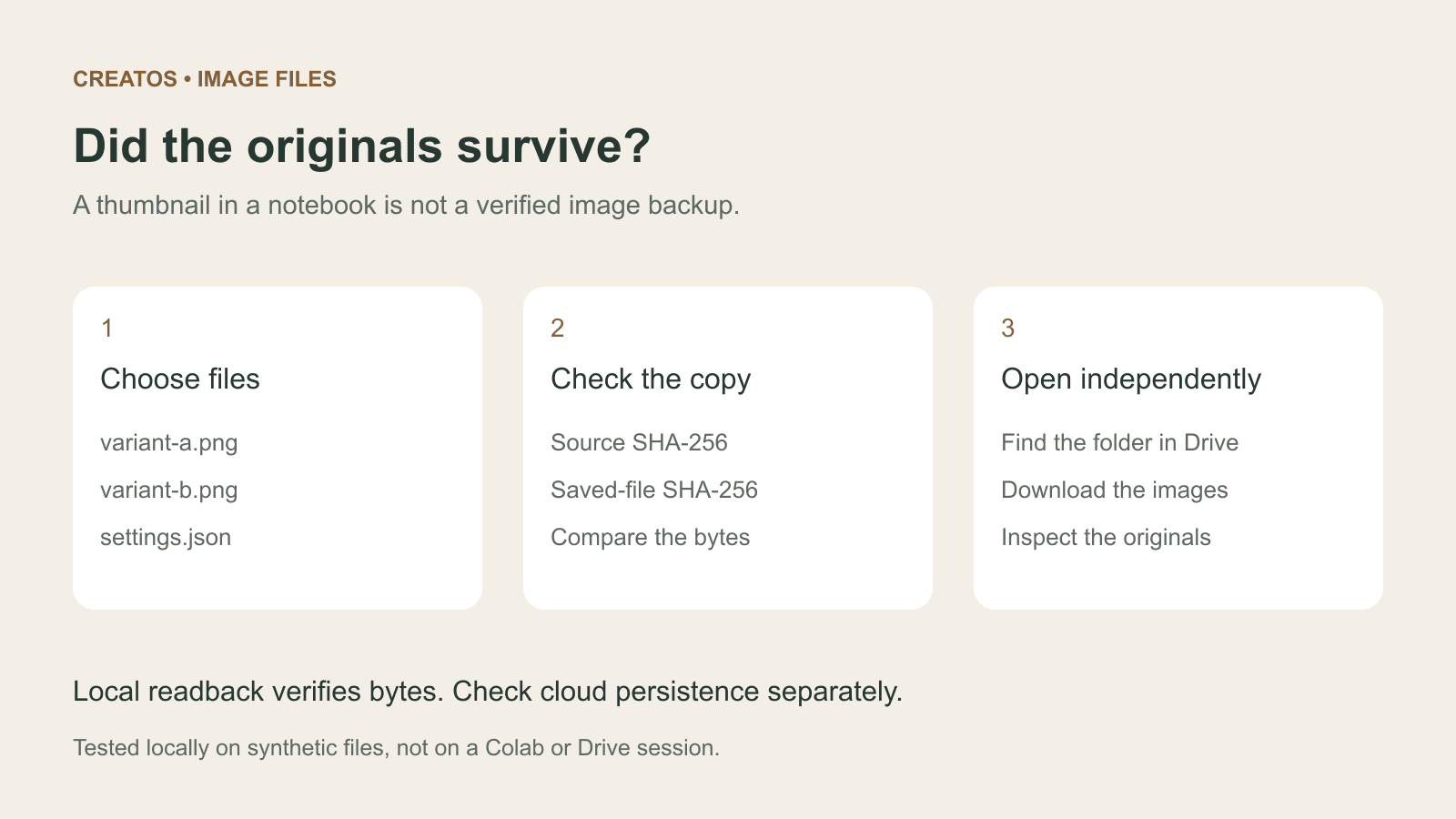
Save Colab images before a runtime reset: verify the copy
Keep generated PNGs and settings outside the Colab runtime. Use a locally tested copy-and-hash helper, then check the files independently in Drive.

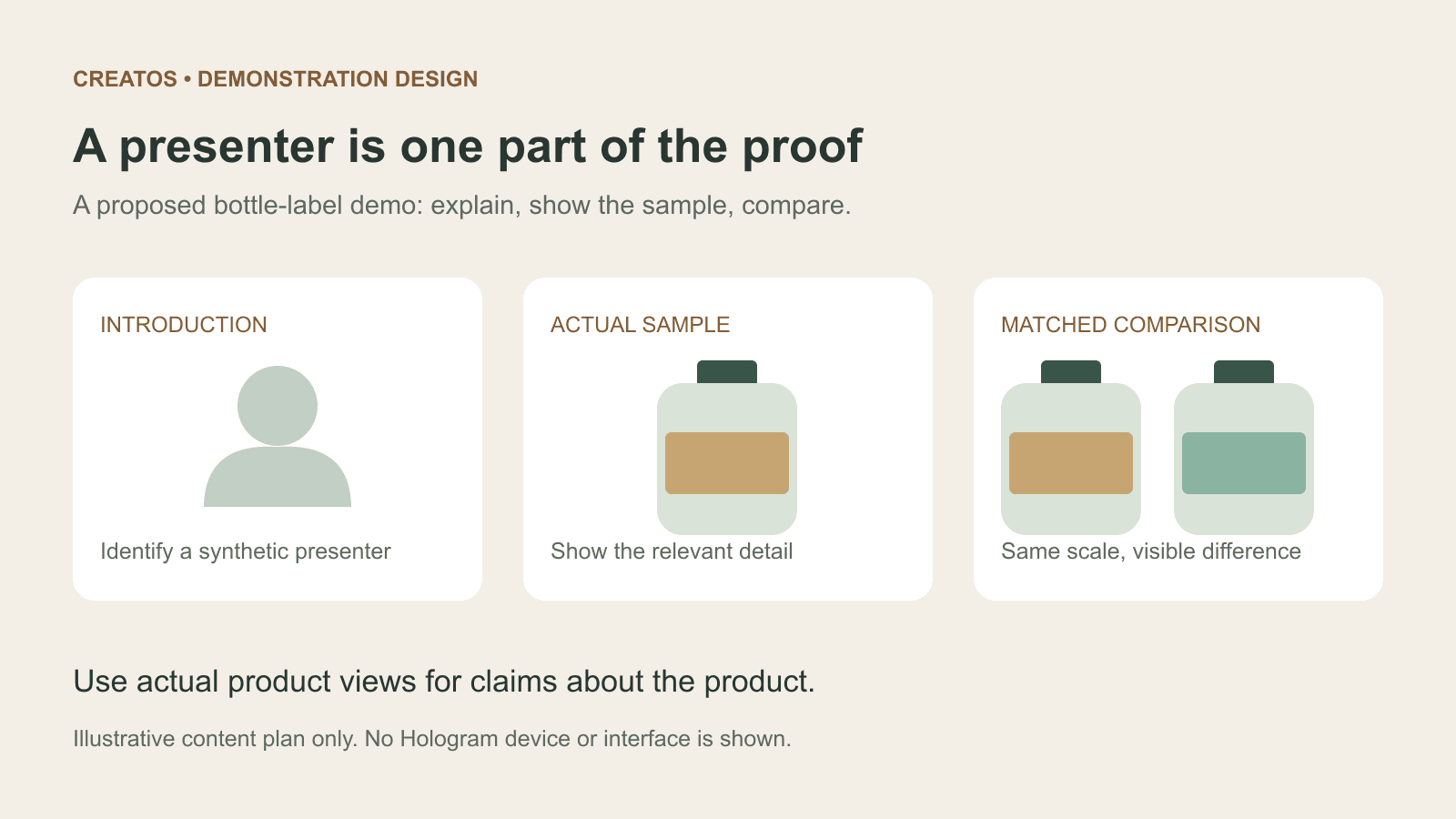
Meta Hologram vs a live camera in product demos
Separate an AI presenter from evidence of a product. A proposed 35-second label demo shows when to use actual photos, screen recordings and captions.
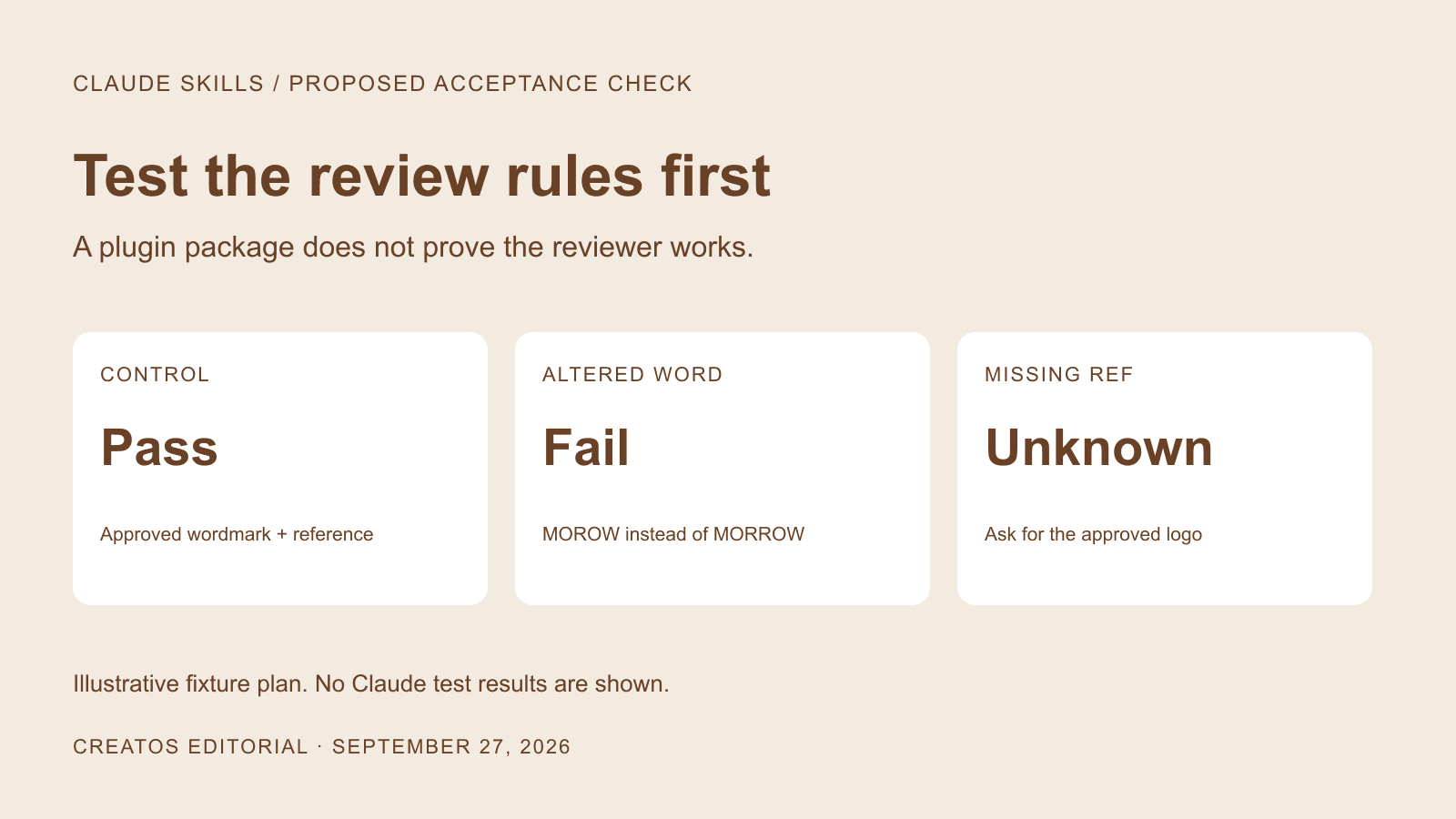
Build a useful Claude brand-review skill before packaging a plugin
A proposed four-case test for a Claude brand-review skill: correct artwork, wrong wording, missing references and optional style preferences.