
AI project handoff template: decisions, assets and next steps
Resume creative work with a portable AI project handoff. Separate approved decisions from temporary status, preserve asset versions and resolve conflicts before generating.
Sources checked:
Prepared with AI assistance and source review on September 16, 2026. Examples are illustrative, not provider benchmark results.
On this page
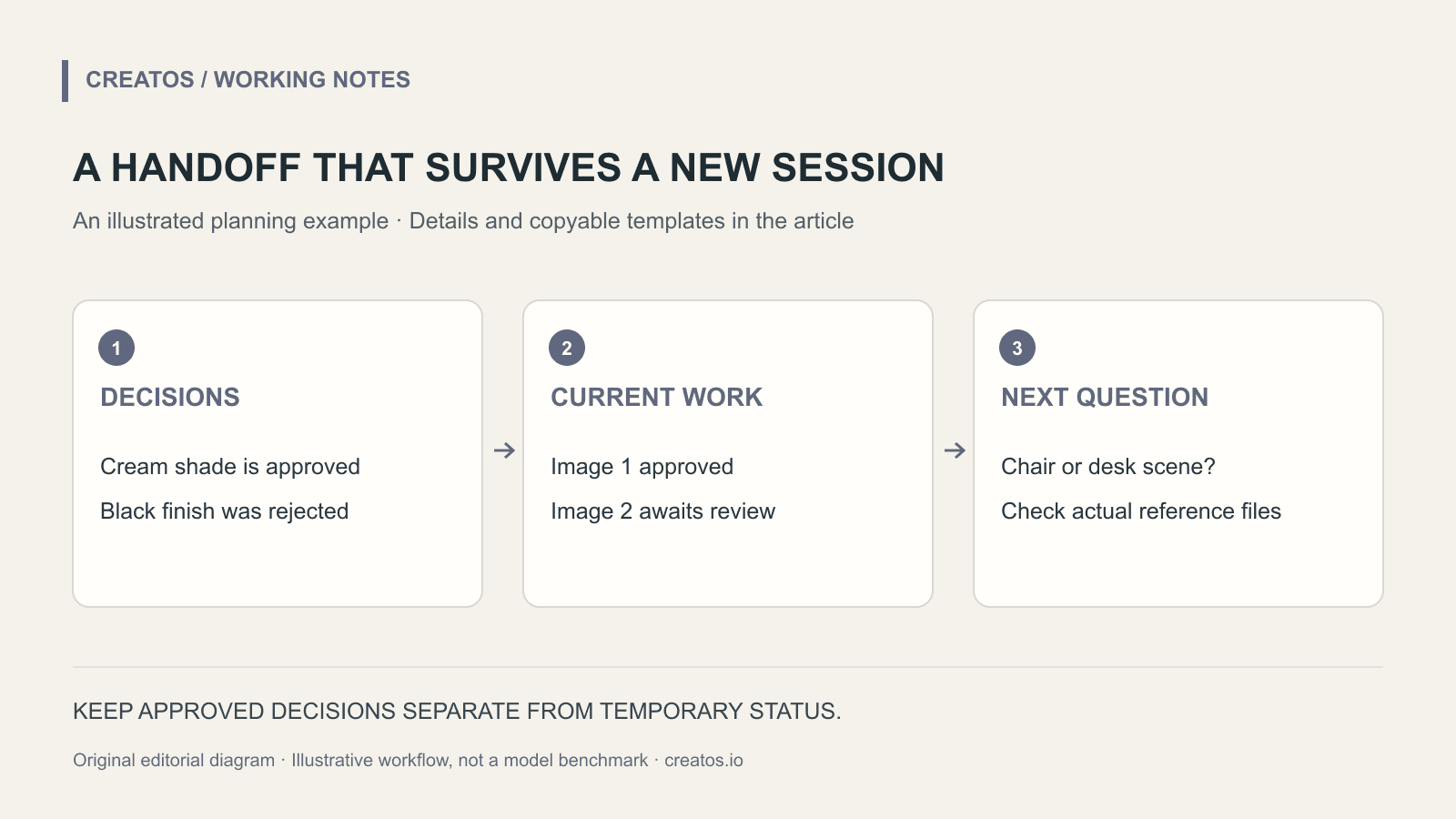
To resume an AI-assisted creative project, save a short handoff file with approved decisions, their reasons, the current asset versions and the next unresolved question. A transcript preserves what was said; a handoff tells the next session what still governs the work.
xAI's September 16 Grok Build announcement describes project memory for durable conventions and decisions. It explicitly separates those notes from temporary task state. That distinction is useful beyond coding: a lasting brand decision and today's export status need different homes. Memory in Grok Build
The file below is our own portable template for a creative project. It is not Grok's memory-file format, and saving it does not automatically connect it to any assistant. Attach or reference it through the tool you use.
What deserves a place in the handoff?
Consider a fictional three-image campaign for a reading lamp. The team has approved a warm evening setting and a cream-colored lampshade. It has rejected a glossy black version because that finish is not sold.
“Use cream, not black” is a durable product constraint. “Image two is rendering” is temporary status. Put the first in the decisions section and the second in the current-work section, with a time and a link to the actual job if there is one.
| Information | Save as | Why it matters later |
|---|---|---|
| Approved cream finish | Decision with source | Prevents an attractive but incorrect product variant |
| Evening setting | Creative direction | Keeps new images within the chosen campaign |
| Rejected black concept | Rejection with reason | Avoids repeatedly proposing the same unusable idea |
| Second image awaiting review | Current status | Must be checked again when work resumes |
| Possible desk close-up | Open question | Has not yet been approved |
Do not convert a suggestion into a rule just because it appears several times in the transcript. Keep “we could try this” separate from “use this version.”
Copy this handoff template
PROJECT: Reading lamp campaign (fictional example)
HANDOFF VERSION: 1
UPDATED: [actual date and time]

GOAL
Three images showing the approved lamp in an evening room.

APPROVED DECISIONS
D1: Cream shade; use approved-product-photo-v3.png.
Reason: Matches the product actually offered.
Authority: [link to approved product sheet or decision]
D2: Warm evening setting.
Authority: [link to approved creative direction]

REJECTED DIRECTIONS
Glossy black shade: not an offered finish.

CURRENT ASSETS
Image 1: [exact filename], approved by [actual reviewer].
Image 2: [exact filename], review pending.
Image 3: not started.

OPEN QUESTION
Should image 3 show the lamp beside a chair or on a desk?

NEXT ACTION
Check the current asset files, then propose two compositions
for image 3. Do not replace the approved product reference.
Replace every bracketed placeholder before treating the file as an operational handoff. A made-up approval line is worse than an empty one because it gives the next session false confidence.
Ask the returning assistant to reconcile, not just remember
Start with a small check:
Read this handoff and the listed current files.
Tell me which decisions are approved, which items remain
open, and whether any referenced asset is missing.
Flag conflicts between the handoff and current instructions.
Do not start generating until those conflicts are resolved.
If the cream reference is missing, recover it or ask for the approved replacement. Do not use the black concept because it happens to be the only visible file. If a newer instruction changes the finish, record who changed the decision and link the new reference before continuing.
This reconciliation is also a useful test of the handoff itself. If the assistant cannot identify the right file without searching a long conversation, the filename or location needs to be more precise.
Update the file when a decision changes
After the desk composition is chosen, move it out of open questions. Record it as a decision and add the approved asset when it exists. Keep the previous version so someone can see why the direction changed.
A compact handoff should point to the evidence instead of copying every source into the note. Store sensitive credentials elsewhere, and avoid carrying client material into unrelated projects. Project-specific decisions belong with that project, not in a global preference such as “always use cream lamps.”
In Creatos, keep a handoff text node beside the reference images and current drafts. You can export the canvas as JSON for reuse or as PNG for a visual overview, as described in the flow-editor guide. Check that the recipient has the underlying assets they need; a picture of a board is not a replacement for the original files.
The lamp project and template are original editorial examples prepared on September 16, 2026. We reviewed xAI's description of memory but did not test Grok Build's recall behavior or claim that it reads a Creatos canvas automatically.
Sources
Continue reading
Browse all posts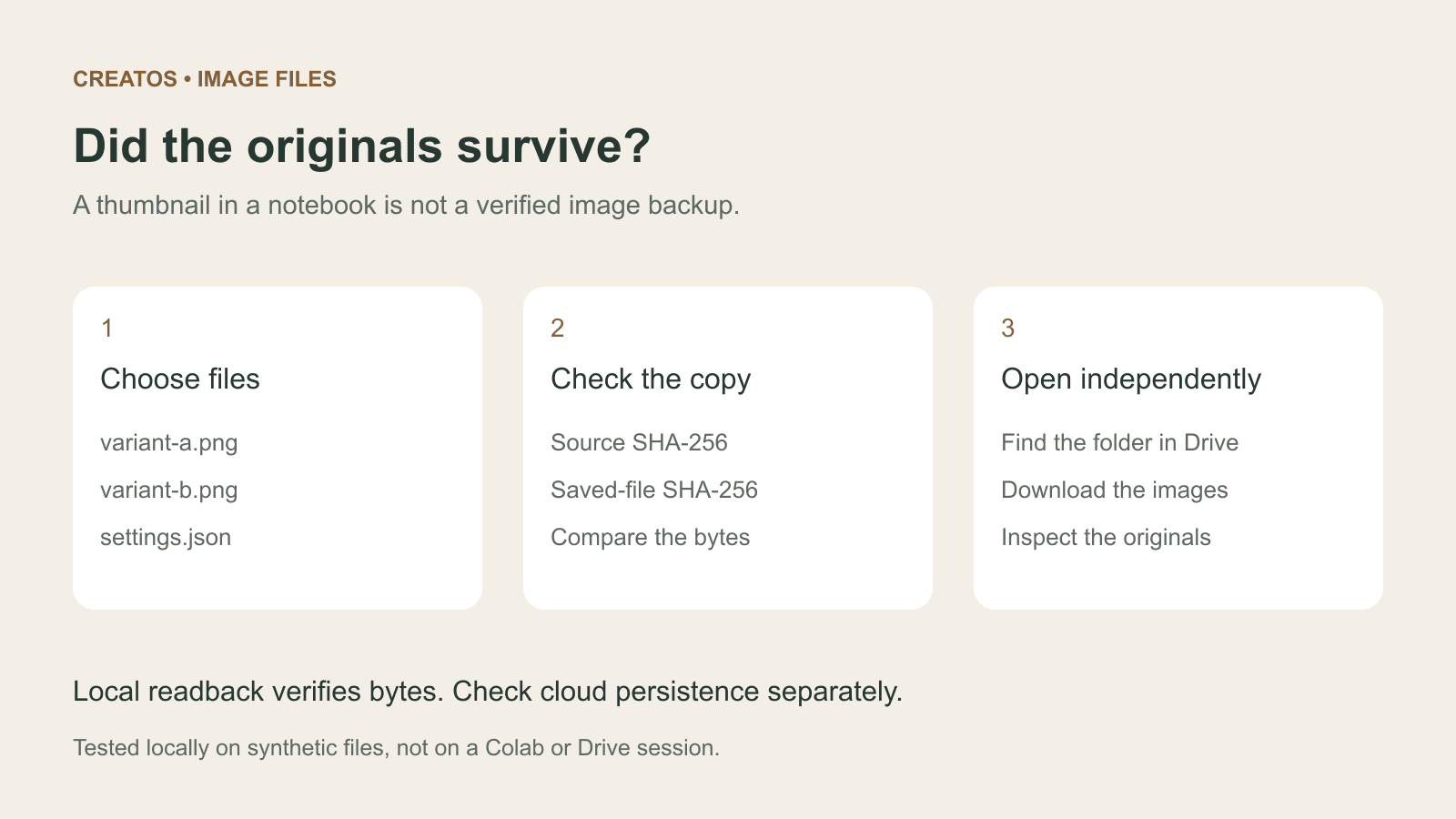
Save Colab images before a runtime reset: verify the copy
Keep generated PNGs and settings outside the Colab runtime. Use a locally tested copy-and-hash helper, then check the files independently in Drive.

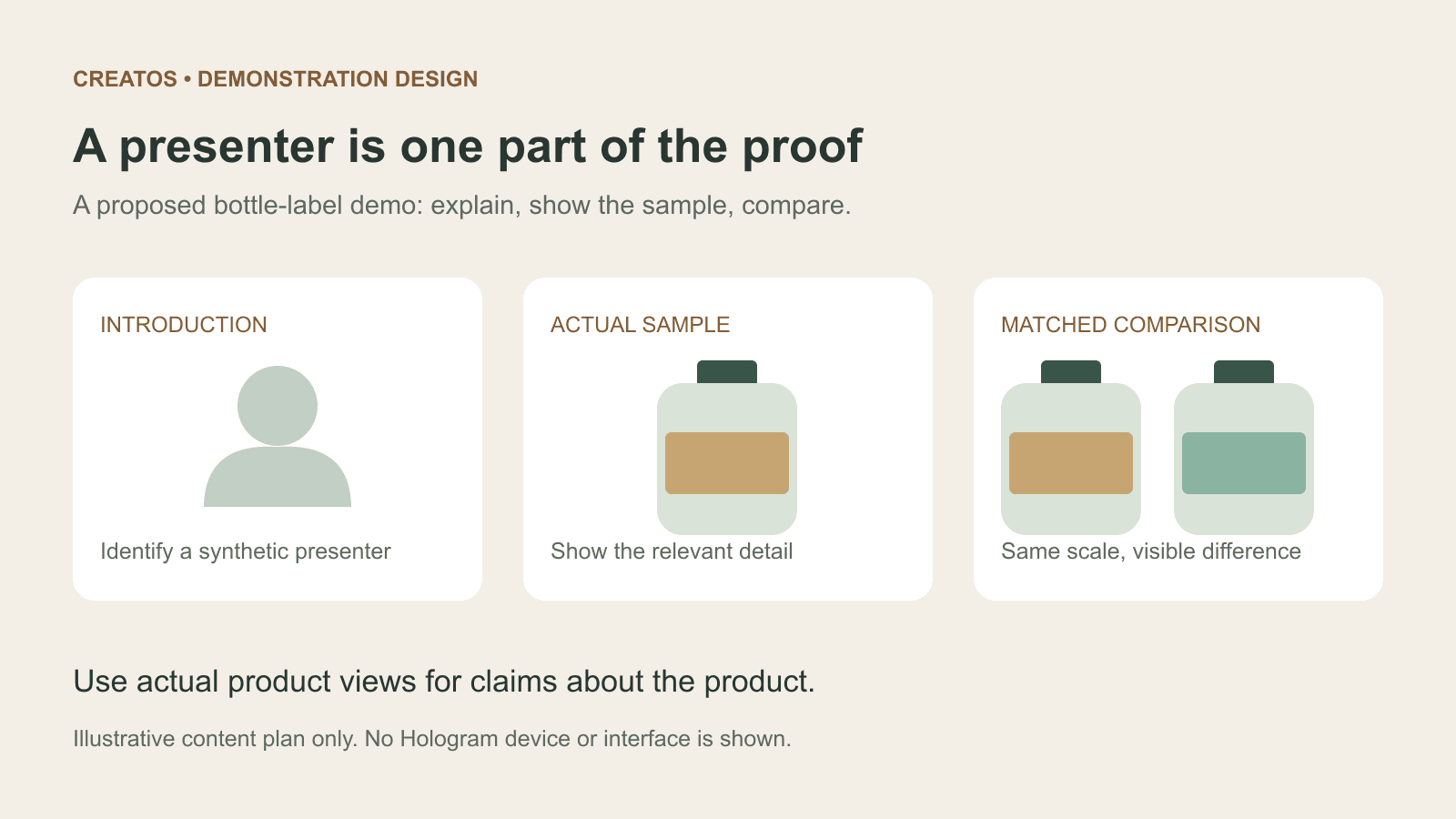
Meta Hologram vs a live camera in product demos
Separate an AI presenter from evidence of a product. A proposed 35-second label demo shows when to use actual photos, screen recordings and captions.
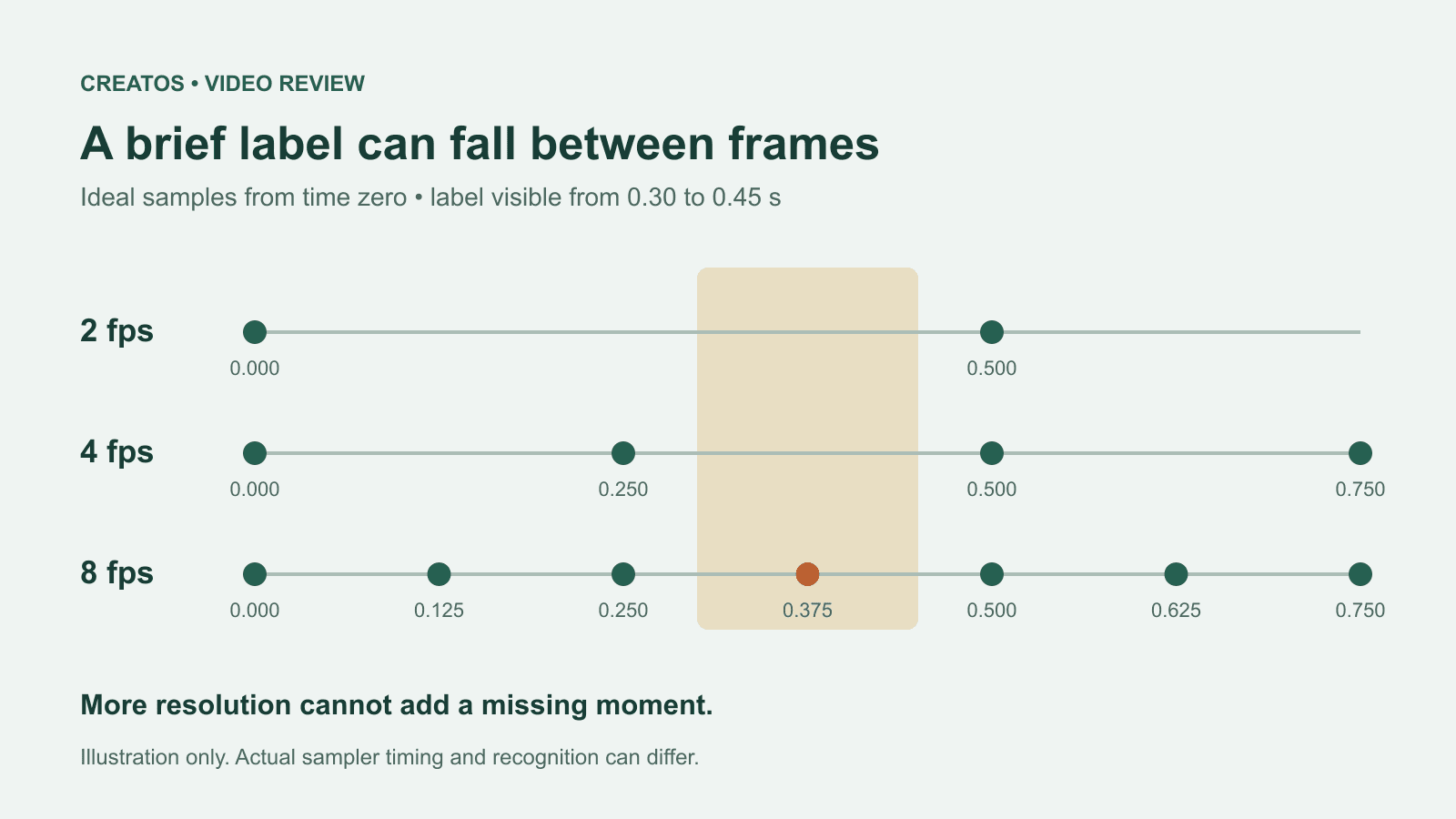
MiMo video review: why short details disappear
A worked sampling example shows why MiMo can miss a brief label, how fps differs from resolution, and what to check before approving a product video.