
AI subtitle translation: preserve SRT timing and product terms
Translate subtitles with a glossary, fixed SRT timestamps and a separate reading-speed check. Includes an English-to-French example and a copyable brief.
Sources checked:
Prepared with AI assistance and source review on September 16, 2026. Examples are illustrative, not provider benchmark results.
On this page
To translate subtitles with AI, supply the original subtitle file, a short terminology list and explicit rules for timestamps and cue numbers. Review meaning separately from reading speed. A fluent translation can still name the wrong button or put a sentence on screen after the action has finished.
Google's September 15 language-technology overview points to TranslateGemma as a family of open translation models. Its earlier model announcement describes translation across 55 languages. Neither source establishes that every translation tool will preserve an SRT file or produce publishable captions without review. Google's language overview, TranslateGemma announcement
Here is a concrete English-to-French example for a software demonstration. The subtitles and translations below are editorial examples, not output measured from TranslateGemma.
Start with the interface vocabulary
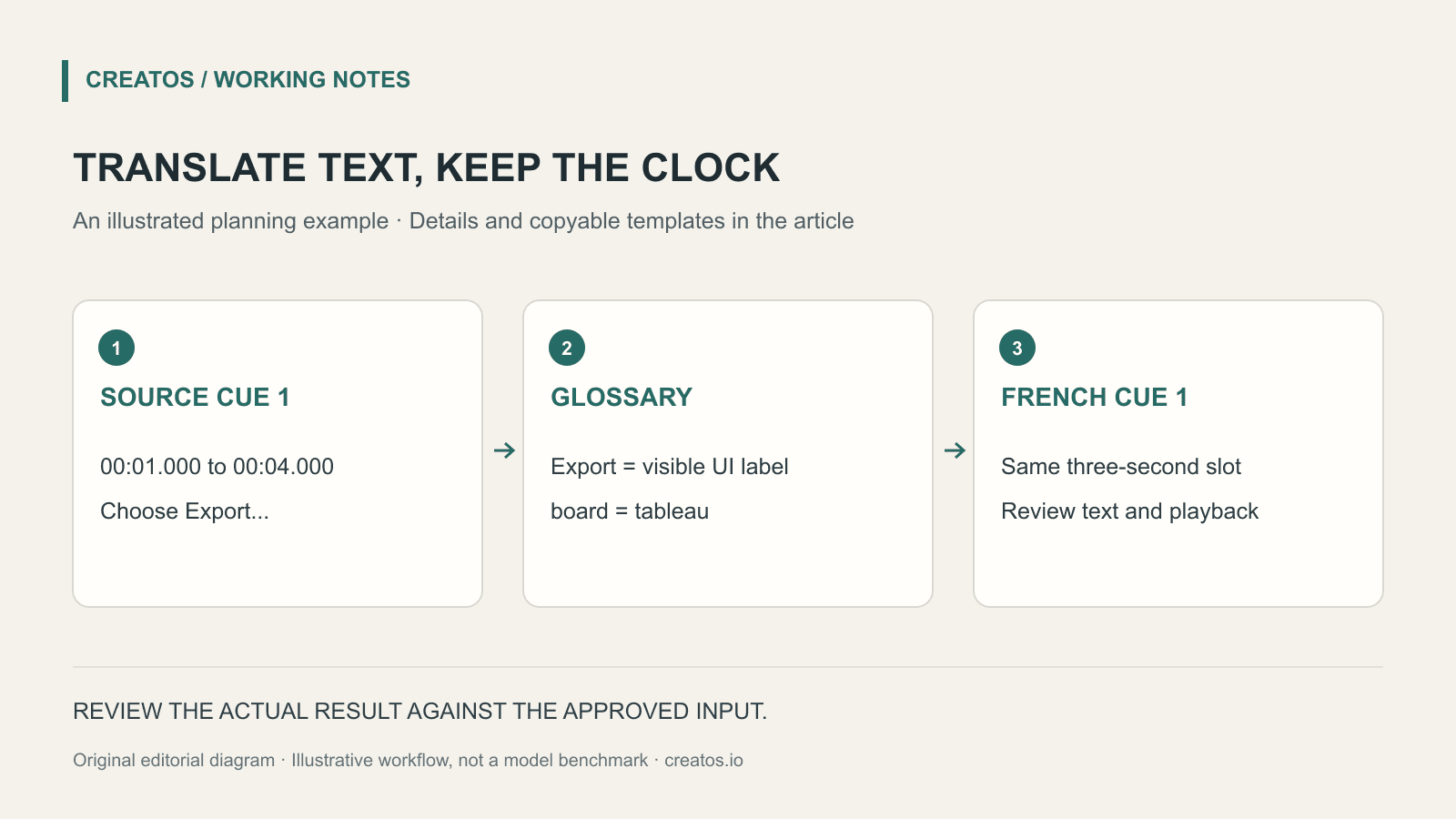
In this fictional video, the interface stays in English while the narration becomes French. The viewer must still find the same on-screen control. Translating the button label into an unfamiliar name would make the instruction harder to follow.
| Source term | French treatment for this video | Reason |
|---|---|---|
| Export | Keep Export when naming the button | The visible interface is English |
| board | Use tableau in explanatory sentences | Describes the workspace, not a button |
| Luma Note | Keep the fictional product name | Do not translate brand names |
| draft | Use brouillon | This is a status, not a finished version |
Your glossary may make different choices. Specify the interface language and distinguish literal labels from ordinary prose.
A small SRT example
The source has two cues:
1
00:00:01,000 --> 00:00:04,000
Choose Export to save the board.

2
00:00:04,500 --> 00:00:07,500
The draft stays in your workspace.
One possible French version is:
1
00:00:01,000 --> 00:00:04,000
Cliquez sur Export
pour enregistrer le tableau.

2
00:00:04,500 --> 00:00:07,500
Le brouillon reste
dans votre espace de travail.
The first French cue has 46 characters when the line break is excluded and spaces are counted. At three seconds on screen, that is about 15.3 characters per second. This calculation helps compare alternatives; it is not a universal accessibility limit. Use the requirements of the platform, audience and language you are publishing for.
The translated instruction also assumes that “choose” means clicking a desktop button. If the video is for a touch interface, change that verb. This is a context decision that a raw subtitle file may not contain.
Ask for translation without silent structural changes
Translate the attached English SRT into French.
Audience: French-speaking desktop users.
The interface shown in the video remains in English.
Use the attached glossary for literal control labels.

Preserve cue numbers, start times and end times exactly.
Translate only the subtitle text. Keep the SRT separators.
Do not add product promises or explain missing context.
If a cue cannot fit naturally, list its number separately
with a shorter suggestion. Do not silently retime it.
Some translation models expect text segments rather than an entire SRT instruction. In that case, pass only the text through the translation step and keep timing fields in your subtitle editor. This prompt is a workflow brief for an instruction-following tool, not a claim about a specific model's input format.
Check structure, then watch the video
Compare the cue count, numbers and timestamps before looking at prose. In the example, there must still be two cues, with a half-second gap between them. If the model merges them into one fluent paragraph, the translation may be readable but the file is no longer the same timed deliverable.
Next, check labels, numbers, negations and references such as “this” or “the next one” against the picture. “The draft stays” must not become “the draft is deleted.” A reverse translation can flag a possible problem, but it cannot certify the French is natural or correct.
Finally, import the file into the target player and watch at normal speed. Check the line breaks on a narrow display and the end of each cue against the demonstrated action. If the text is too dense, shorten it or revise the timing deliberately in the editor, then save a new version with a note explaining the change.
You can keep the glossary and approved source script together in Creatos text content nodes. That keeps the chosen terminology beside the material you reuse for the next tutorial. Timing and playback still belong in the subtitle editor.
The example and calculations were reviewed on September 16, 2026. They demonstrate a checking method; they do not establish translation quality for a particular model or language pair.
Sources
Continue reading
Browse all posts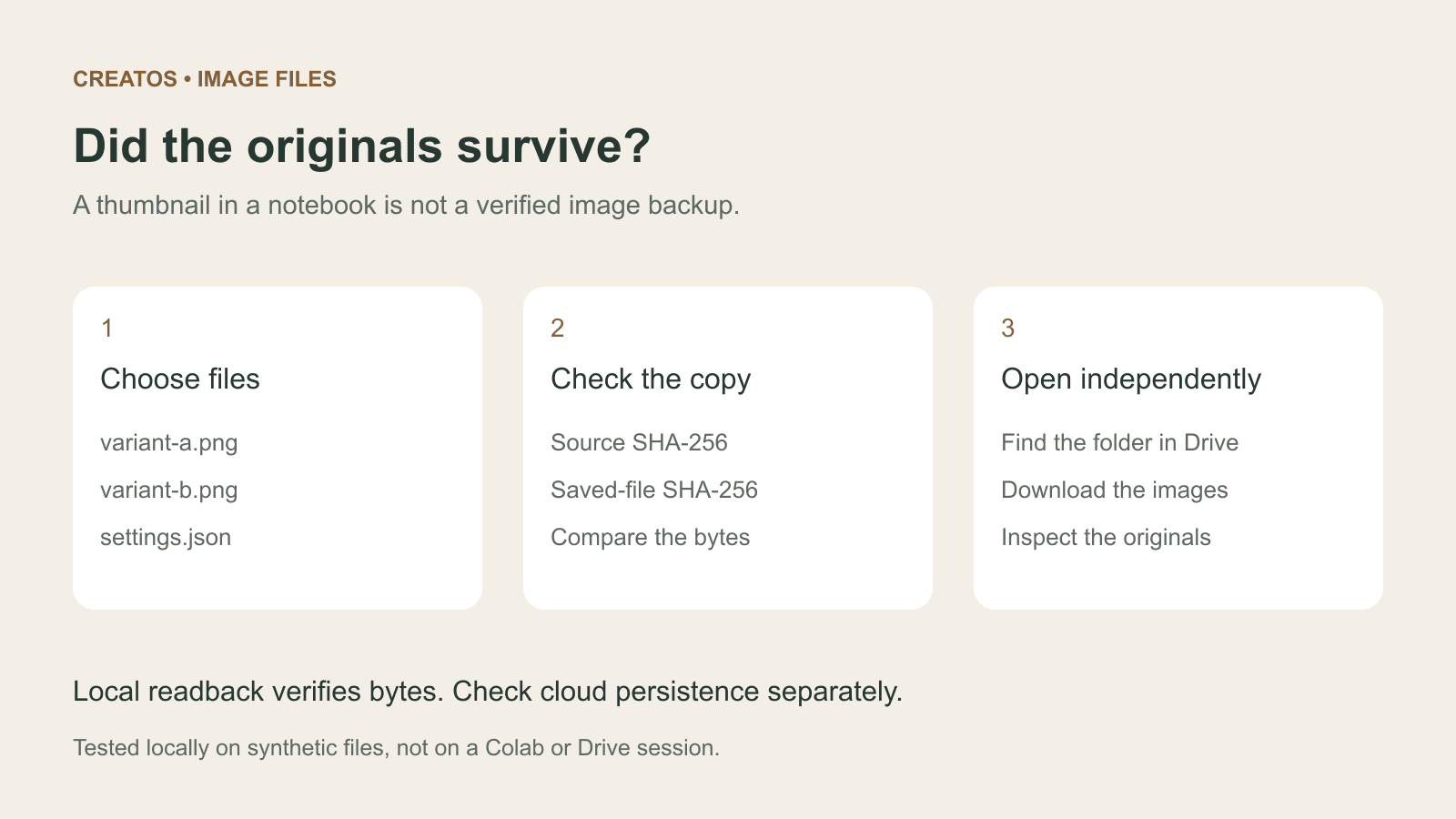
Save Colab images before a runtime reset: verify the copy
Keep generated PNGs and settings outside the Colab runtime. Use a locally tested copy-and-hash helper, then check the files independently in Drive.

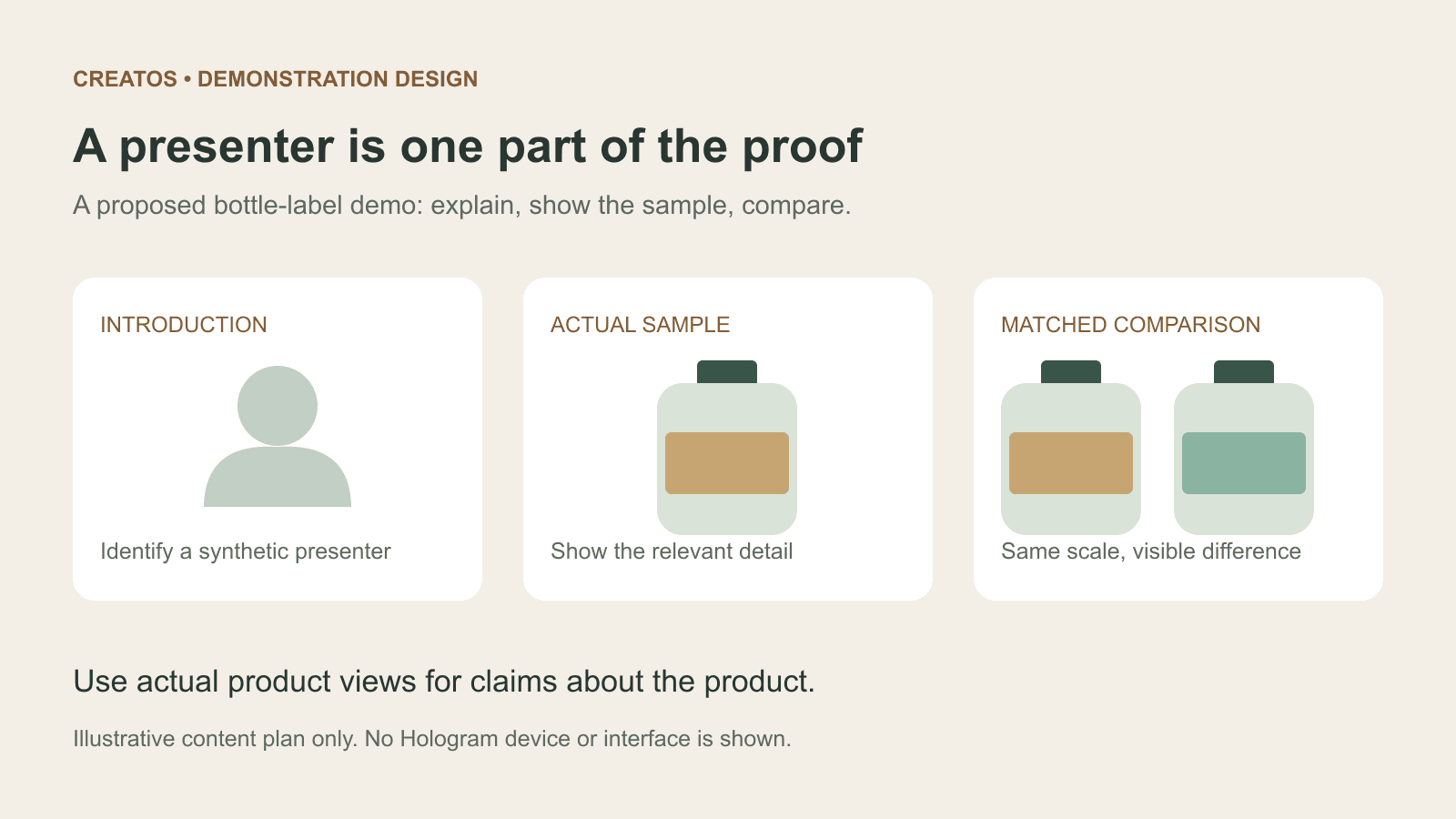
Meta Hologram vs a live camera in product demos
Separate an AI presenter from evidence of a product. A proposed 35-second label demo shows when to use actual photos, screen recordings and captions.
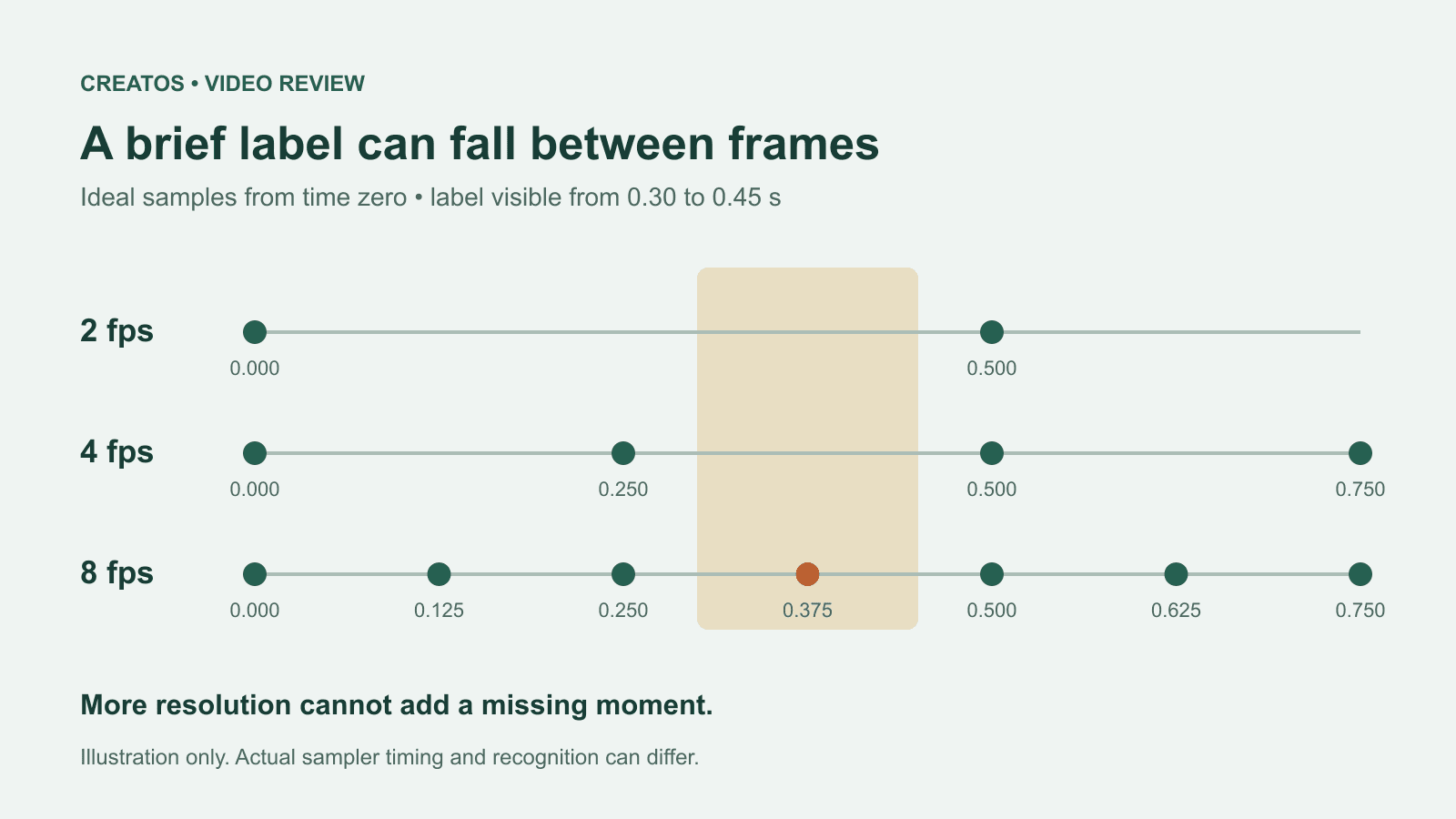
MiMo video review: why short details disappear
A worked sampling example shows why MiMo can miss a brief label, how fps differs from resolution, and what to check before approving a product video.