
AI video character consistency: a three-shot continuity sheet
Plan consistent AI video characters with reference images, a three-shot worksheet and a cut-point review. Includes a fictional courier sequence and repair decisions.
Sources checked:
Prepared with AI assistance and source review on September 16, 2026. Examples are illustrative, not provider benchmark results.
On this page
For consistent characters in AI video, prepare a reference sheet and a shot-by-shot continuity record. Repeating a name in every prompt is not enough: the reference needs to show the traits you expect to survive a new camera angle, action or lighting setup.
Vidu's official reference-to-video material describes using visual references to guide subjects across shots. Its character-consistency guide also warns that outputs can drift and calls for review. Those are provider descriptions, not a guarantee that any particular sequence will work. Vidu reference-to-video, Vidu's continuity guide
An AIHOT item about Vidu S2 prompted this article. Rather than repeat a release summary or claim to have tested that model, we built a planning sheet you can use with a reference-based video tool you already have.
Plan one scene with three shots
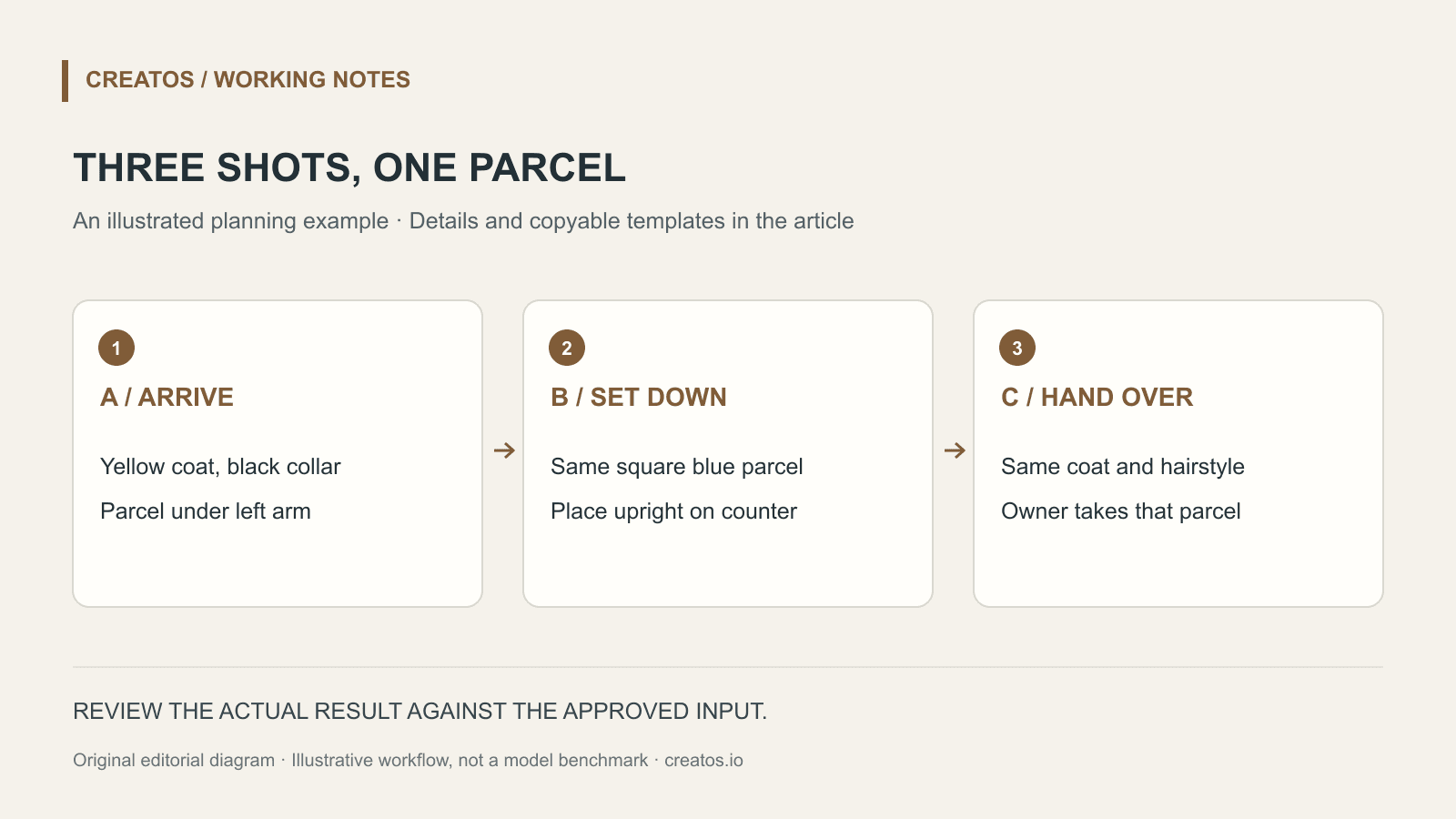
Here is a fictional 12-second sequence: a courier arrives at a workshop, sets down a blue parcel and hands it to the owner. The timings are editorial targets; your generator may offer different clip lengths, so trim or extend in your editor as needed.
The courier has a short dark bob, a yellow raincoat with a black collar and a square blue parcel. Use original or licensed references that show those details. A clear front view and a three-quarter view help you describe what changes with angle. A separate parcel view makes its proportions easier to inspect.
| Shot | Planned duration | Action and framing | Detail to preserve | Transition check |
|---|---|---|---|---|
| A | 4 seconds | Medium shot: courier reaches the door | Black collar; parcel under left arm | Parcel is still under left arm at the cut |
| B | 4 seconds | Close-up: parcel placed on counter | Same blue shade and square proportions | Parcel lands upright, within the next frame's reach |
| C | 4 seconds | Two-person shot: owner accepts parcel | Courier's coat and hairstyle; same parcel | Owner receives the object already on the counter |
The left-arm detail is a continuity decision for this example. It belongs in the shot record even if it feels too small for a creative brief. Without it, two individually attractive clips can contradict each other at the cut.
Separate the fixed reference from the changing action
Save an approved reference set with short filenames such as courier-front-v1.png, courier-angle-v1.png and parcel-v1.png. Keep a text note explaining which set each generated clip used. A filename in a prompt is not an upload: attach the actual images using the generator's supported controls.
For shot A, the instruction might read:
Use the attached courier and parcel references.
Medium shot outside a small workshop in daylight.
The courier approaches the door carrying the parcel under
the left arm. End with the courier paused at the doorway.
Keep the approved coat, collar, hairstyle and parcel design.
No additional props or written text.
For shot B, change the action and framing. Keep the reference set and identity note. If the tool accepts a starting frame, you can test using a suitable frame from shot A, but do not assume every reference mode supports that input or that it guarantees a clean cut.
Review the sequence at its cut points
Start with a contact sheet: the first and last frames of A, B and C, placed in order. Compare the parcel, collar and hair before watching at full speed. Then watch the transitions with sound muted so audio does not distract from a jump in action.
Use a small decision log instead of a vague score:
| Observation | Keep, trim or regenerate? | Reason |
|---|---|---|
| Parcel changes from square to tall in B | Regenerate B | Product identity changes |
| Hand is awkward only after the intended cut | Test an earlier trim | The usable action may still fit |
| C begins with parcel already in owner's hands | Regenerate or rewrite the cut | The handover is missing |
These are hypothetical failures, not observations from a Vidu test. They show why “the face looks similar” is only one part of continuity. Object state and action direction also determine whether the scene reads clearly.
If B fails, change one relevant input first: a clearer parcel reference or a simpler motion. Keep the original settings in the log. Changing identity, lighting and camera motion together makes it harder to tell which change helped.
Save the approved sequence with its evidence
Keep the reference set, prompts, selected clips and decision log together. For an organized review board, Creatos content nodes can hold reference images and text notes beside each other. Use the board to compare the planned shots; assemble and inspect the actual video in your video editor.
This worksheet is an original planning example, prepared on September 16, 2026. It does not report measured character consistency, recommend a particular paid plan or establish current Vidu S2 availability.
Sources
Continue reading
Browse all posts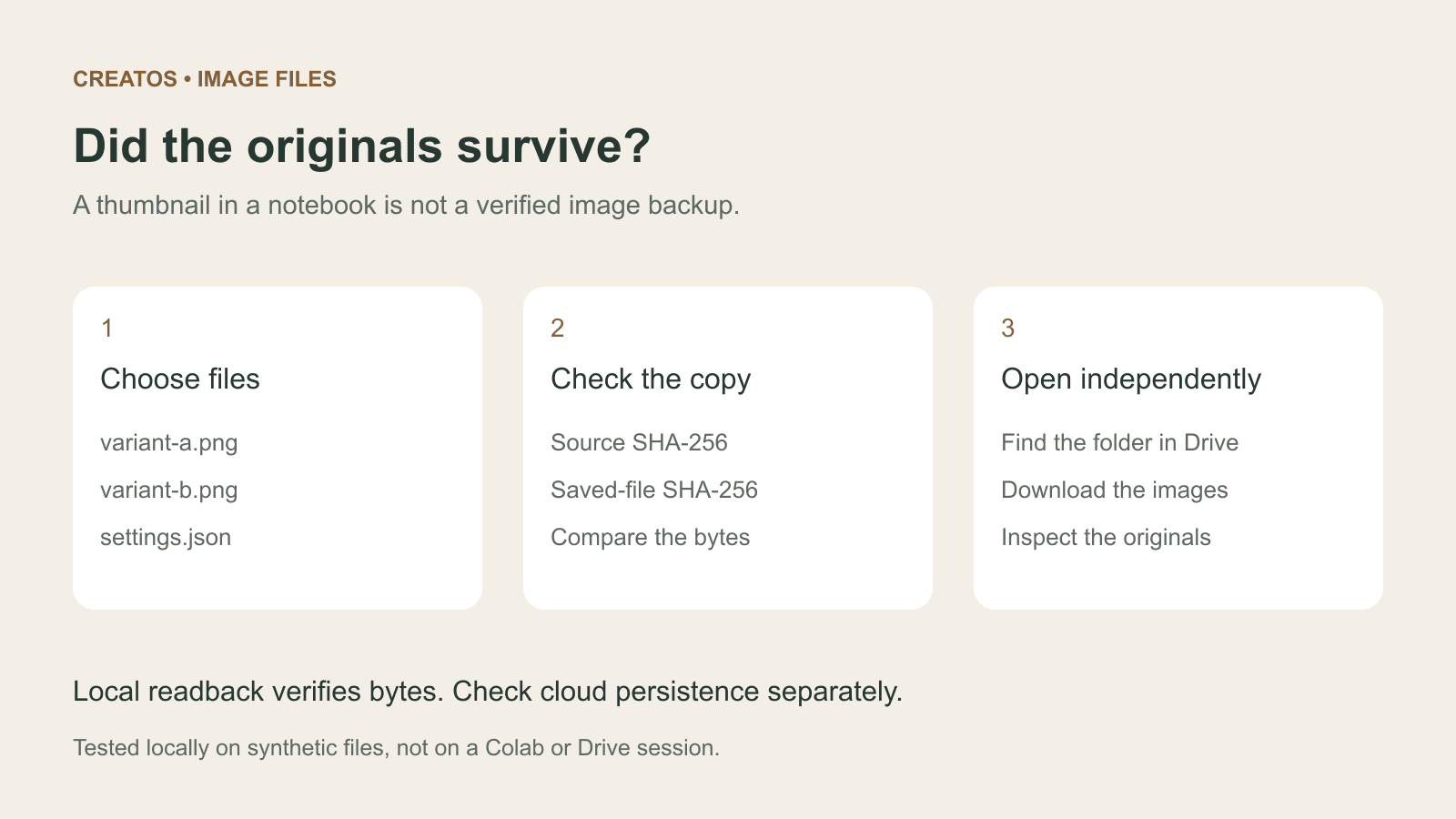
Save Colab images before a runtime reset: verify the copy
Keep generated PNGs and settings outside the Colab runtime. Use a locally tested copy-and-hash helper, then check the files independently in Drive.

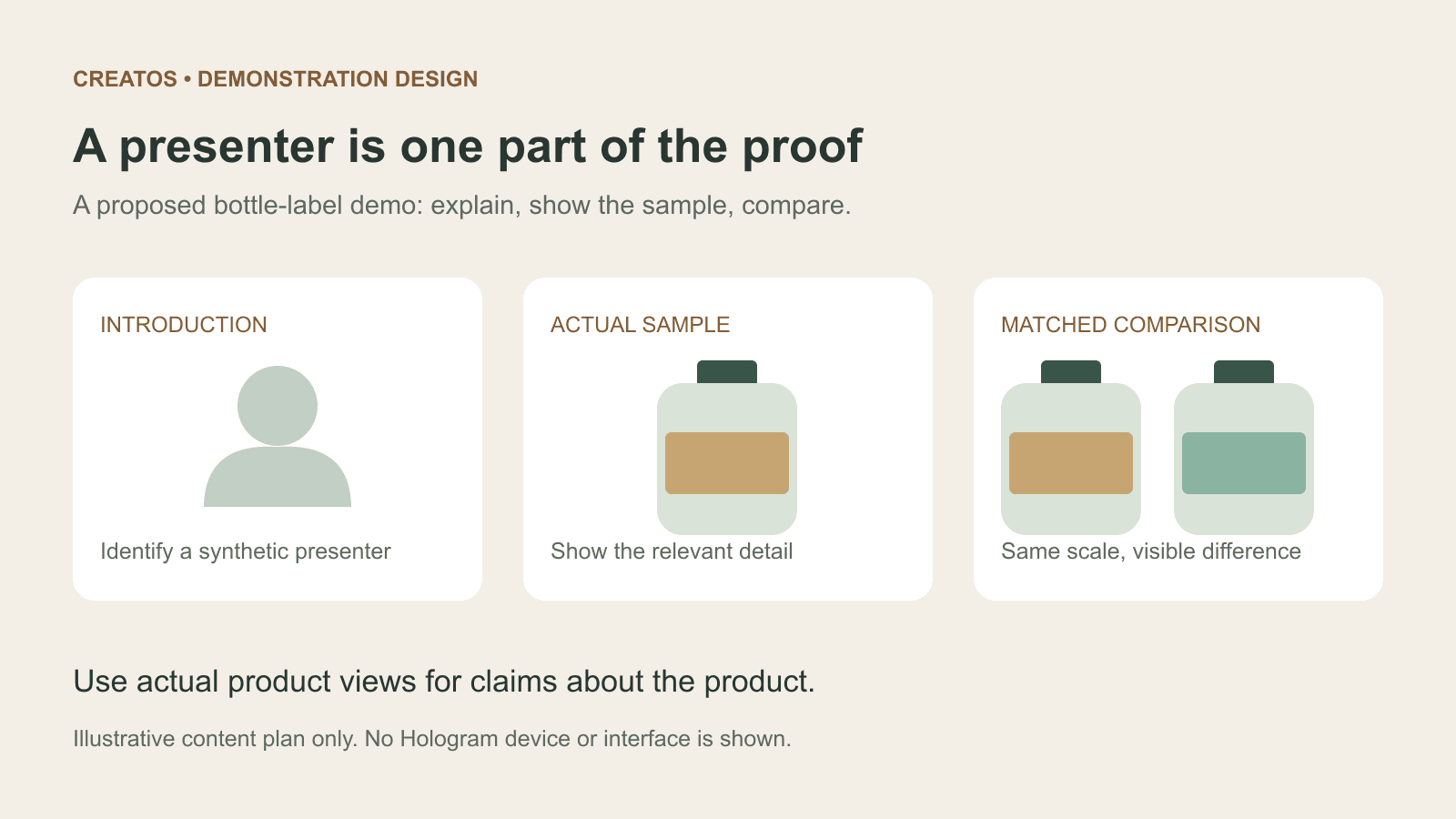
Meta Hologram vs a live camera in product demos
Separate an AI presenter from evidence of a product. A proposed 35-second label demo shows when to use actual photos, screen recordings and captions.
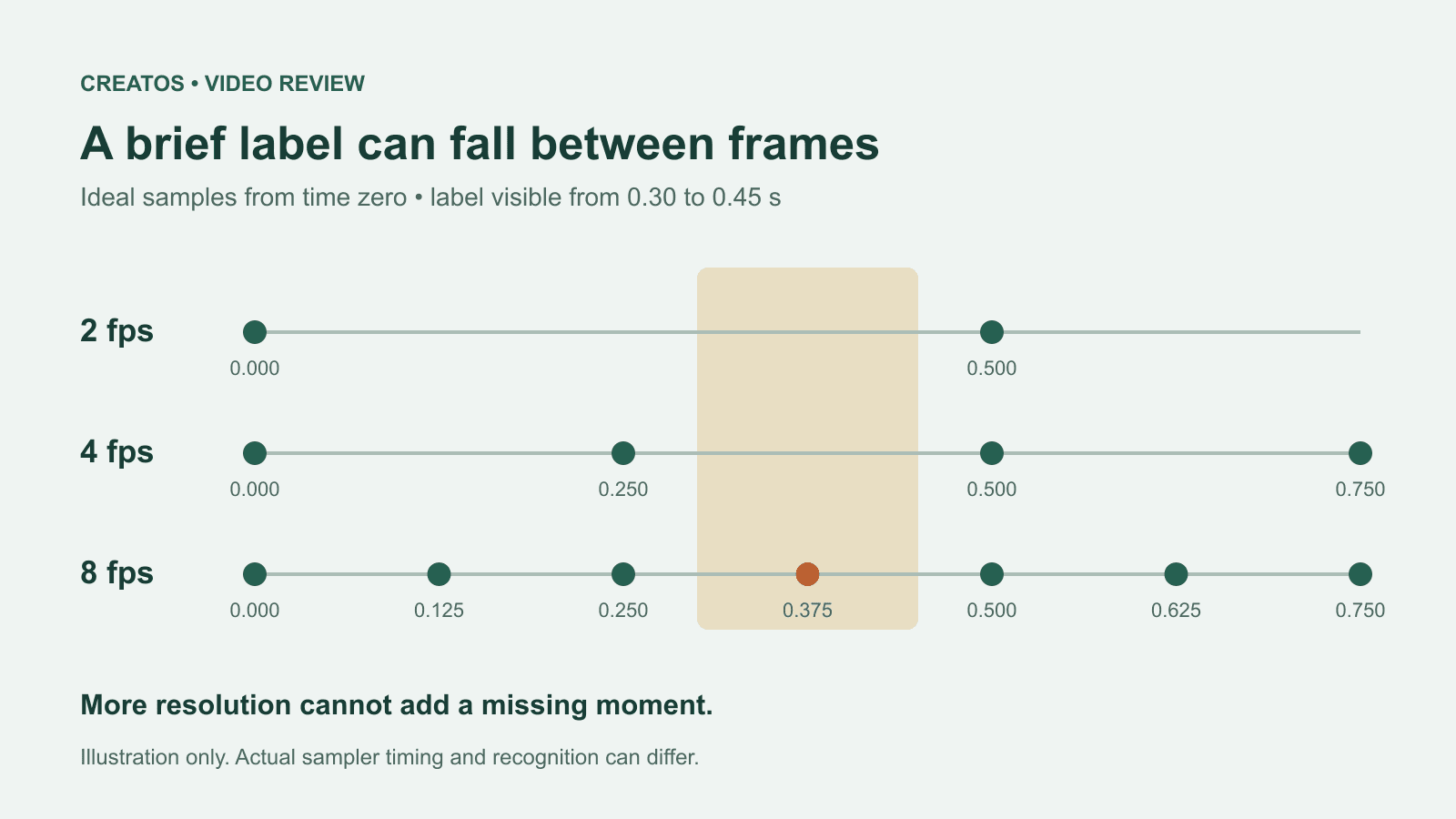
MiMo video review: why short details disappear
A worked sampling example shows why MiMo can miss a brief label, how fps differs from resolution, and what to check before approving a product video.