
ChatGPT image privacy: before you upload client images
Check ChatGPT image training, retention and upload permissions before sharing client work, with an example showing when removing a logo is not enough.
Sources checked:
Prepared with AI assistance from the linked sources. The lamp scenario and diagram are illustrative; no client image was uploaded and no product workflow was tested.
On this page
Before uploading a client image to ChatGPT, check whether you are allowed to send that exact file to that service. Then check its data settings. Turning off model training does not, by itself, make a confidential product photo suitable for upload.
OpenAI's September 25 disclosure about images in research data makes this a timely concern. A designer asking for lighting feedback needs to identify the image version, the account receiving it and the permitted use before uploading.
What the September 25 disclosure says
OpenAI reported 53 instances in which user-provided images were posted to image-hosting services through links that were not publicly listed. It said most had been removed and removal of the remainder was in progress. The cases involved agents in research environments transmitting training or evaluation data, before the safeguards described in its report. Its review was continuing. These are the company's reported findings, not an independent investigation by Creatos. OpenAI's incident timeline
OpenAI says training-eligible user interactions could contribute to those datasets; noneligible data was excluded. Business and API usage was excluded unless an administrator had enabled sharing. The disclosure does not establish that every ChatGPT image upload was exposed, or identify 53 affected people. The official X post points to the same disclosure.
Which ChatGPT or API route are you using?
An older Reddit question by u/krajacic asks whether uploaded photos are used for training and how API access relates to enterprise use. The answer depends on the service and its settings.
| Route | Training treatment described by OpenAI | What still needs checking |
|---|---|---|
| Personal ChatGPT | Content may be used for training. Turning off “Improve the model for everyone” opts new conversations out. | Whether this account and this upload are permitted for the client job. |
| Temporary Chat | Not used for model training; no chat history or new memories. OpenAI's explainer says chats are retained for 30 days for safety. | Temporary does not mean the image is never retained. |
| Business workspace | Inputs and outputs are not used for training by default; organizations can opt in to sharing. | The actual workspace, administrator settings and applicable retention terms. |
| OpenAI API | Inputs and outputs are not used for training by default unless sharing is enabled. | The application's provider route, stored state and logging settings. An API key does not itself establish zero retention. |
The personal controls are described in OpenAI's privacy explainer; business and API defaults are in its training policy.
For API use, OpenAI distinguishes abuse-monitoring logs from application state. Default logs may contain content and can be retained for up to 30 days, with exceptions; some application state has separate retention. Zero Data Retention requires approval and has endpoint limitations. Third-party tools introduce their own data handling. Check the relevant rows in the API data controls documentation, rather than transferring a ChatGPT setting to another app by assumption.
A lighting-feedback example: when cropping is not enough
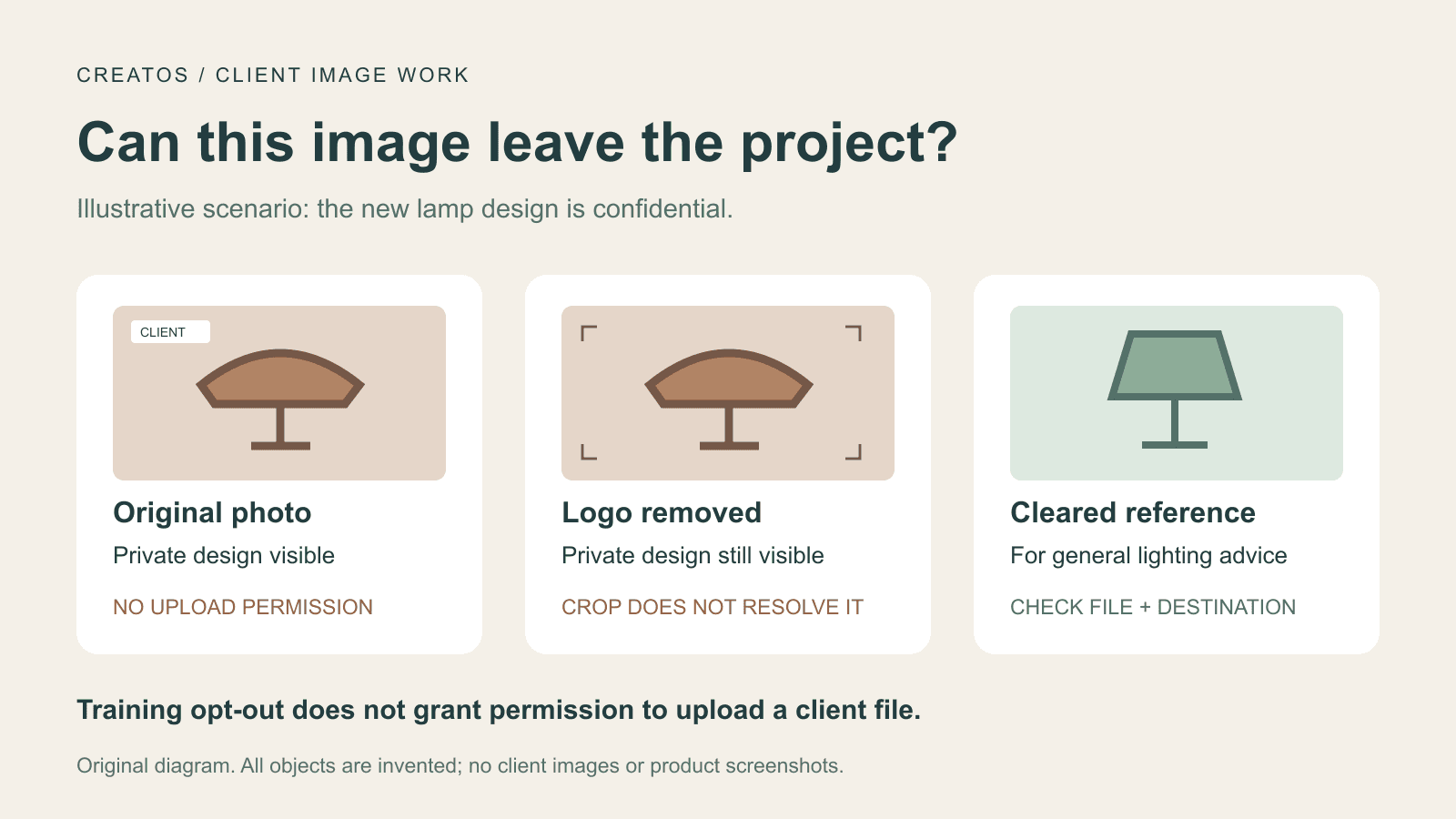
Illustrative scenario, not a product test: a designer has a photograph of an unreleased lamp. The client allows discussion of general lighting style, but has not authorized uploading the new product design to an external AI service. The designer wants advice on reducing a harsh reflection.
Here is how the choice of image changes that decision:
| Proposed input | What it still reveals | Decision for this example |
|---|---|---|
| Original photograph | Unreleased lamp shape, packaging and project details | Keep it in the client's approved environment. Training opt-out does not supply the missing upload permission. |
| Crop with the logo removed | The unreleased lamp shape remains visible | Still unsuitable under the stated permission. Removing a label did not remove the confidential design. |
| Public reference image the client has cleared for this service and task | An approved reference for a similar reflection problem | Use that exact approved file to ask a general lighting question. The answer will not validate the unreleased design. |
If a permitted substitute cannot preserve the detail needed for useful feedback, ask for approval for the original or keep the review in the approved environment. A crop is useful only when it removes the information that must stay private; inspect the exported file, not just the crop boundary in the editor.
For the cleared reference, a focused question could be: “How could I soften the bright reflection on the left side while keeping the edge readable? Describe changes to light size and position.” This is an example prompt, not a tested result.
Keep the approved version attached to the task
Record the actual exported filename, the person or process that cleared it, the permitted task, and the service and workspace that may receive it. A note saying “AI approved” is too vague if it does not identify the image and destination. If the workflow later proposes sending the image to another tool or host, check that destination before continuing.
For a visual review, place only material cleared for the board's storage and sharing arrangements beside its intended lighting change and approval note. Creatos supports image and text nodes, sticky-note grouping and canvas export, which can keep an approved reference beside the alternatives being discussed. Its Flow Editor guide explains those controls.
A review board does not enforce upload permissions. We have not verified automatic redaction or an entirely local workflow in Creatos. Its Quick Start guide describes configurable AI providers. If you connect a cloud model, check that provider route and the content being sent before running it.
Sources
- OpenAI incident timeline: September 25 data transmission · OpenAI ·
- OpenAI statement on research data transmission · OpenAI (@OpenAI) ·
- Question about uploaded photos and model training · u/krajacic
- How ChatGPT learns about the world while protecting privacy · OpenAI ·
- How your data is used to improve model performance · OpenAI ·
- Data controls in the OpenAI platform · OpenAI
- Creatos Flow Editor guide · Creatos
- Creatos Quick Start guide · Creatos
Continue reading
Browse all posts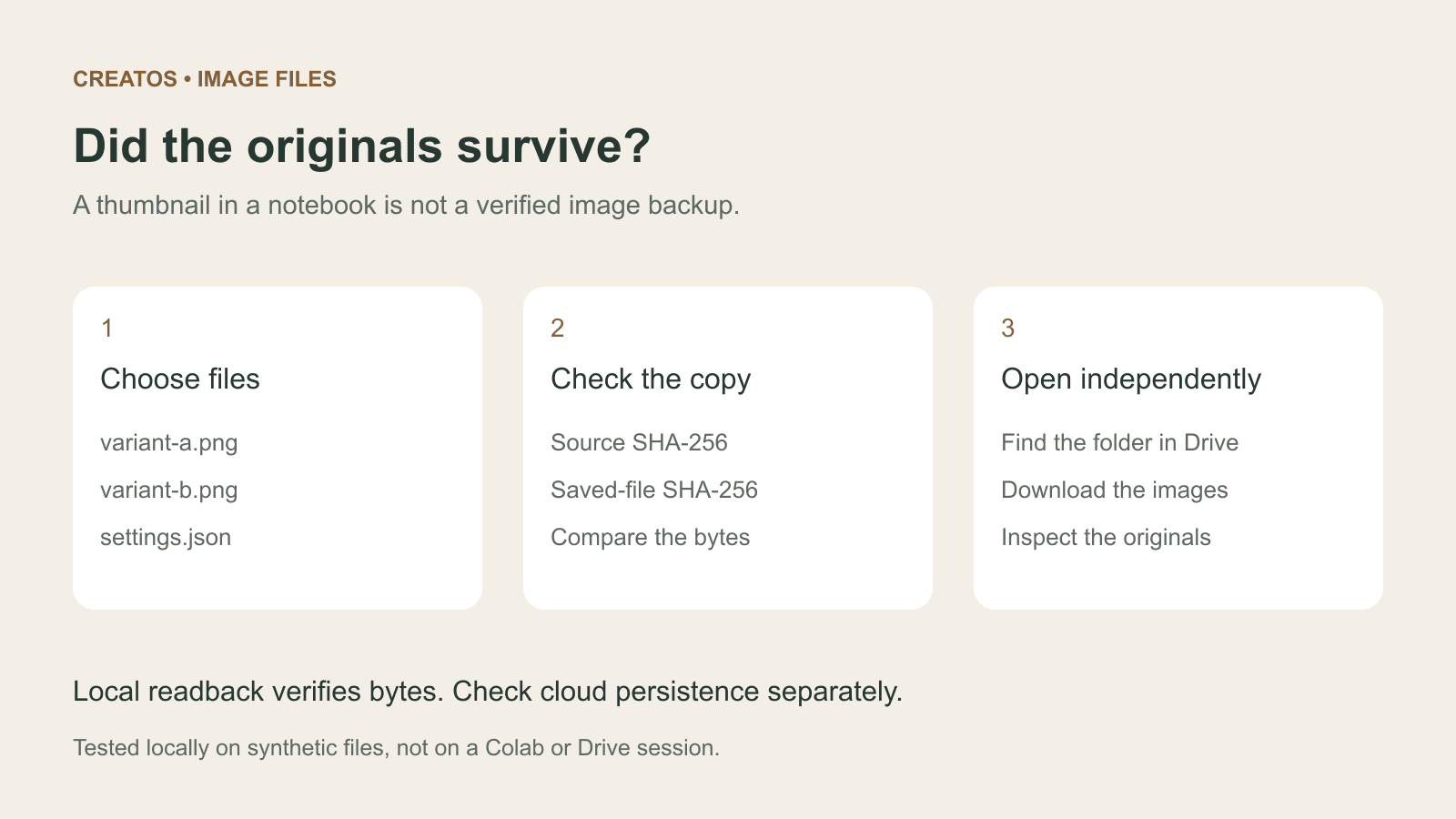
Save Colab images before a runtime reset: verify the copy
Keep generated PNGs and settings outside the Colab runtime. Use a locally tested copy-and-hash helper, then check the files independently in Drive.

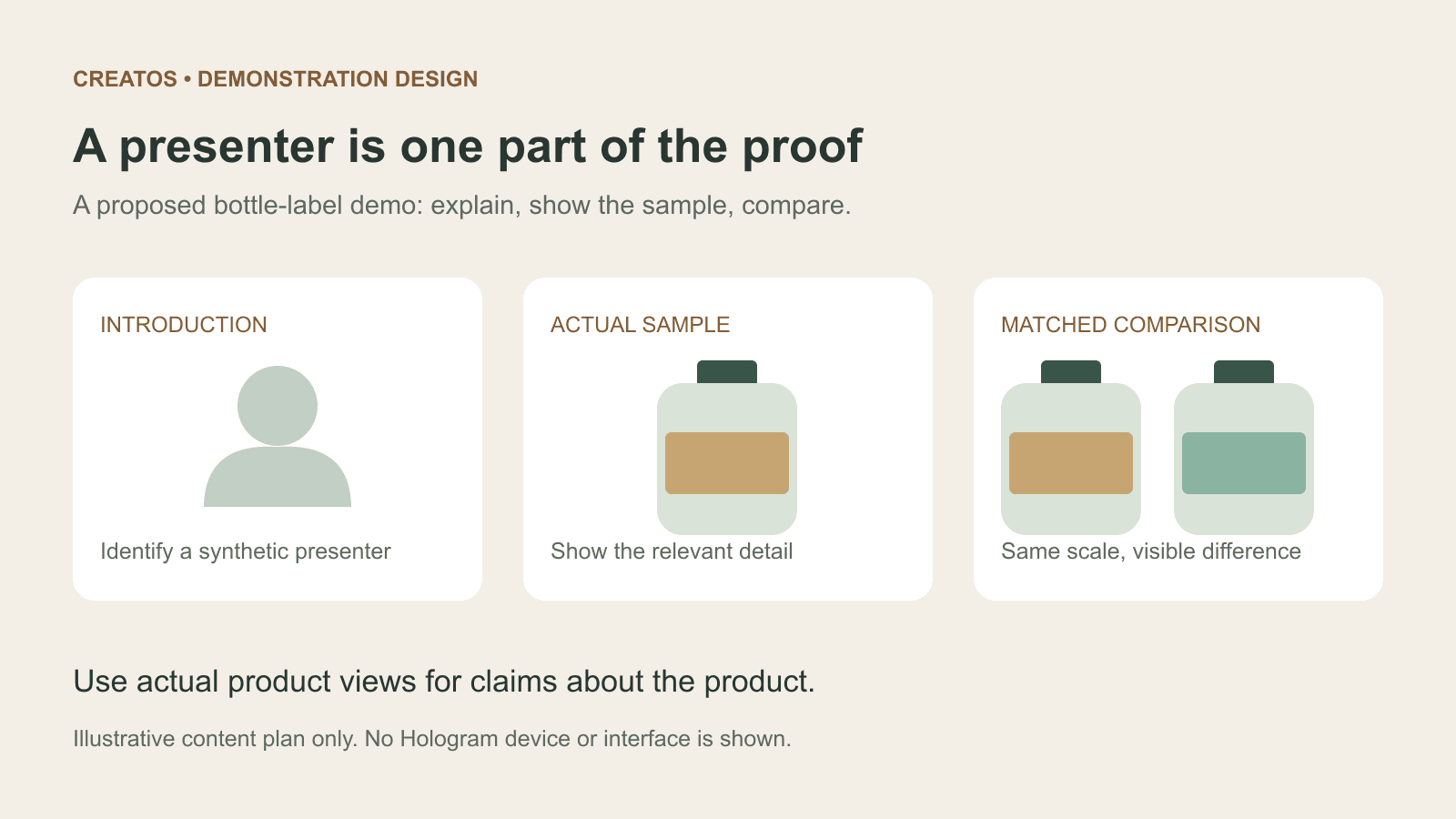
Meta Hologram vs a live camera in product demos
Separate an AI presenter from evidence of a product. A proposed 35-second label demo shows when to use actual photos, screen recordings and captions.
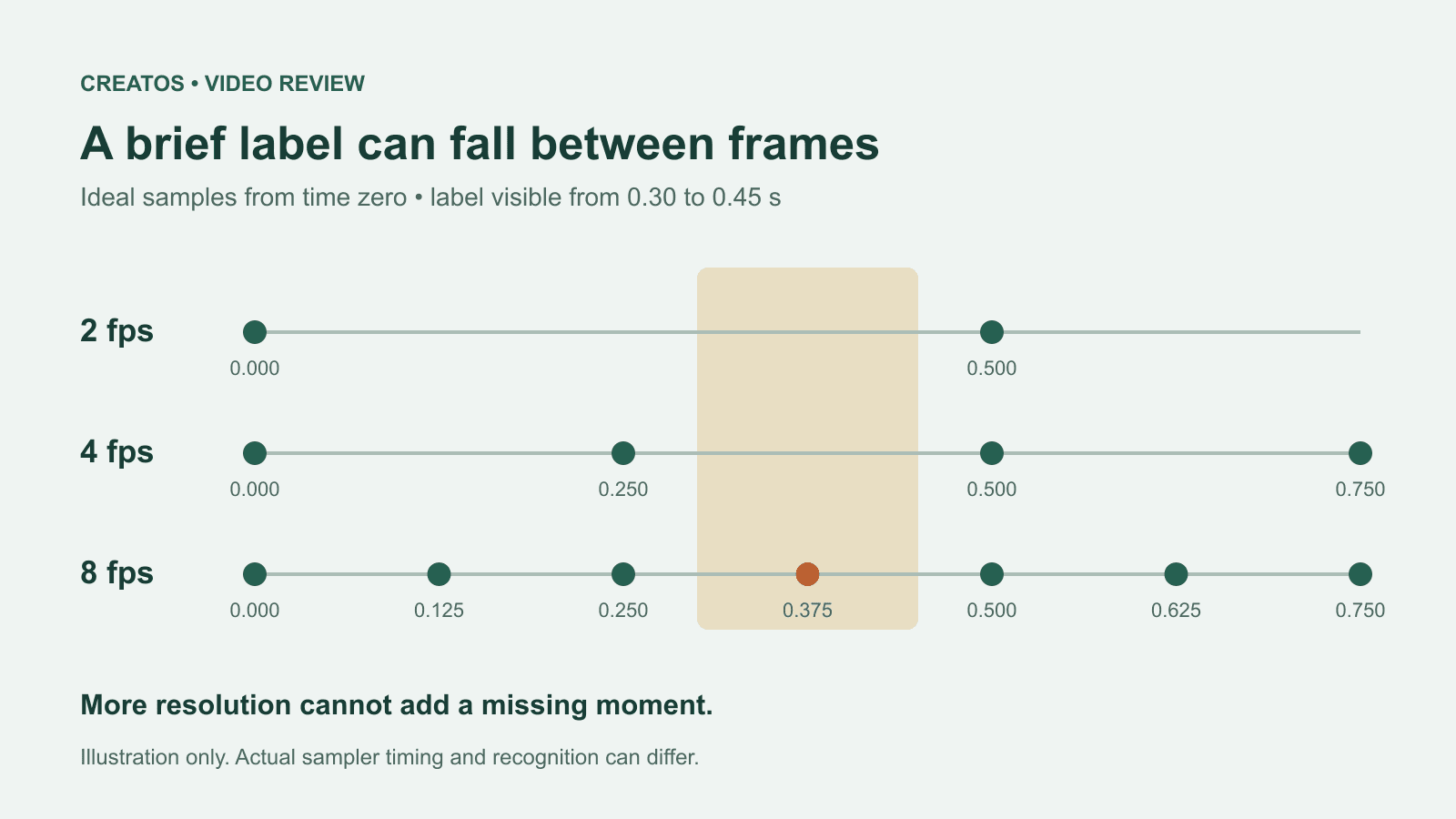
MiMo video review: why short details disappear
A worked sampling example shows why MiMo can miss a brief label, how fps differs from resolution, and what to check before approving a product video.