
Build a useful Claude brand-review skill before packaging a plugin
A proposed four-case test for a Claude brand-review skill: correct artwork, wrong wording, missing references and optional style preferences.
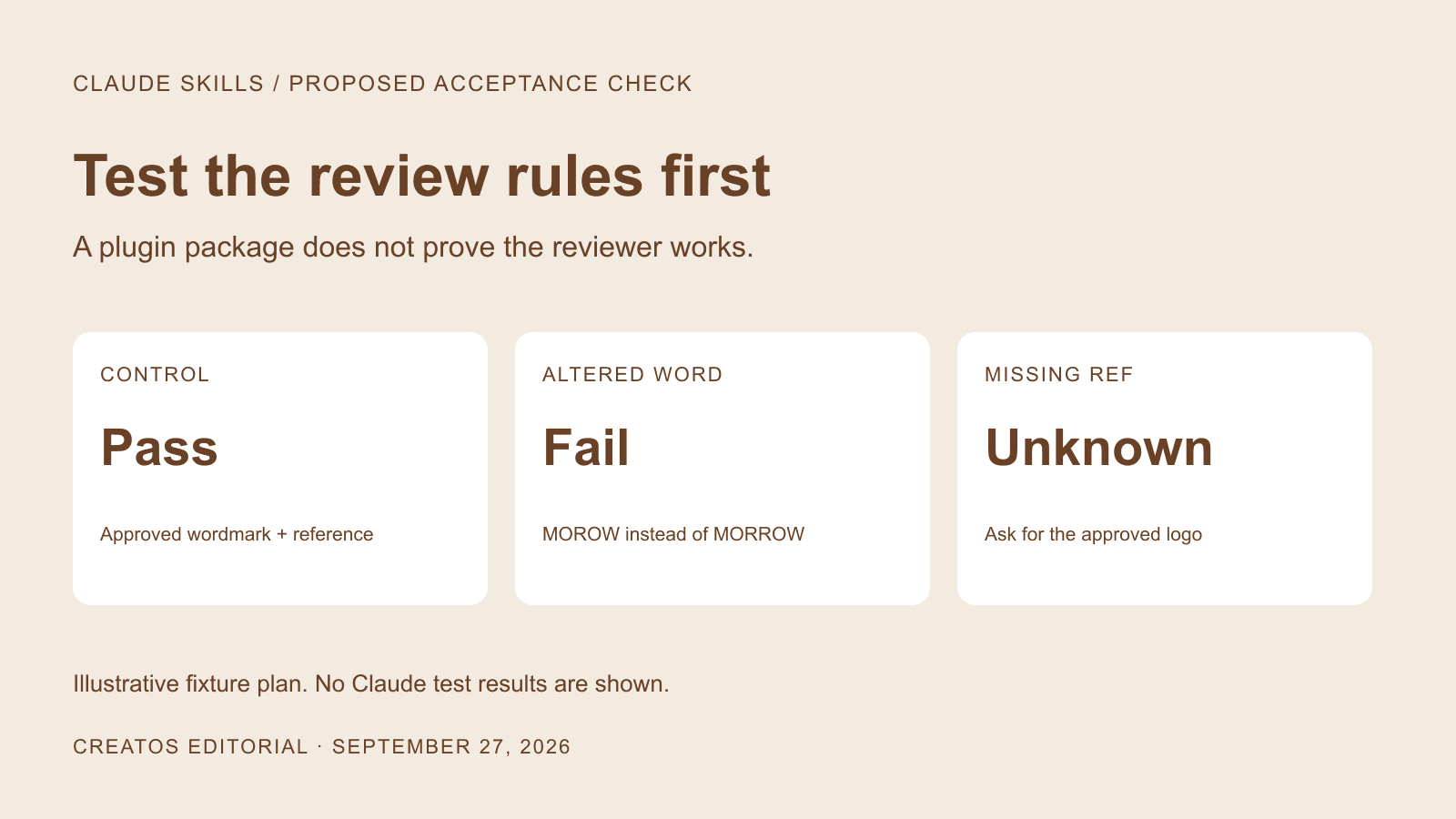
Sources checked:
Prepared with AI assistance and reviewed against linked sources. The fictional brand and acceptance fixtures are illustrative; this plugin workflow has not been executed.
On this page
A reusable Claude brand-review skill needs a small set of known examples before a team can judge whether it helps. Start with an approved design, an intentional mistake and a missing reference. Check whether the review distinguishes them before using its answers to approve real client work.
Claude's September 25 plugin announcement describes plugins as packages of skills, connectors or both. Packaging makes a workflow easier to distribute, but the review rules still need to be specific enough to check. Existing skills do not have to be rebuilt simply because the plugin portal exists.
The example below is a proposed acceptance plan for a fictional studio called Morrow. We have not installed this plugin or run these fixtures through Claude. The expected answers come from the brief, so you can compare them with the answers your own setup produces.
Decide what stays fixed
Suppose Morrow is reviewing a set of launch posters. The permanent rules are: reproduce the approved brand word exactly, preserve the supplied logo's proportions, and flag required references that are missing. The current offer, dates and selected logo file belong to that specific project.
| Material | Suggested home | Why |
|---|---|---|
| Review procedure and meaning of pass, fail and unknown | Skill instructions | The team should apply the same rules across projects |
| Approved logo, exact offer text and required date | Current project input or an authorized connector | Old campaign facts should not become permanent rules |
| Skills plus any needed connector configuration | Plugin package | A package can distribute the workflow together |
| Candidate poster and version label | Each review request | Findings must refer to the image actually submitted |
This is a proposed division of responsibilities. Claude's Cowork customization tutorial describes adapting plugin instructions, references and tools to a team's work. It does not establish that any particular brand-review checklist will be reliable.
Four fixtures with expected answers
Use the original demonstration images below, or make your own cases with cleared artwork. Change one condition at a time. Keep the expected answers in a separate key, not in the image you submit for review.
| Fixture | Deliberate condition | Expected result |
|---|---|---|
| A: approved control | Supplied logo and required wording are unchanged | Pass the specified checks |
| B: wrong word | Brand text reads MOROW instead of MORROW | Fail the exact-wording check; identify the affected text |
| C: missing reference | Candidate includes a logo, but the approved reference is withheld | Mark logo comparison unknown and request the reference |
| D: preference only | All requirements are met; reviewer would prefer a warmer background | Pass requirements; keep the color suggestion optional |
Fixture C exposes answers made without the required reference. Fixture D catches a different problem: turning a stylistic preference into a required correction. Neither should disappear inside a single overall score.
Use a response format you can inspect quickly:
Review this candidate against the supplied requirements and references.
For each requirement, return:
- Requirement and its source
- Candidate filename/version
- Visible evidence: the relevant word or image region
- Result: pass, fail, or unknown
- Smallest necessary correction, if any

If a reference is missing or text is unreadable, say what is missing.
Keep optional aesthetic suggestions separate from requirement failures.
Do not approve a logo match without the approved logo reference.
That text is a starting instruction, not a ready-to-install plugin. Your package will still need the files and configuration required by the environment where you use it.
Use these original test images
We made this fictional wordmark and two poster files for the example. You may reuse them for your own review tests. They are deliberately constructed inputs, not Claude outputs.


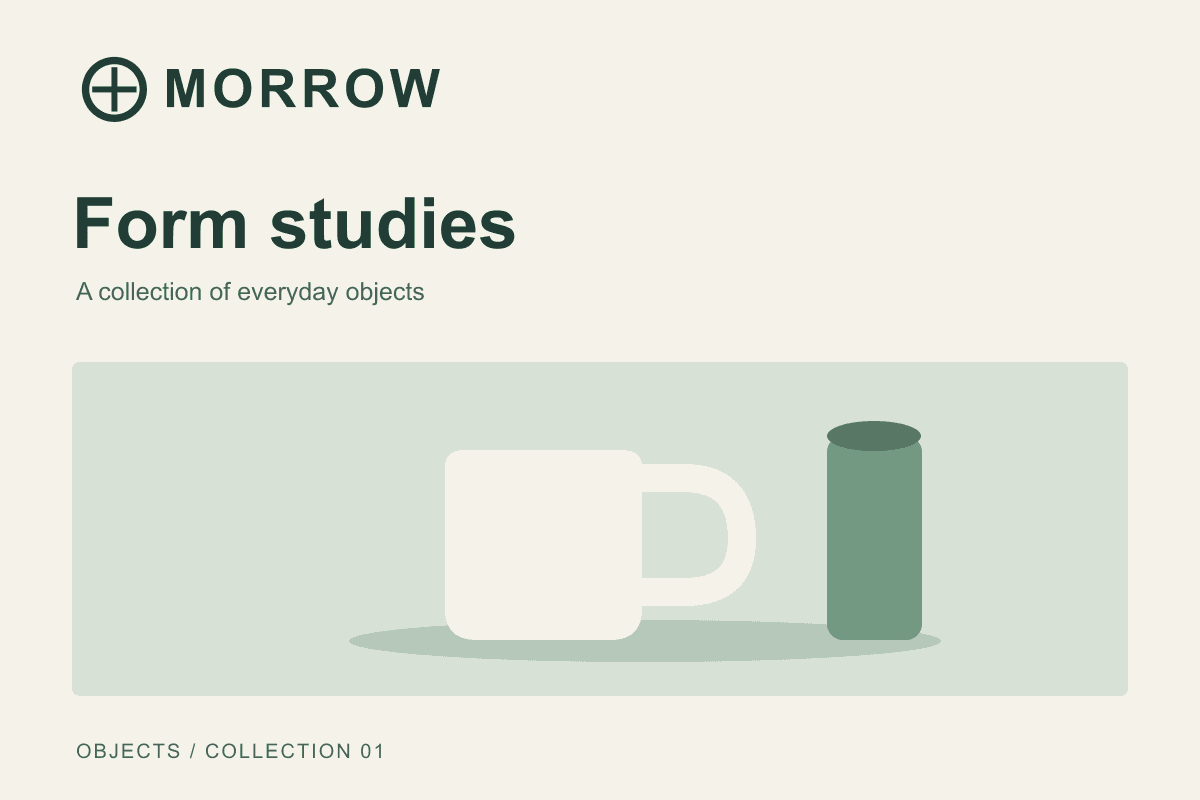
Open case A. Submit it with the reference for the control. For case C, reuse this same poster but withhold the logo reference. Supply the required brand spelling in the written brief so the missing evidence concerns the visual logo comparison.
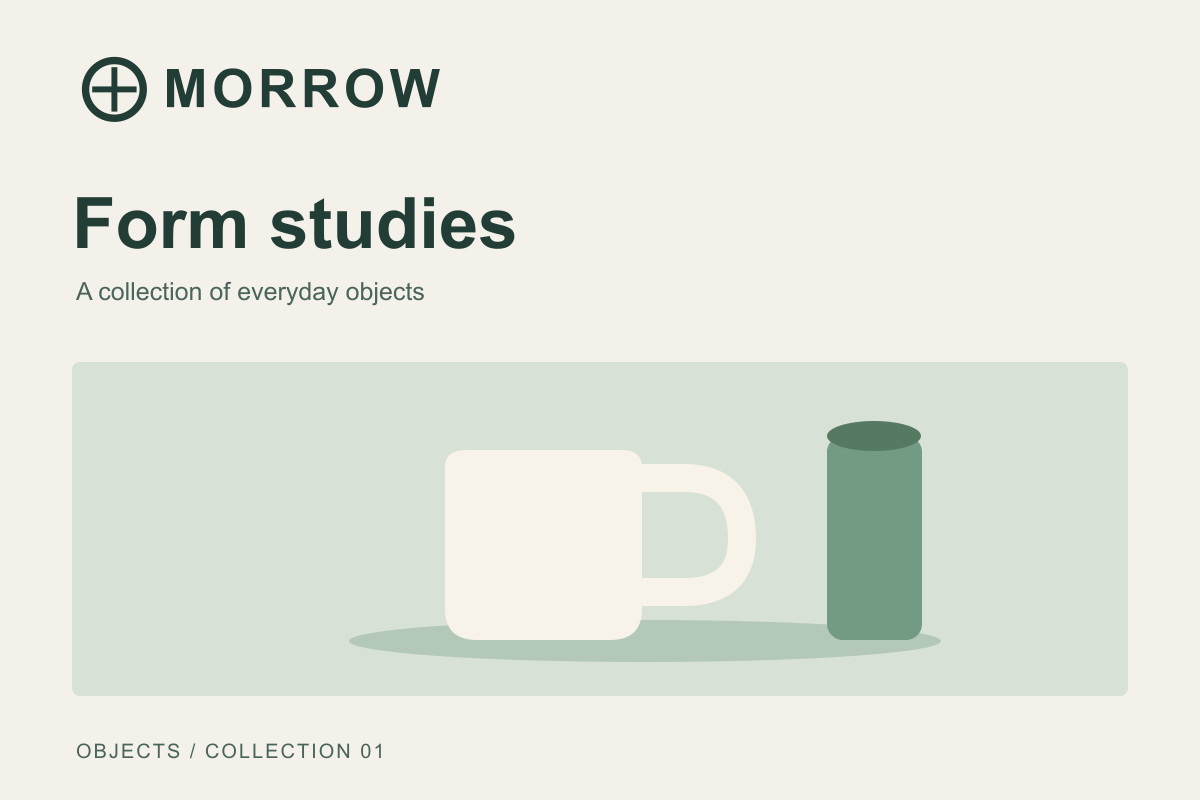
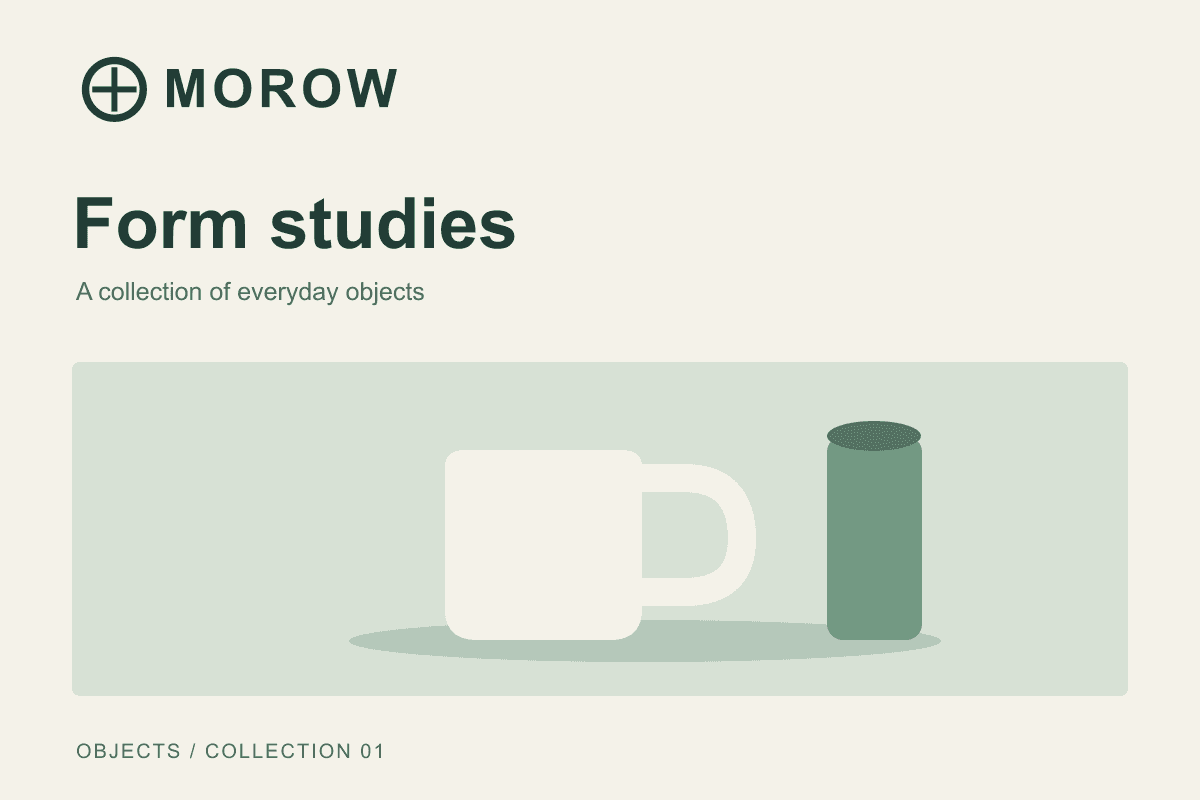
Open case B. The only intentional change from A is the brand spelling. For case D, reuse A with the reference and ask about a warmer background as an optional preference; the brief imposes no required background color.
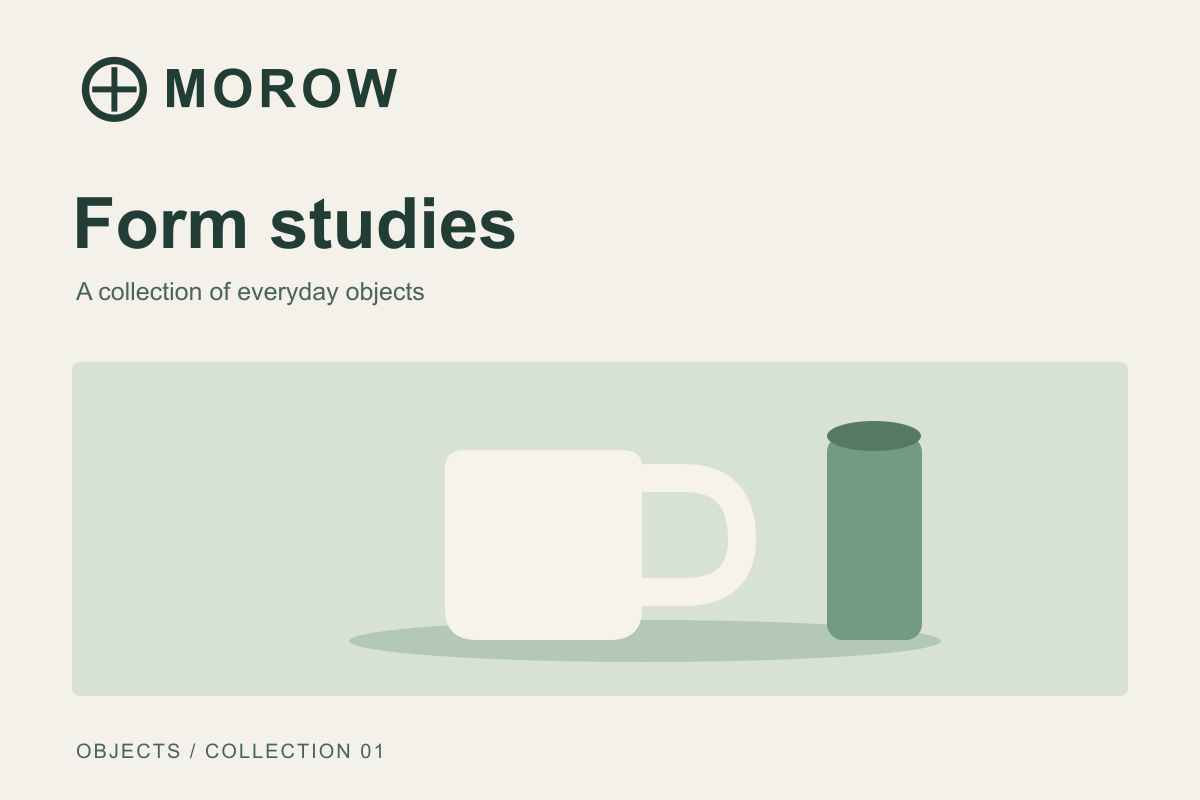
Send the individual PNGs, not a screenshot of this article: the surrounding captions reveal the expected answers.
Read the failures before adding more rules
Run the four cases in fresh sessions using the same model and settings. Record the observed answers beside the expected ones. Repeat a case when an answer varies; one correct response does not establish reliability.
If B passes, check whether the submitted text is readable and whether the exact-wording rule is explicit. If C passes, tighten the instruction about missing references. If D fails, separate required criteria from suggestions. Keep the original fixtures after editing the skill so you can see whether a fix breaks a case that previously worked.
Avoid treating the name of a UI section as evidence that a skill is active. In a public discussion, u/cranshinibon reported seeing the same uploaded skills presented differently across two accounts. That is one user's report, not a confirmed rule for all accounts. Check the instructions and references available in the session you are actually testing.
Keep references and results easy to compare
A visual board can place the approved asset beside each fixture, with the expected answer and observed answer in separate text blocks. Creatos's flow editor supports image and text nodes, grouping and PNG exports, for arranging this comparison. Keep the answer key out of the exported image submitted for testing.
The board is a review artifact. It does not establish a native Claude plugin connection or turn an AI judgment into final client approval. Once the fixtures behave acceptably, try a real project with a human reviewer and keep the ambiguous cases for the next version of the test pack.
Sources
Continue reading
Browse all posts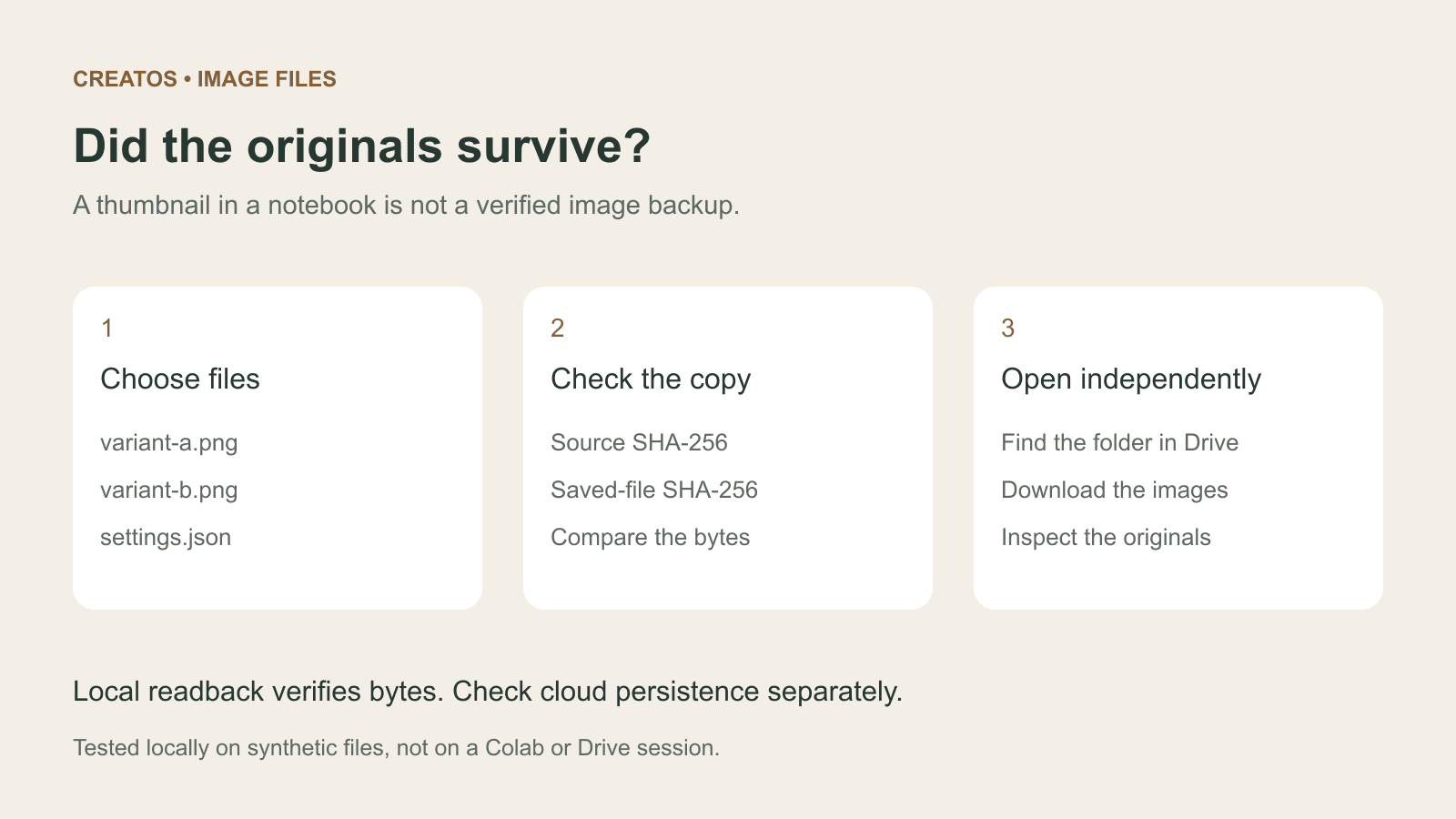
Save Colab images before a runtime reset: verify the copy
Keep generated PNGs and settings outside the Colab runtime. Use a locally tested copy-and-hash helper, then check the files independently in Drive.

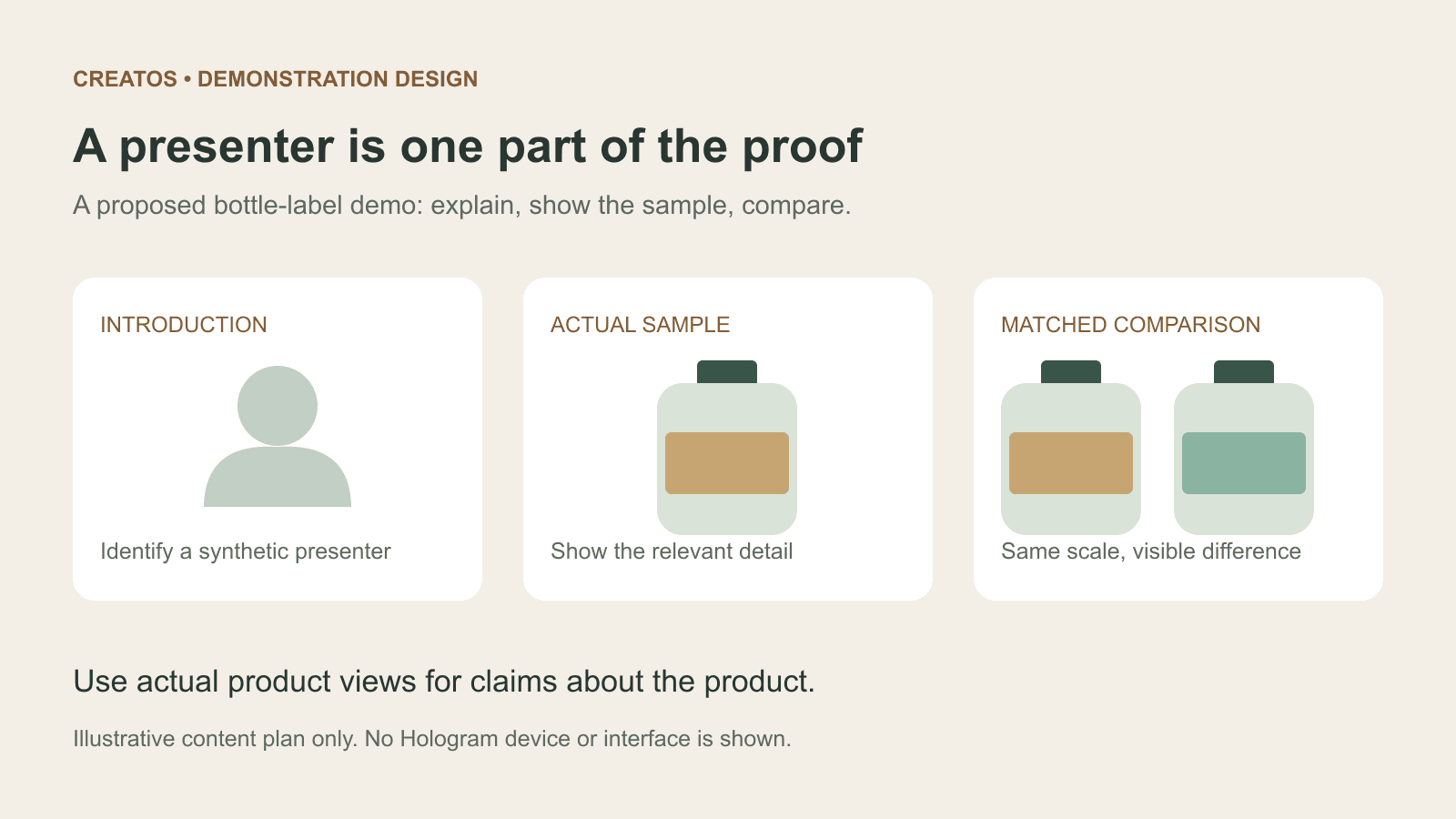
Meta Hologram vs a live camera in product demos
Separate an AI presenter from evidence of a product. A proposed 35-second label demo shows when to use actual photos, screen recordings and captions.
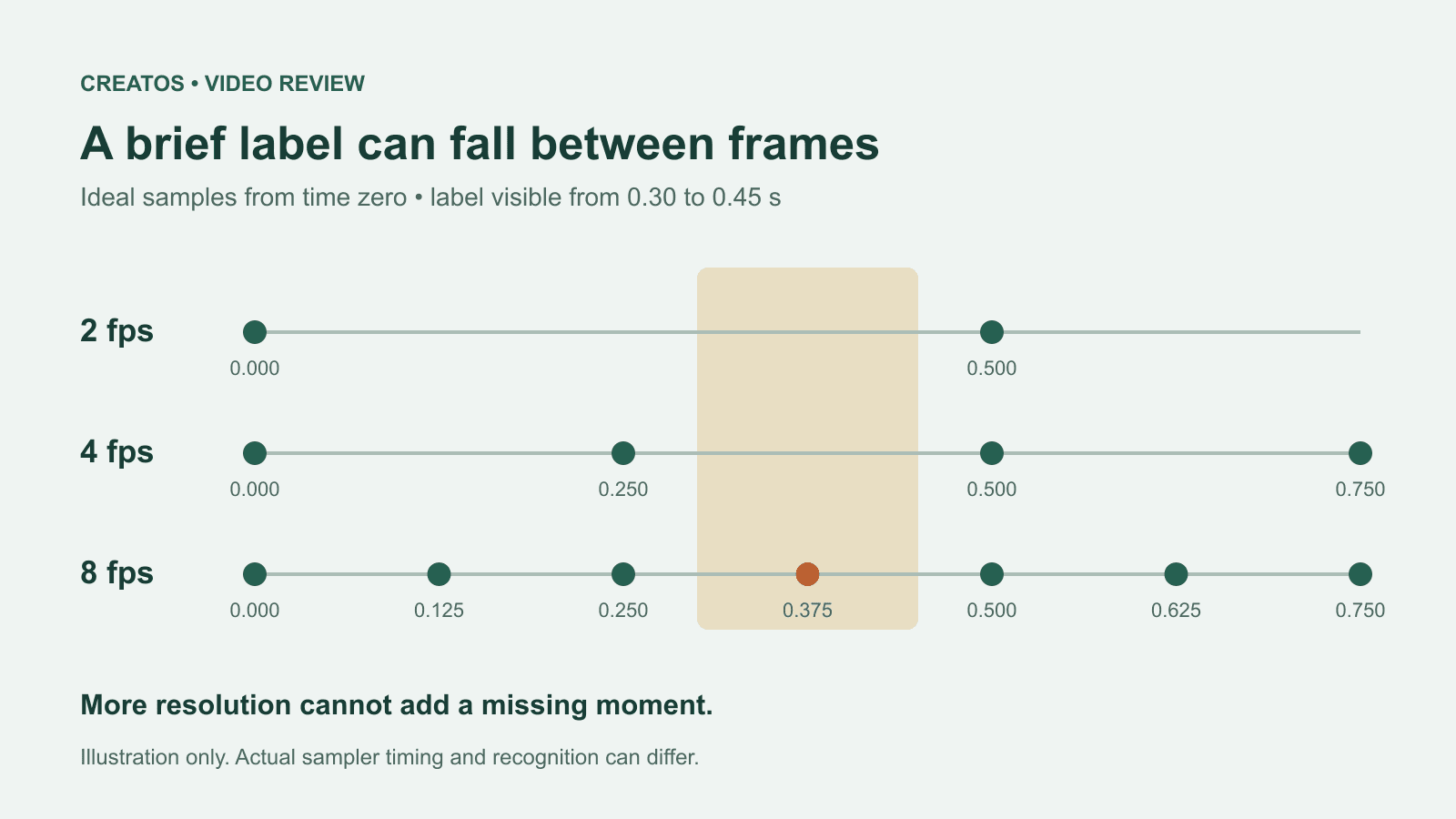
MiMo video review: why short details disappear
A worked sampling example shows why MiMo can miss a brief label, how fps differs from resolution, and what to check before approving a product video.