
Marble exports: splat, collider or textured mesh?
Choose the right Marble asset for appearance, collisions or polygon editing. A gallery example separates visual approval from walking and object interaction.
Sources checked:
Prepared with AI assistance from linked sources. The gallery handoff is a constructed example; no Marble generation, engine import or collision test was performed.
On this page
A Marble splat preserves the generated scene's appearance. A collider mesh supplies coarse physical boundaries, while a high-quality textured mesh provides a visible polygonal asset for a 3D application. A file ending in .glb can serve either of the last two purposes, so the extension alone does not tell you what you have.
World Labs announced on September 28 that it is joining AMD. For creators assessing Marble, the immediate question is which export fits their project. The choices below follow the current product documentation.
Match the export to the job
| What you need | Starting asset | What to confirm before handing it over |
|---|---|---|
| Preserve the generated environment's appearance | Gaussian splat | The receiving viewer supports the exact format, and the intended camera path looks acceptable. |
| Stop a walking camera passing through a wall | Collider mesh | Its boundaries line up with the visible scene; doorways remain passable. |
| Render or modify polygon geometry in a 3D application | High-quality mesh | The export includes the kind of color data your application expects, and its geometry survives close inspection. |
| Move one painting independently of its wall | A separately addressable object | The delivered scene actually exposes that object, or someone has prepared it separately. Do not infer this from a world-level export. |
World Labs describes splats as Marble's highest-fidelity representation and distinguishes coarse collider meshes from detailed visual meshes. Its Marble overview explains these output roles.
The mesh export documentation is more specific: collider export is included with Standard, while high-quality mesh export requires Pro. The latter is an offline generation step that can take up to an hour. The documented outputs include an approximately 600,000-triangle mesh with texture maps and an approximately one-million-triangle mesh with vertex colors. Those are different ways of carrying appearance; check which one your receiving workflow needs.
The same documentation warns of reconstruction artifacts, especially around thin structures, reflective or transparent surfaces and poorly covered areas. Selecting the high-quality option therefore does not establish that a particular railing or doorway is usable.
A gallery walkthrough needs three different answers
Consider a proposed virtual gallery: visitors walk through a room, look at framed artwork and select a painting to open its description. This is a constructed handoff example, not a Marble project we generated or imported.
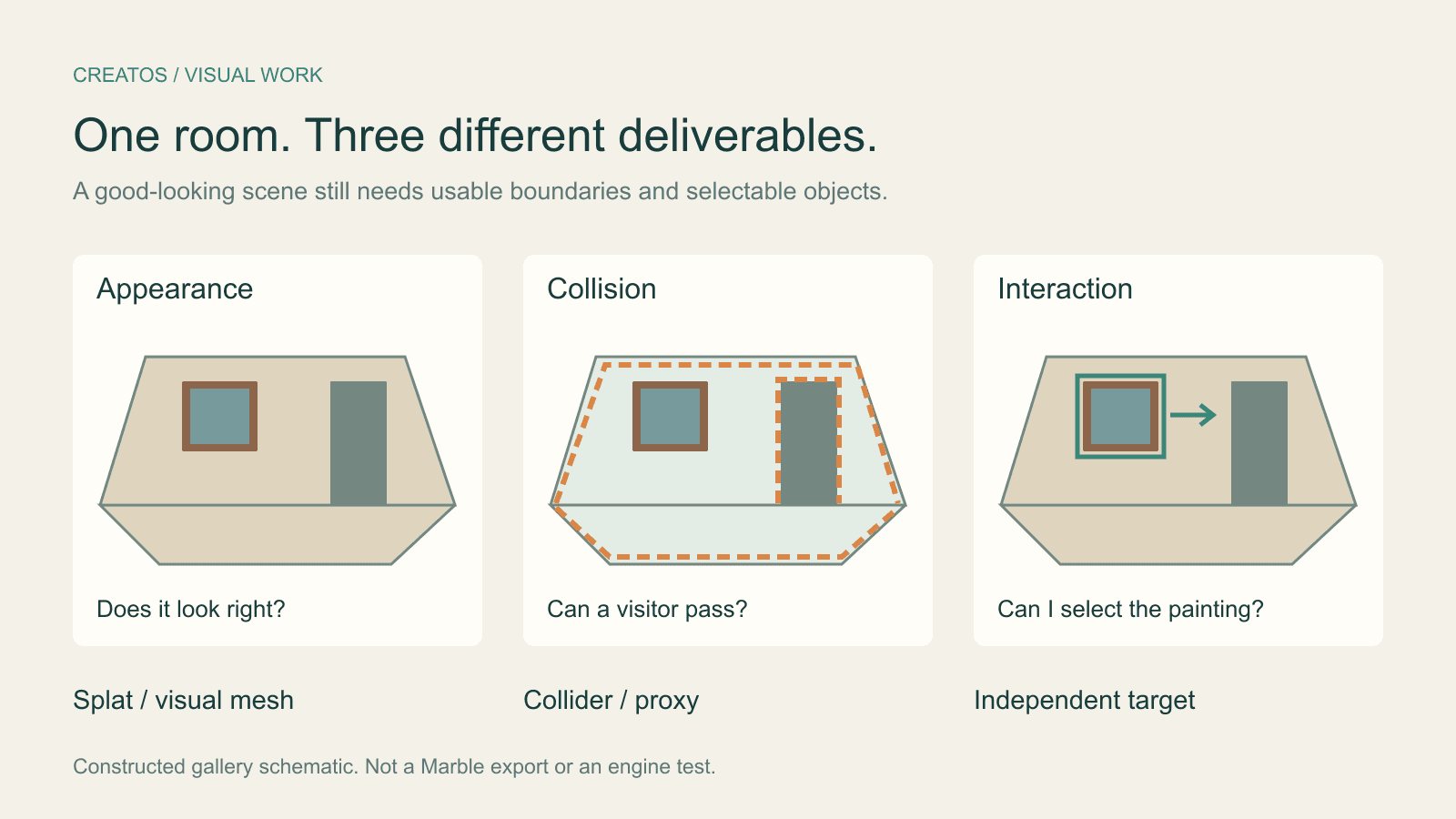
A successful beauty render answers whether the room looks suitable. It does not answer whether a visitor collides with the wall, or whether the framed artwork can be selected independently.
Separate the deliverables before approving the scene:
| Deliverable | Concrete acceptance check | If it fails |
|---|---|---|
| Visible room | Capture the entrance, approach to the first painting and the closest allowed viewing position in the actual receiving viewer. | Change the route, fix the affected area or choose a different environment. |
| Walking boundaries | Show the collision geometry over the room. Check floor contact, wall alignment and passage through the doorway. | Adjust or replace the collision proxy without assuming the visual export must also be replaced. |
| Selectable artwork | Select the painting, move it temporarily and confirm the wall stays put. Restore its position after the check. | Prepare a separate artwork object or interaction target; a world mesh alone has not met this requirement. |
Keep these checks separate even if the files arrived in one download. For example, a doorway can look correct while an oversized invisible collider blocks it. Improving texture resolution will not fix that boundary.
There is a documented route for authoring a simpler proxy. World Labs' Collider Builder showcase, credited to Ian Curtis on its product team, describes drawing boxes, spheres and cylinders over a splat scene and exporting the geometry as GLB. That supports the option of creating collision geometry separately. We have not tested that tool or verified a particular game-engine import.
Ask for the receiving-app view
In an earlier Hacker News discussion, jtfrench asked for low-poly geometry, texture maps and separately exported objects for game work. Another commenter, ehnto, questioned which output could actually be interacted with. These are individual requirements from a historical discussion, not evidence that current Marble exports always lack those capabilities.
For a handoff today, make the requirement visible. Ask the person preparing the scene for an image of the receiving application's result, plus the asset name and export type. A useful note could read:
Gallery entrance, revision 4
Visual asset: gallery-r4, Gaussian splat, exact exported format recorded
Collision asset: gallery-r4-walk, collider GLB
Artwork: painting-01, independent object or interaction target
Review views: entrance / doorway / closest allowed view
Unresolved: verify that the painting can be selected independently
This is a proposed handoff note. Replace every description with the actual files and observed results; it is not an exported Marble manifest.
Creatos image and text nodes can put the receiving-app render beside a collision-overlay screenshot and the unresolved requirement. That gives the reviewer a visual explanation of what is approved. The 3D import, collision editing and interaction checks take place in the relevant 3D tools.
Before accepting an export, open it where it will be used. Verify its appearance and behavior there.
Sources
- World Labs joining AMD · World Labs @theworldlabs
- Marble world model and export types
- Marble mesh export
- Collider Builder showcase
- Developer requirements for Marble export · jtfrench and ehnto
- Creatos content nodes
Continue reading
Browse all posts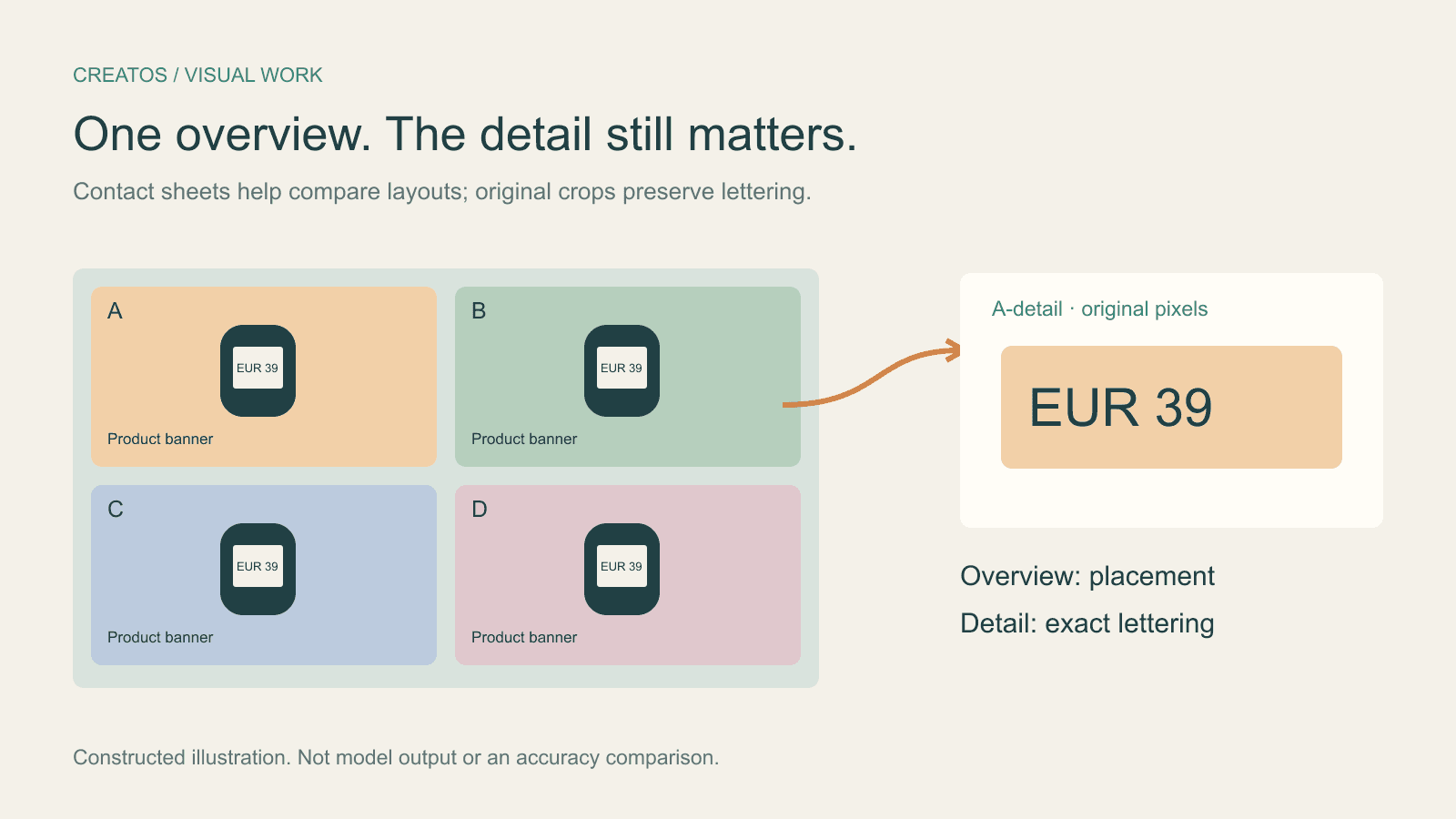
Claude image review: keep small text readable
Compare a contact sheet, separate images and detail crops using Claude image limits, with reproducible pixel and token calculations for four banner variants.

Holo4 click coordinates: fix crop and Retina offsets
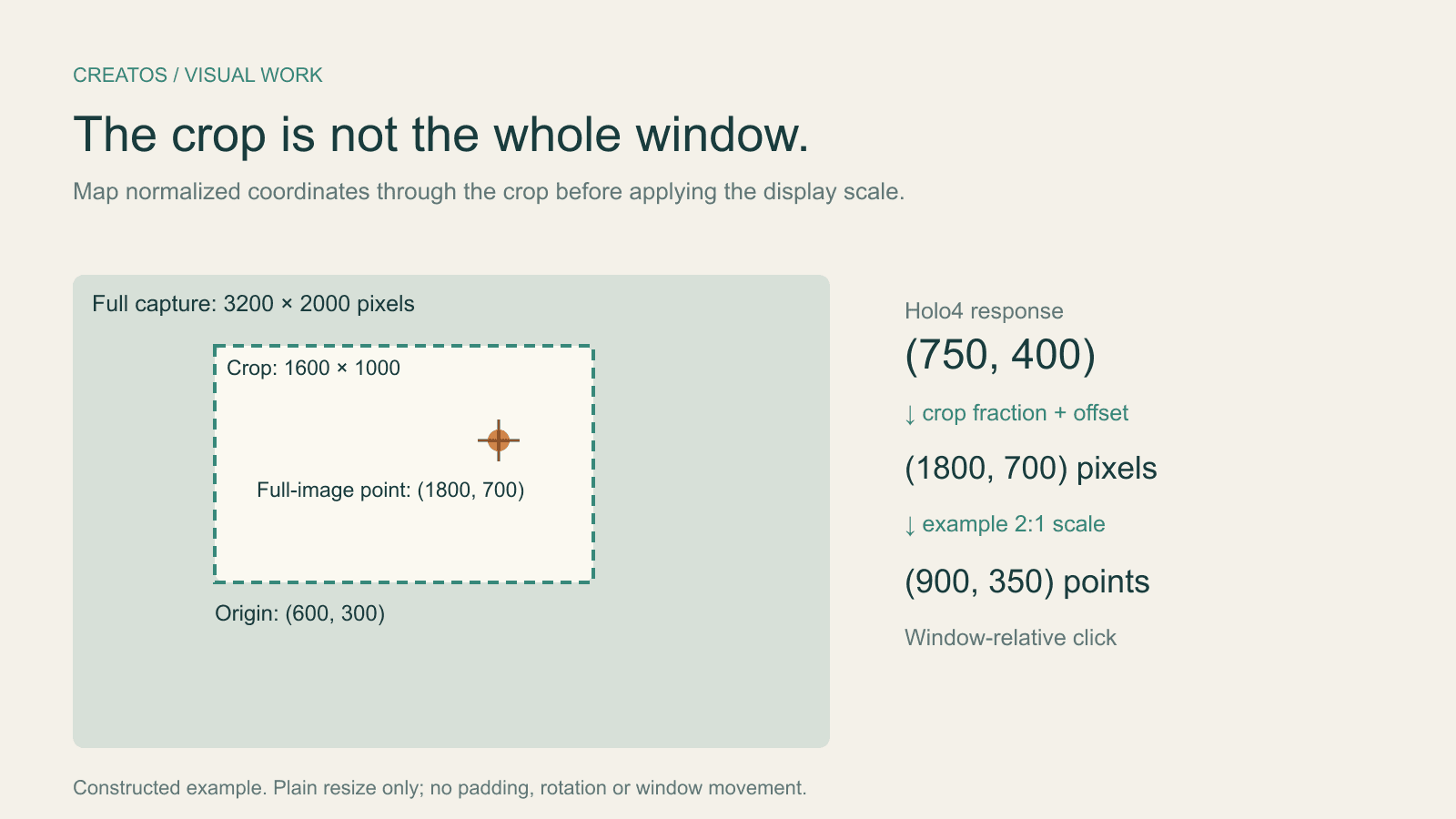
Map Holo4 normalized coordinates from a cropped screenshot back to a design app. Includes a worked Retina example and locally tested Python conversion.
Save Colab images before a runtime reset: verify the copy
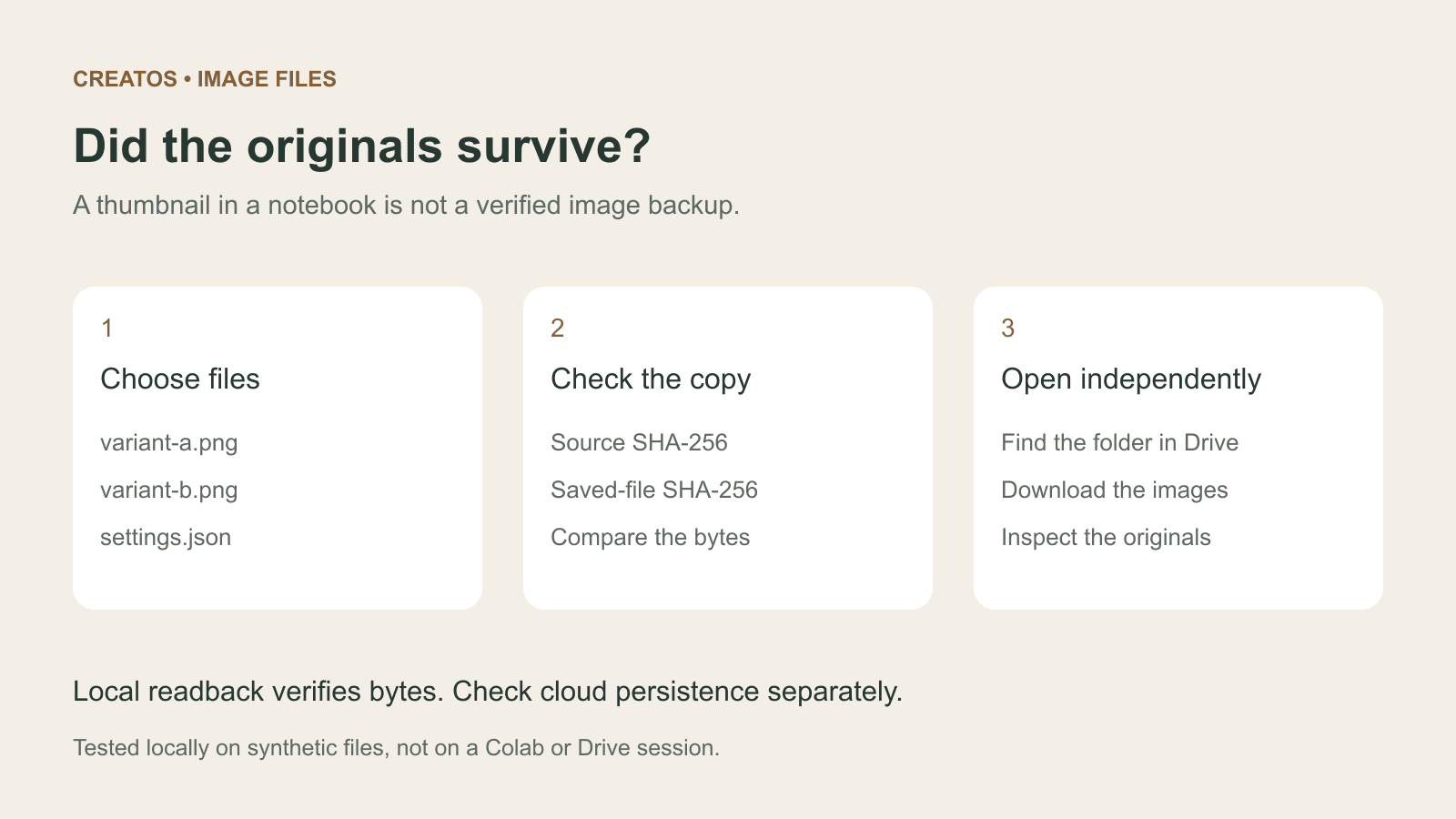
Keep generated PNGs and settings outside the Colab runtime. Use a locally tested copy-and-hash helper, then check the files independently in Drive.