
Meshy packaging references: match every visible face
Prepare Meshy packaging references that agree on every visible face. Check editions, wording and graphic seams before reviewing a generated 3D product demo.
Sources checked:
Prepared with AI assistance; sources and conclusions are reviewed before publication.
On this page
For a branded package that will rotate in a 3D product demonstration, prepare references for the faces the viewer will see. A sharp front image cannot establish the wording or design of a hidden back panel. Before generating, also check that every reference shows the same edition of the package.
Meshy's September 30 packaging demonstration promotes Meshy 7's ability to carry lettering and style from an input image into a textured model. That is the supplier's demonstration, not our independent accuracy test. Its current multi-view guide explains how several views can guide one object. The useful preparation question is what those views actually prove.
Four pictures can still describe two different packages
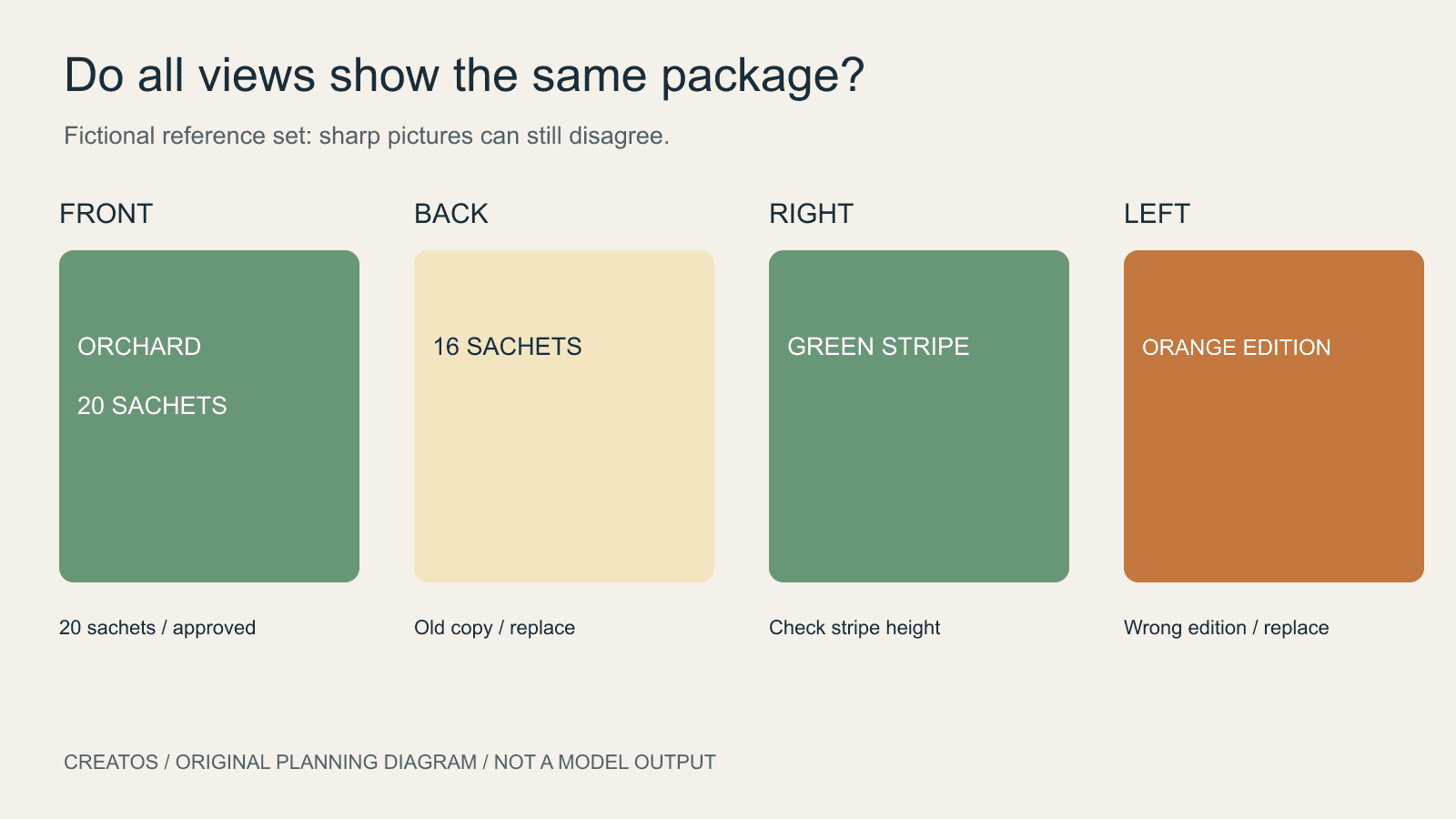
Imagine a fictional tea box called ORCHARD. The front photo shows a green edition with 20 sachets. A back image from an earlier design says 16 sachets. The right side has a green stripe near the top, while the left reference belongs to the older orange edition.
Every file may be sharp and well lit. Together they still give contradictory instructions.
| Face reference | Visible design | Decision before generation |
|---|---|---|
| Front | Green ORCHARD box, 20 sachets | Use as the approved edition |
| Back | Old 16-sachet copy | Replace with a reference of the approved back |
| Right | Green stripe near the top | Keep, then compare its height against the front |
| Left | Orange edition | Replace; do not ask the model to guess which edition wins |
This is an original example, not a Meshy output. It demonstrates a source problem that more texture resolution cannot resolve: a model cannot know which of two conflicting product designs your team approved.
If the package exists, photograph the missing or outdated face. If it is still a concept, have the designer supply the intended view or mark it as unresolved. A generated back view can help explore a concept, but should be labeled as a proposal until someone checks its content. It is not a photograph of a real package.
Build a reference strip before uploading
Meshy's guide distinguishes Multi-View, which combines views of one object, from Batch, which creates separate objects. It describes a main image plus labeled Left, Back and Right slots. Follow those slot labels rather than supplying several unrelated package variants as if they were different sides of one object.
Arrange your proposed views in a strip first. Confirm the edition, color scheme, visible wording and major graphic positions. Keep a clean copy of each source file for the actual upload; put review labels beside the images in your planning board rather than printing them over the package artwork.
A useful seam check is to follow one graphic across adjacent faces. In our fictional design, a stripe is meant to sit at the same height all around the box. If the front reference places its lower edge one-quarter of the way down the panel but the right reference puts it halfway down, settle that design conflict before generating. Perspective can distort the apparent height in a photograph, so compare the artwork or a straight-on view when possible.
The same logic applies to a logo that should appear only on the front. A repeated logo on the back may be a deliberate design choice, a wrong reference or a generated addition. Those require different corrections.
Separate missing evidence from a failed result
An older question by darkowebo in r/meshyai describes a front-view cat image whose generated model omitted the hidden tail. The author later reported improving the source image before generating again. The thread predates the current workflow and concerns a printable figure, but illustrates the same missing-view problem. Its historical feature advice should not be used as current Meshy 7 documentation.
For a package review, compare the actual result with the matching source face:
- If the back was never specified, obtain or approve its design first.
- If the sources disagree, correct the reference set.
- If the approved sources agree but the result changes a word or moves a stripe, record the particular face and discrepancy for correction.
Meshy's product-design help page also cautions that unseen surfaces are approximated and fine branding may need touch-up. Although that page predates the recent demonstration, it is a reason to inspect your own output rather than treating the demonstration as a guarantee.
Present the decision face by face
For a review with a client or designer, pair each approved reference with a screenshot of the corresponding model view. Use similar viewing angles, and add a close-up only when it helps locate a particular letter or seam. A polished rotating preview is useful for overall appearance; the paired views make a specific correction easier to explain.
Creatos image and text nodes can hold these pairs and their decisions: for example, “Back: replace 16 with 20; reference B is approved.” Keep the actual model in your 3D tool. Creatos is the visual review board in this workflow, not a mesh editor or a guarantee of texture accuracy.
Sources
Continue reading
Browse all posts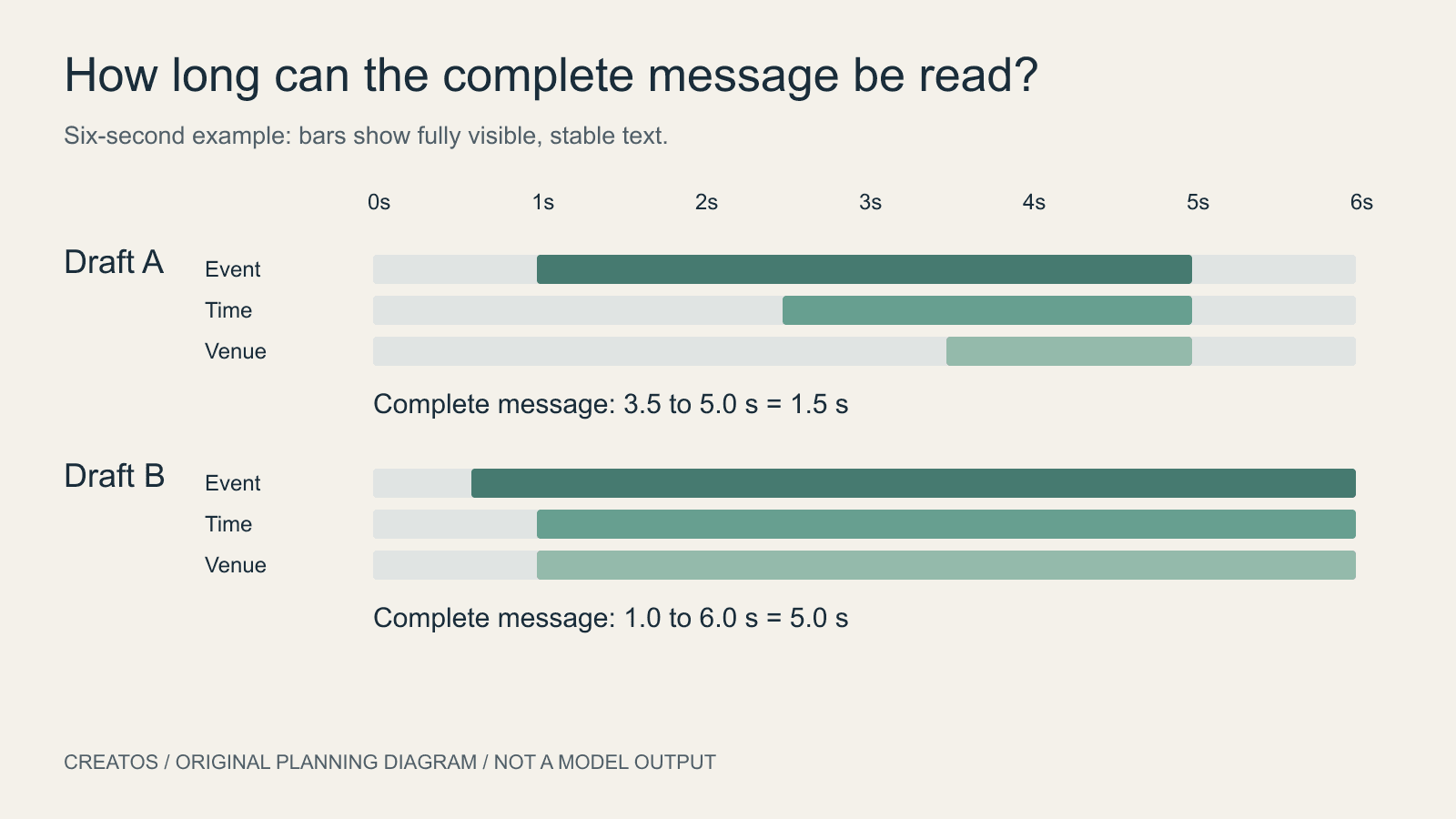
AI motion posters: give the message time to be read
Plan an AI motion poster around readable text. A six-second example compares two schedules and shows how to calculate the shared reading interval.

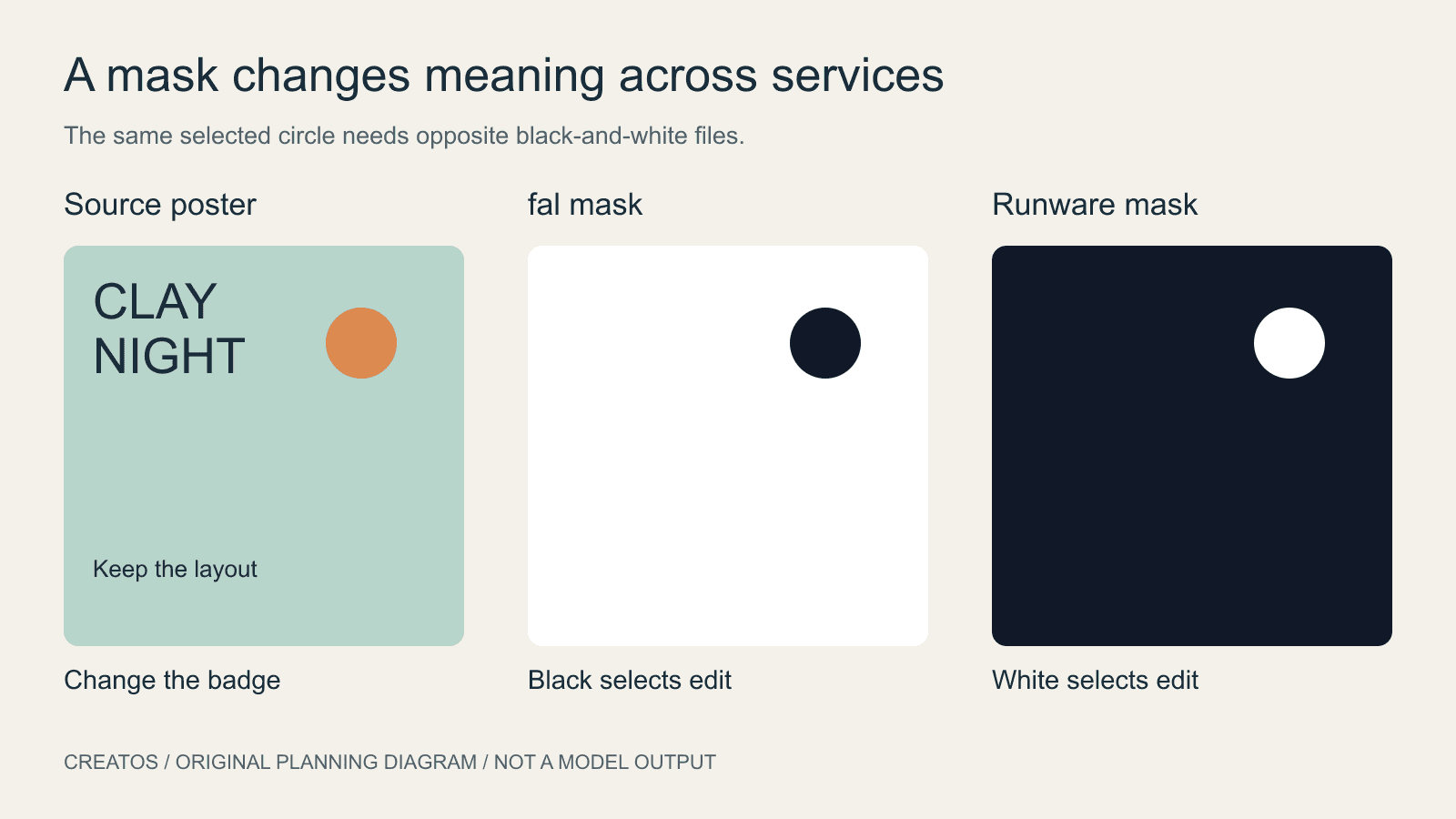
Ideogram 4.5 masks: black or white depends on the service
fal and Runware document opposite mask colors for Ideogram 4.5. Compare the conventions and check a local edit before submitting a full-size mask.
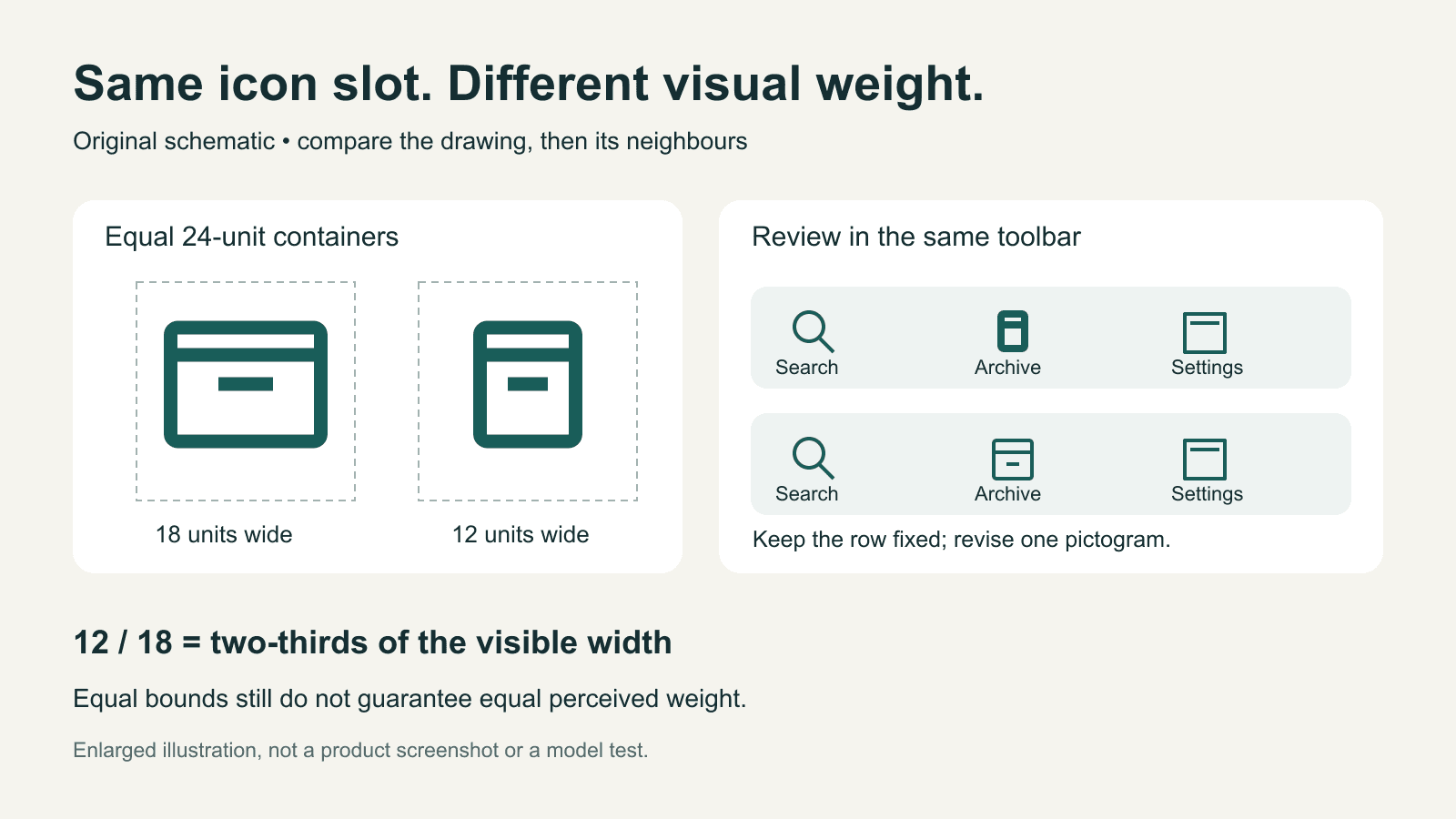
AI-generated icons: match visual weight in a real interface
Compare AI-generated icons at their real display size. Separate visible bounds, stroke weight and alignment, with an original toolbar example and revision brief.