
How to make a mood board that settles a visual direction
Make a mood board from a clear brief. Use a worked coffee-brand example, reference annotations and a decision record to choose a usable visual direction.
Sources checked:
Prepared with AI assistance; sources and conclusions are reviewed before publication.
On this page
A mood board brings visual references together to choose a project's direction. It can include images, color samples, type treatments and short notes. A useful board explains what to take from each reference and leaves you with a decision you can use in the next draft.
Start with a brief, gather relevant references, group them into coherent directions, then ask for a specific choice. The worked example below shows how to make those steps concrete without needing a particular app.
Write the decision before collecting images
Figma's mood-board guide recommends defining a goal, collecting inspiration, arranging the board, adding commentary and gathering feedback. The difficult part is often deciding which of several attractive references belongs in the same project.
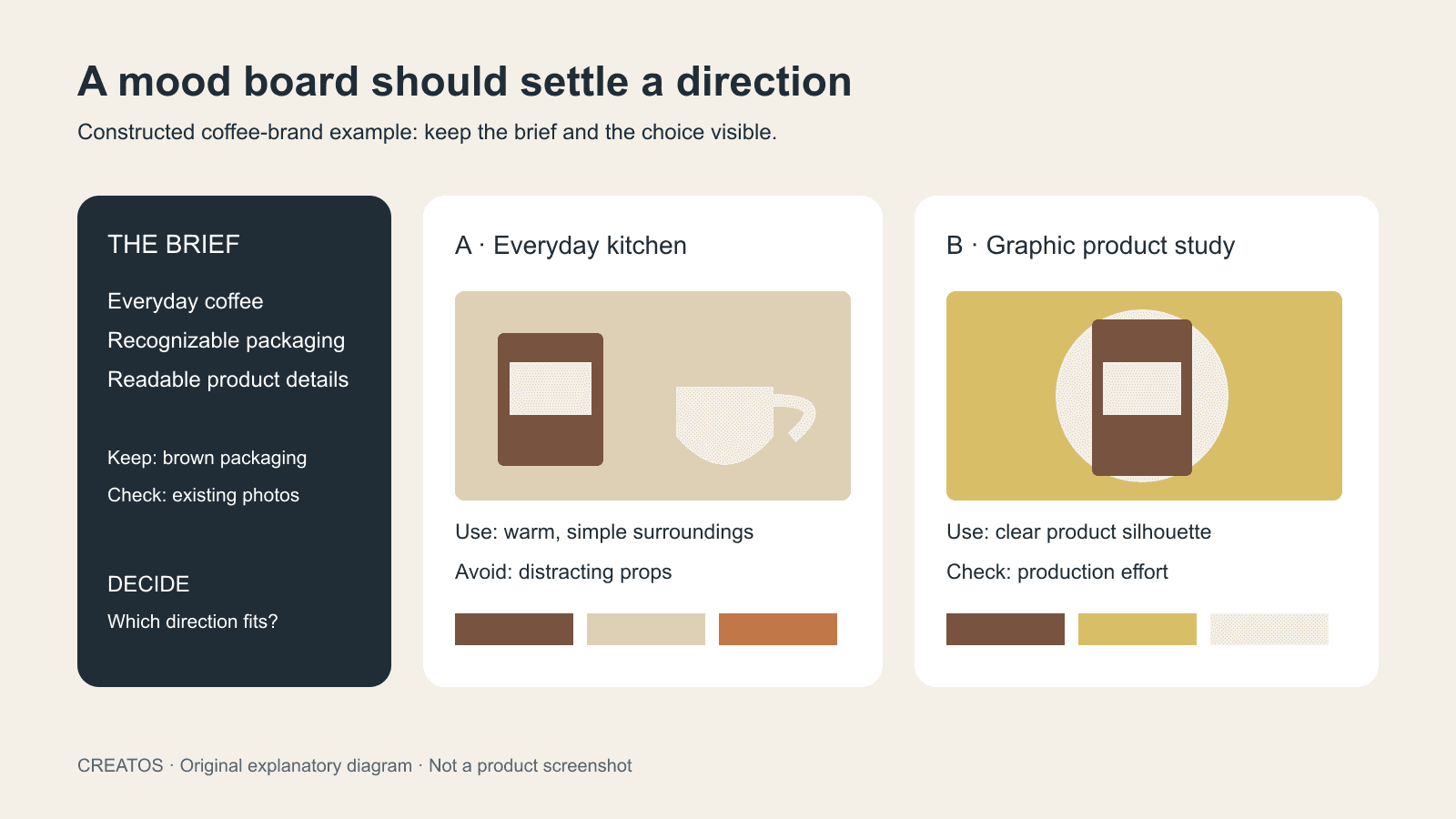
For this constructed example, imagine a small coffee brand preparing a page for a new blend. The brief is:
Help customers recognize an approachable, everyday coffee. The page needs to work with existing brown packaging and readable product information. Choose a photographic and graphic direction before making the page.
Write down the constraints beside the brief. In this example, the team has existing packaging photography and limited time for a new shoot. Those constraints should affect the choice. A direction that depends on a studio set the team cannot produce is a poor fit, however attractive the reference looks.
Build two directions that can be compared
Use references you have permission to use, or retain links to the originals where copying is not appropriate. A reference found through image search is not automatically available for publication. Keep its source and any use restrictions with the board.
The following table is an example of planning decisions, not a report about a real client:
| Element | Direction A: everyday kitchen | Direction B: graphic product study |
|---|---|---|
| Photography | Cup and packaging in natural-looking surroundings | Isolated package with a controlled background |
| Palette | Cream, brown and a small warm accent | Brown with a stronger contrasting accent |
| Type treatment | Plain, readable labels | Larger display text with restrained supporting text |
| Detail to preserve | Packaging remains easy to identify | Product information remains easy to scan |
| Production question | Can existing photos support the setting? | Can we make consistent cutouts or new product images? |
Choose or create a few visual references for each column. Put the strongest example where it is easy to see, then group supporting references by photography, palette and type. The cover illustration demonstrates this structure using original schematic artwork; it is not a screenshot from a completed client project.
Label the detail you want to borrow
Give each reference a short annotation with three parts: the useful detail, where it will be applied, and what should not carry over.
For example: “Use the soft side lighting for the package photo. Keep enough contrast to read the label. Do not copy the decorative background objects.” That note gives a photographer or image creator something to act on. “Love the vibe” leaves them guessing.
Avoid mixing contradictory choices without a reason. If one reference suggests soft natural light and another suggests hard colored shadows, either separate them into different directions or explain which element each reference controls. More images will not resolve an unexplained conflict.
A reusable annotation looks like this:
Reference and source:
Use this detail:
Apply it to:
Do not carry over:
Production constraint or question:
Permission / license / link-only status:
If you add AI-generated concepts, label them as concepts. A plausible generated package or texture does not prove that the physical product or a production method exists.
Ask for a choice that affects the next draft
Review the directions against the brief. For the coffee example, ask which direction makes the existing packaging easiest to recognize and which can be produced with the available material. Ask reviewers to identify the reference and detail they want changed.
Record the decision separately from general comments:
Chosen direction:
Reason against the brief:
Keep these references and details:
Change these details:
Still unresolved:
Next artifact to make:
Reviewer and decision date:
If a reviewer selects A's photography and B's type treatment, create a revised board that shows that combination. Otherwise different people may continue using different interpretations of the same approval.
Move the board into your working setup
Any workspace that keeps references and notes readable can support this method. If you already use Creatos for visual research, its documented image imports, text nodes and sticky notes can keep the references beside the brief and decision record. Check the flow-editor documentation for the actual workflow. JSON export retains a reusable canvas format; PNG export provides a visual copy to discuss. This guide does not demonstrate a new native-app session or promise live collaborative editing.
The existing research-canvas recording shows the general workspace with sources and notes. It can help you assess the layout before choosing a tool. Creatos uses a paid desktop license, and any AI provider usage through your own key is a separate cost; this method does not require purchasing it.
Finish with the selected references, their annotations and one written direction for the next artifact. Keep rejected alternatives off that final board so the person making the draft can tell which decisions are current.
Sources
Continue reading
Browse all posts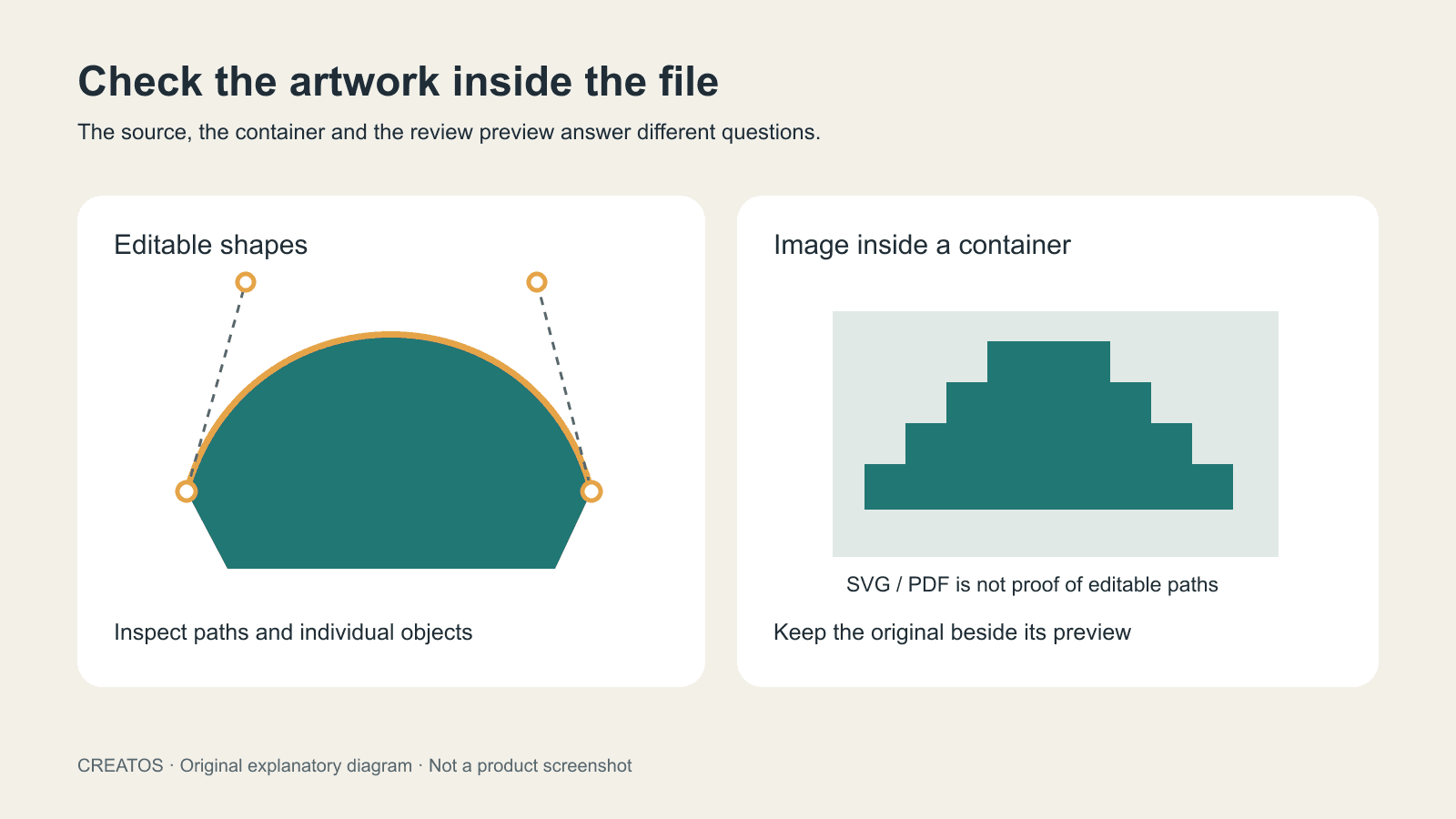
What is a vector image? Check the source before you hand it over
Learn what makes an image vector, inspect SVG and PDF contents, and separate editable artwork from review previews with a practical handoff checklist.

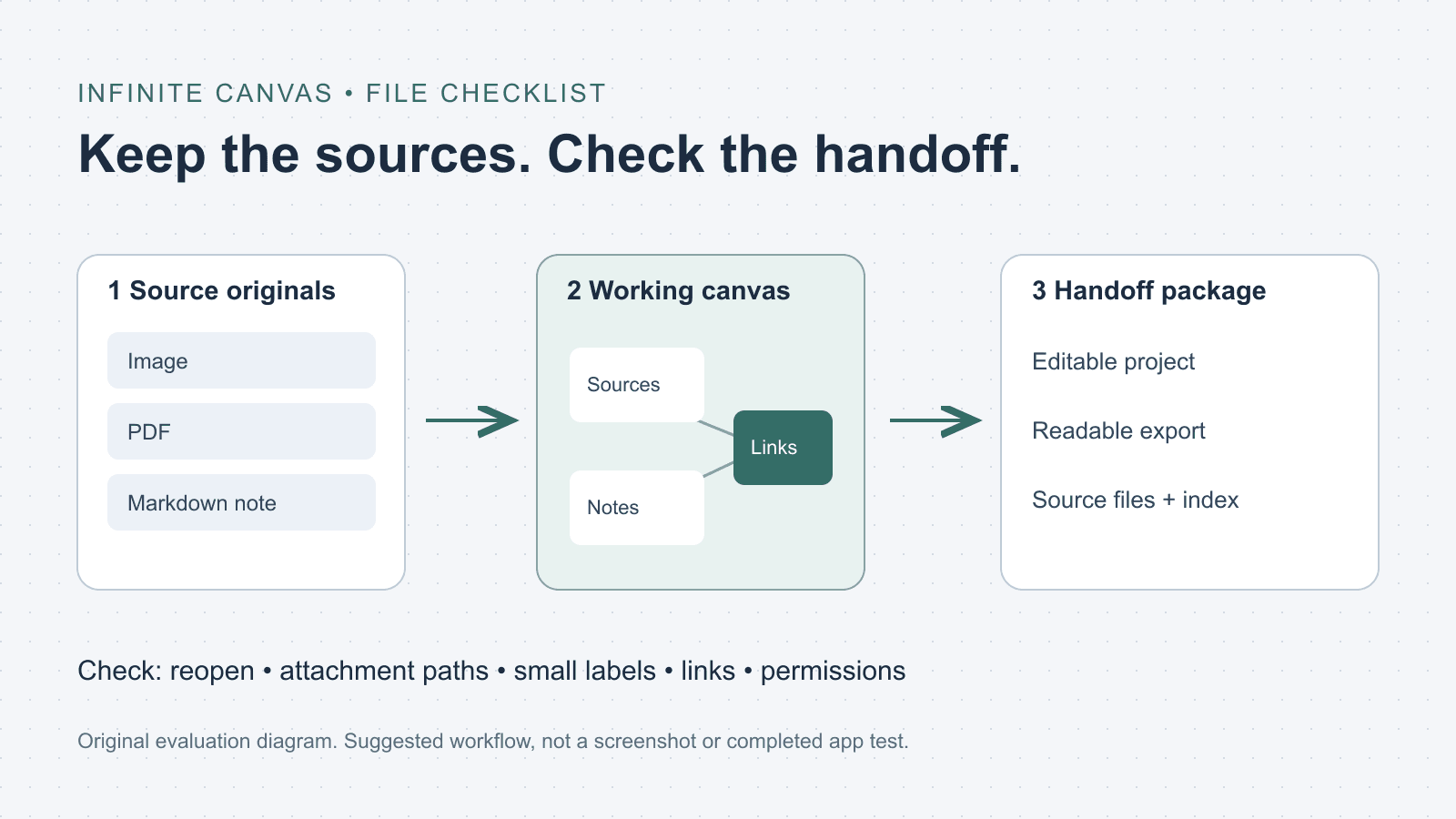
What is an infinite canvas? A file and handoff checklist
Choose an infinite canvas by checking file imports, editable projects and export limits. Includes a three-file evaluation checklist and a handoff folder template.
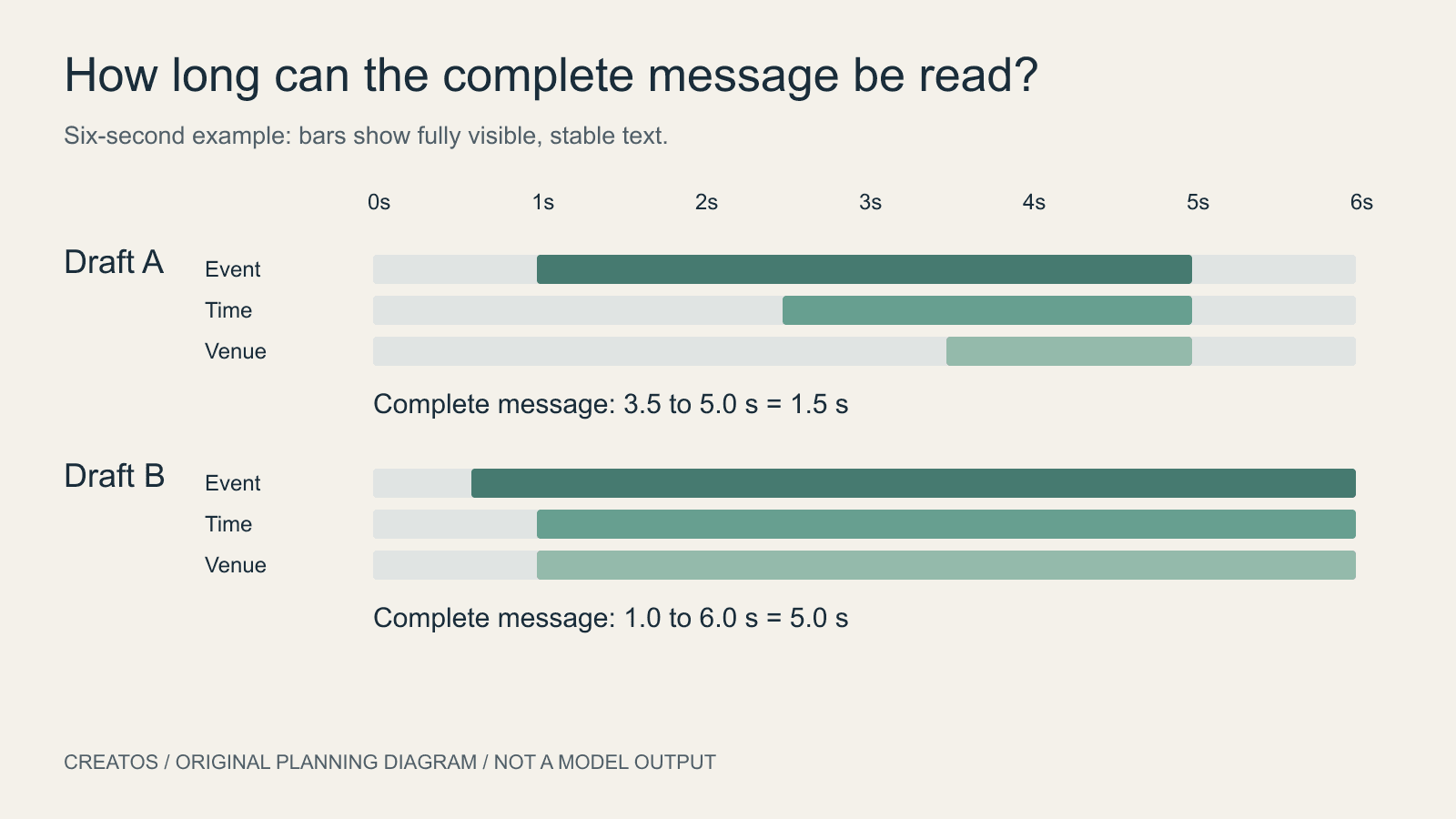
AI motion posters: give the message time to be read
Plan an AI motion poster around readable text. A six-second example compares two schedules and shows how to calculate the shared reading interval.