
Opus 5.5 image review: when prompt caching saves money
Calculate Opus 5.5 image-review costs with cache writes, five-minute and one-hour lifetimes, and a twelve-request example you can recalculate.
Sources checked:
Prepared with AI assistance and reviewed against linked sources. The cost example is calculated from assumed token counts; no API experiment was performed.
On this page
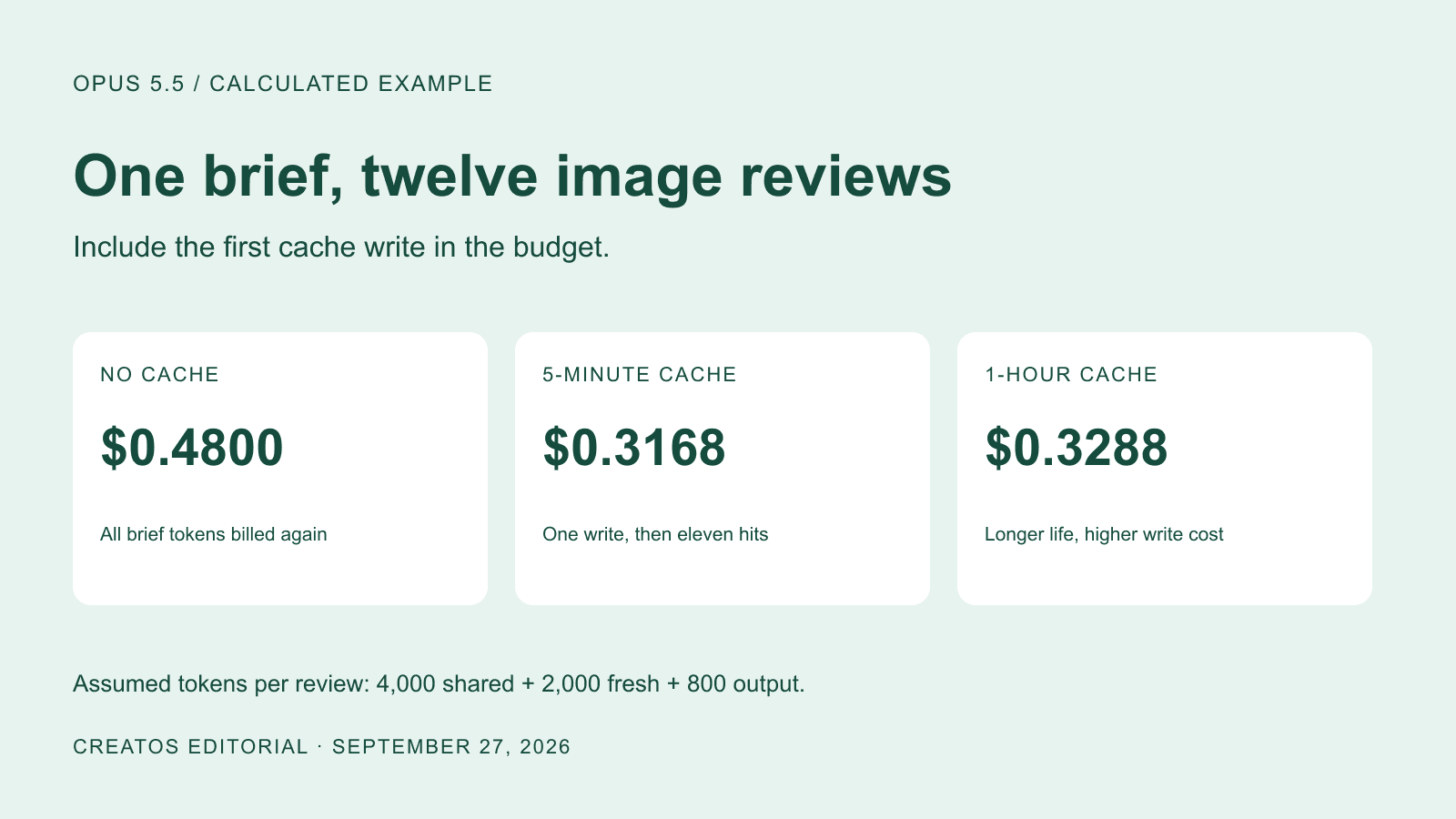
Prompt caching can make a batch of Opus 5.5 image reviews cheaper, provided each request reuses the same substantial brief. In the worked example below, a five-minute cache pays for its first write on the second review; a one-hour cache needs three reviews. Those break-even counts depend on the published API rates and successful cache hits.
Claude's September 25 task-cost article explains why token prices alone do not predict a bill. Its calculator excludes cache writes. For a creator reviewing twelve ad variants, include that first write when budgeting the batch.
A twelve-image review budget
Suppose every request asks Claude to inspect one variant against a fixed brand brief. Each request starts independently, with no growing conversation history:
- The unchanged brief uses 4,000 input tokens.
- The current image and its task instructions add 2,000 fresh input tokens.
- The response uses 800 output tokens, including thinking tokens.
These are assumed token counts for a calculation, not measurements from an API test. An image does not have a fixed 2,000-token price. Replace the inputs with actual usage for your images and response settings.
The Opus 5.5 model documentation lists these standard API rates, in US dollars per million tokens:
| Token category | Rate |
|---|---|
| Fresh input | $4.00 |
| Output | $20.00 |
| Five-minute cache write | $5.00 |
| One-hour cache write | $8.00 |
| Cache read | $0.20 |
Only the 4,000-token brief is reused in this example. The first request writes it; every later request reads it successfully before expiration. Fresh images and responses cost the same in all three columns.
| Completed reviews | No cache | Five-minute cache | One-hour cache |
|---|---|---|---|
| 1 | $0.0400 | $0.0440 | $0.0560 |
| 2 | $0.0800 | $0.0688 | $0.0808 |
| 3 | $0.1200 | $0.0936 | $0.1056 |
| 12 | $0.4800 | $0.3168 | $0.3288 |
For twelve reviews, the five-minute calculation is:
Brief: (4,000 × $5 + 11 × 4,000 × $0.20) / 1,000,000
Fresh inputs: 12 × 2,000 × $4 / 1,000,000
Outputs: 12 × 800 × $20 / 1,000,000
Total: $0.3168
The saving is $0.1632, or 34%, against the uncached batch under these assumptions. This is a reproducible estimate, not a measured saving or a forecast for your workload. It excludes taxes, tools, extra service charges and retries.
Put the reusable brief before the changing image
Place the fixed rubric in a cacheable system prefix and put each new image and question after that prefix. Keep the rubric byte-for-byte stable across the batch. Do not include the current filename or a fresh timestamp inside it.
Claude's caching documentation explains that reuse requires a matching prefix. It also documents separate cache-write and cache-read usage fields, cache expiration, and a minimum cacheable length. Opus 5.5 requires at least 512 tokens. A brief that is too short will not produce the hits assumed here.
The same documentation distinguishes the system prefix from later message content. Changing images can invalidate a message cache, which is why this example caches the stable system brief rather than assuming every image request can reuse its whole input.
Human pauses can change the choice
A five-minute cache works for requests that keep reusing it before it expires; a successful use refreshes its lifetime. If a person spends fifteen minutes inspecting each result, the one-hour option may fit that pace better. Rewriting a five-minute cache for all twelve requests would cost $0.5280 in this example, more than the $0.4800 uncached total.
Before committing to a larger batch, run two requests and inspect the returned usage. The first should show creation of the intended prefix; the second should show reads of that prefix. A familiar-looking answer is not evidence of a cache hit. Keep the model, effort and requested response length fixed when comparing costs.
Prepare the visual pack once
Give each candidate a stable label and keep the full image beside any crop the reviewer needs. Write objective checks in the brief, such as whether the product name matches the approved reference. Keep aesthetic preferences separate so a request for warmer lighting does not become a false brand violation.
Creatos's canvas tools support grouping images and text and exporting a board as PNG or JSON. That can help prepare and inspect this comparison pack before sending the individual files to your API workflow. The cache configuration and billing checks remain in that API workflow; this example does not establish an automatic Creatos-to-Claude caching integration.
Sources
Continue reading
Browse all posts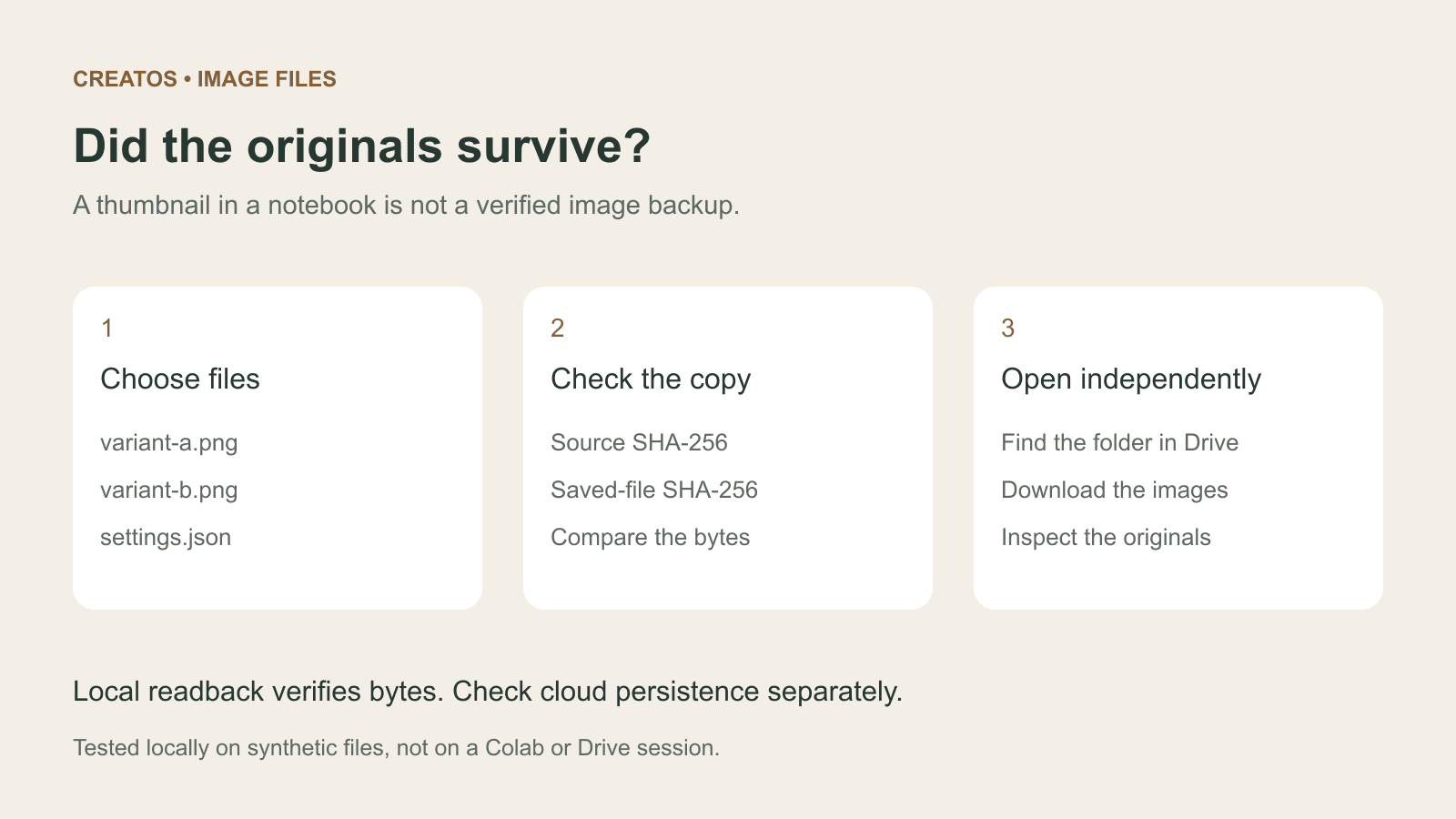
Save Colab images before a runtime reset: verify the copy
Keep generated PNGs and settings outside the Colab runtime. Use a locally tested copy-and-hash helper, then check the files independently in Drive.

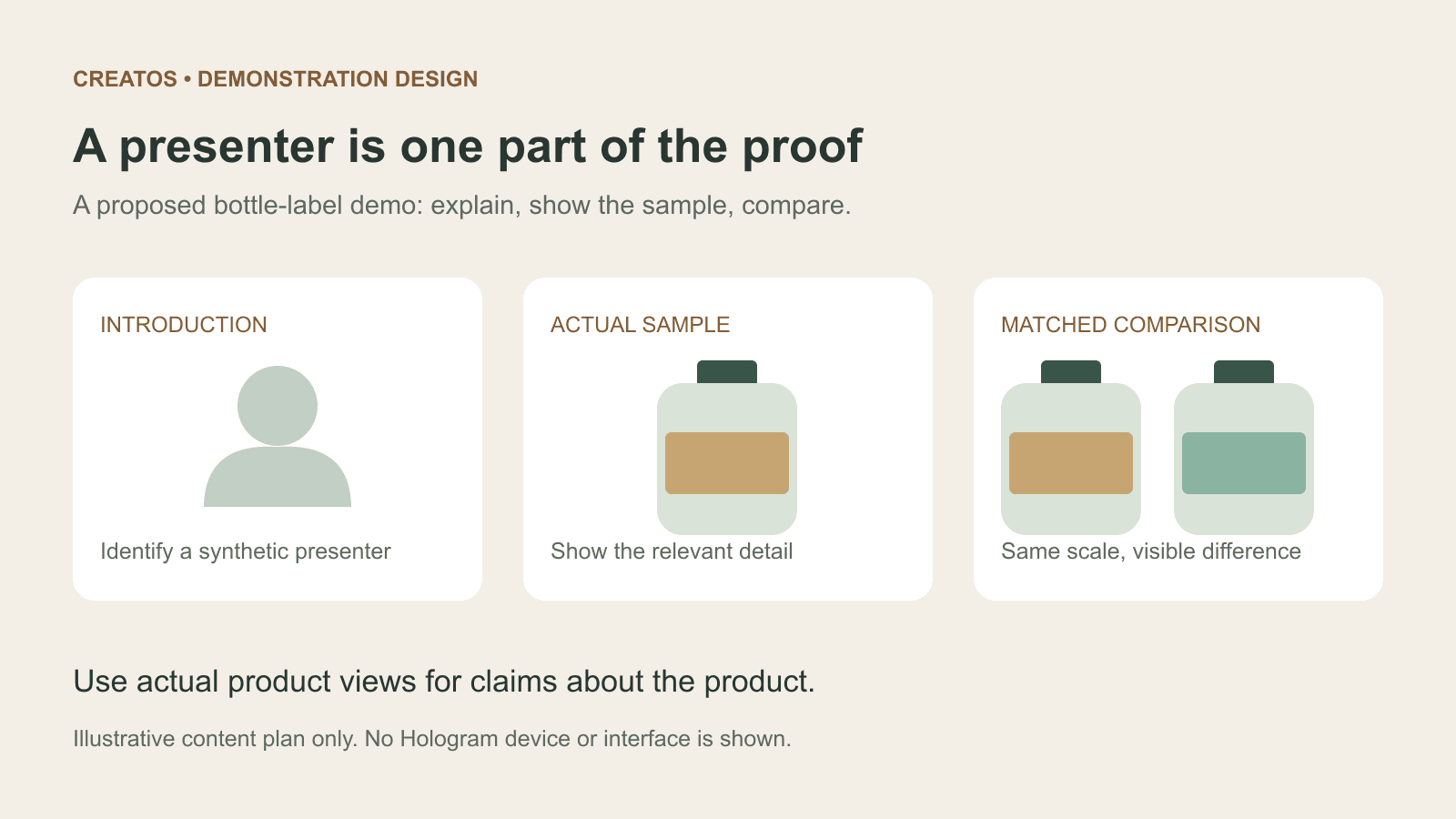
Meta Hologram vs a live camera in product demos
Separate an AI presenter from evidence of a product. A proposed 35-second label demo shows when to use actual photos, screen recordings and captions.
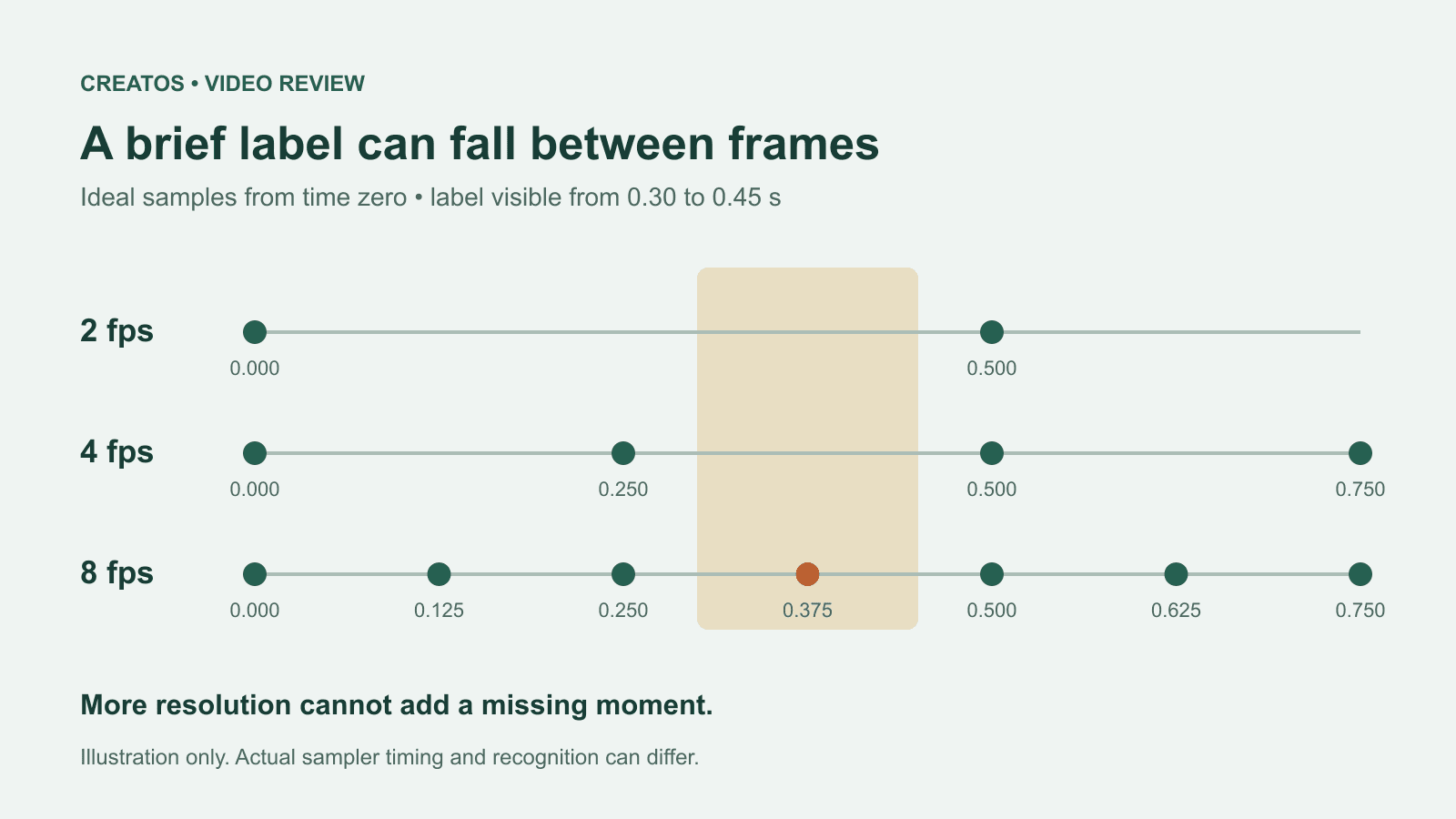
MiMo video review: why short details disappear
A worked sampling example shows why MiMo can miss a brief label, how fps differs from resolution, and what to check before approving a product video.