
AI video upscaling: compare detail without changing the shot
Compare an AI video upscale with matching timestamps, crop coordinates and display scale. Separate sharper detail from changed lettering and motion.
Sources checked:
Prepared with AI assistance; sources and conclusions are reviewed before publication.
On this page
To compare an AI video upscale fairly, match the moment, the framing and the size at which the subject appears. Then ask two separate questions: does the output look clearer, and does it still show the same thing? A sharper label with a changed letter fails a product shot even if the rest of the frame looks better.
The September 29 SoL-Refiner paper describes one-step refinement of low-resolution generated video. It is a reason to revisit how we judge the result, rather than approve a clip from its output resolution alone. We have not run SoL-Refiner or compared its performance with another model.
Compare the same part of the same frame
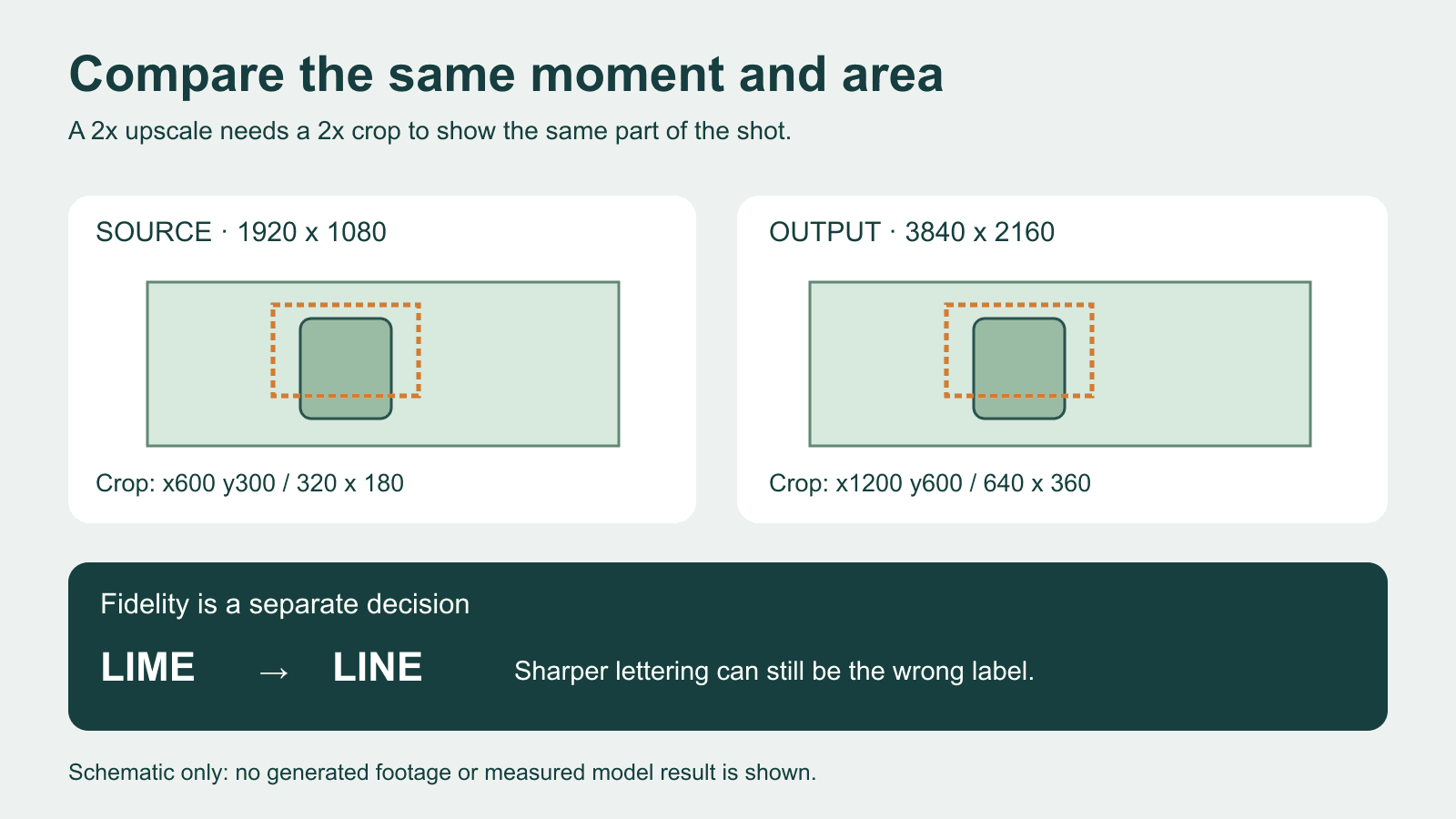
Consider a deliberately simple case: a 1920 × 1080 source becomes a 3840 × 2160 output. The output is exactly twice as wide and twice as high, with no crop, padding or reframing.
A source crop starting at x = 600, y = 300, with width 320 and height 180, corresponds to an output crop starting at x = 1200, y = 600, with width 640 and height 360. Both show the same part of the scene.
| Coordinate | Source | Output |
|---|---|---|
| Left | 600 | 1200 |
| Top | 300 | 600 |
| Width | 320 | 640 |
| Height | 180 | 360 |
If you take a 320 × 180 crop from each file instead, the output crop covers half the width and half the height of the source region. Those crops contain different amounts of the scene. The output crop may appear more detailed simply because it shows less of the scene.
These coordinates assume a pure 2× resize. If the output has padding, a different aspect ratio or a changed composition, first identify the matching region manually. Do not apply the multiplier and assume the content aligns.
Use two views for two different questions
For the overall viewing comparison, display the two full frames at equal dimensions on screen. Keep the player and colour settings the same. This answers whether the version intended for your viewer looks better at that viewing size.
For a detail comparison, take the matching crops above and enlarge the source crop to the output crop's display size. Record the interpolation method. A nearest-neighbour enlargement can expose the source pixel structure; it is not a neutral simulation of how a normal player will display that source. A smooth enlargement is useful for a viewing comparison, but it also changes the appearance of edges.
A 100% pixel view serves another purpose: inspecting each file's pixels. At 100%, the subject will be twice as large in the 2× output. Label that view so a reviewer does not mistake the zoom difference for recovered detail.
Topaz's own player guide documents split and side-by-side views, including independent zoom and pan. If you already work there, use those controls for playback. Check the magnification on both sides before drawing a conclusion.
A sharp frame can still be the wrong result
In a 2024 Topaz Community thread, Mayday raised concerns about text in Rhea XL output and supplied comparisons with the original and another model. That is a historical user report, not evidence of a current SoL-Refiner defect.
For your own footage, choose a detail whose identity matters. In a fictional jar advert, the approved label reads LIME. If the upscale gives it crisp edges but makes it read LINE, record two outcomes: edge clarity improved; label fidelity failed. Do not average those into "mostly better."
Inspect a frame where the label faces the camera, one during motion and one near the end. Then watch the whole relevant shot at normal speed. A few frames can reveal a problem; they cannot establish that lettering, texture or identity stays stable throughout the clip. Check additional frames around any change you notice.
This distinction also matters when interpreting a paper. SoL-Refiner's limitations say that correcting major semantic, geometric or motion errors is not an explicit training objective. The authors also distinguish their sampled image rewards from long-range temporal consistency and limit the study to generated-video refinement. Those limits give no basis for promising that an upscale will repair an incorrect logo or restore old camera footage.
Keep a review pair that someone else can read
For the jar example, an adequate comparison record might say:
Source: jar_take04.mp4, 1920x1080
Output: jar_take04_upscale_b.mp4, 3840x2160
Matched moment: 00:02.000 in both files; verify visible pose matches
Source crop: x600 y300 w320 h180
Output crop: x1200 y600 w640 h360
Display: source enlarged 2x using the stated method; output unchanged
Decision: reject B for label identity, despite cleaner edges
Next action: revise the process and check the same region again
This is a constructed record, not a completed model test. If frame rate or timing changes, the same frame number may refer to a different moment. Match by time and confirm the visible action before exporting the pair.
For a review outside the video editor, place the full frame beside its matching crops and the exact decision. Creatos Content nodes let you import those images and keep text with them. Extract frames, crop images and play the video in your editing tools; Creatos is used here to explain the comparison, not to upscale or certify it.
If the source already has a character or object continuity problem, use the AI video continuity sheet before choosing an upscale. Better-defined pixels will not, by themselves, resolve an inconsistent shot.
Sources
Continue reading
Browse all posts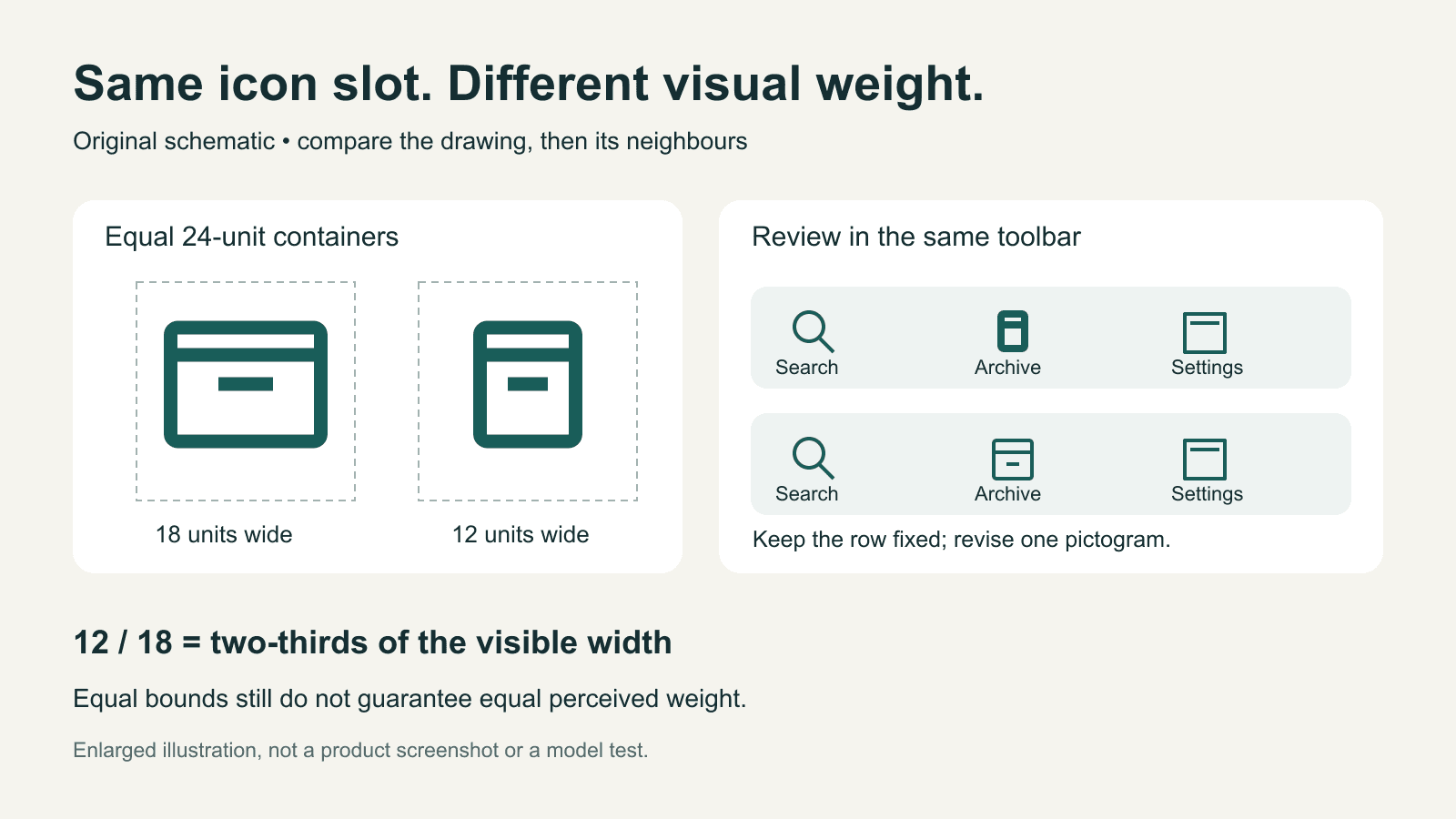
AI-generated icons: match visual weight in a real interface
Compare AI-generated icons at their real display size. Separate visible bounds, stroke weight and alignment, with an original toolbar example and revision brief.

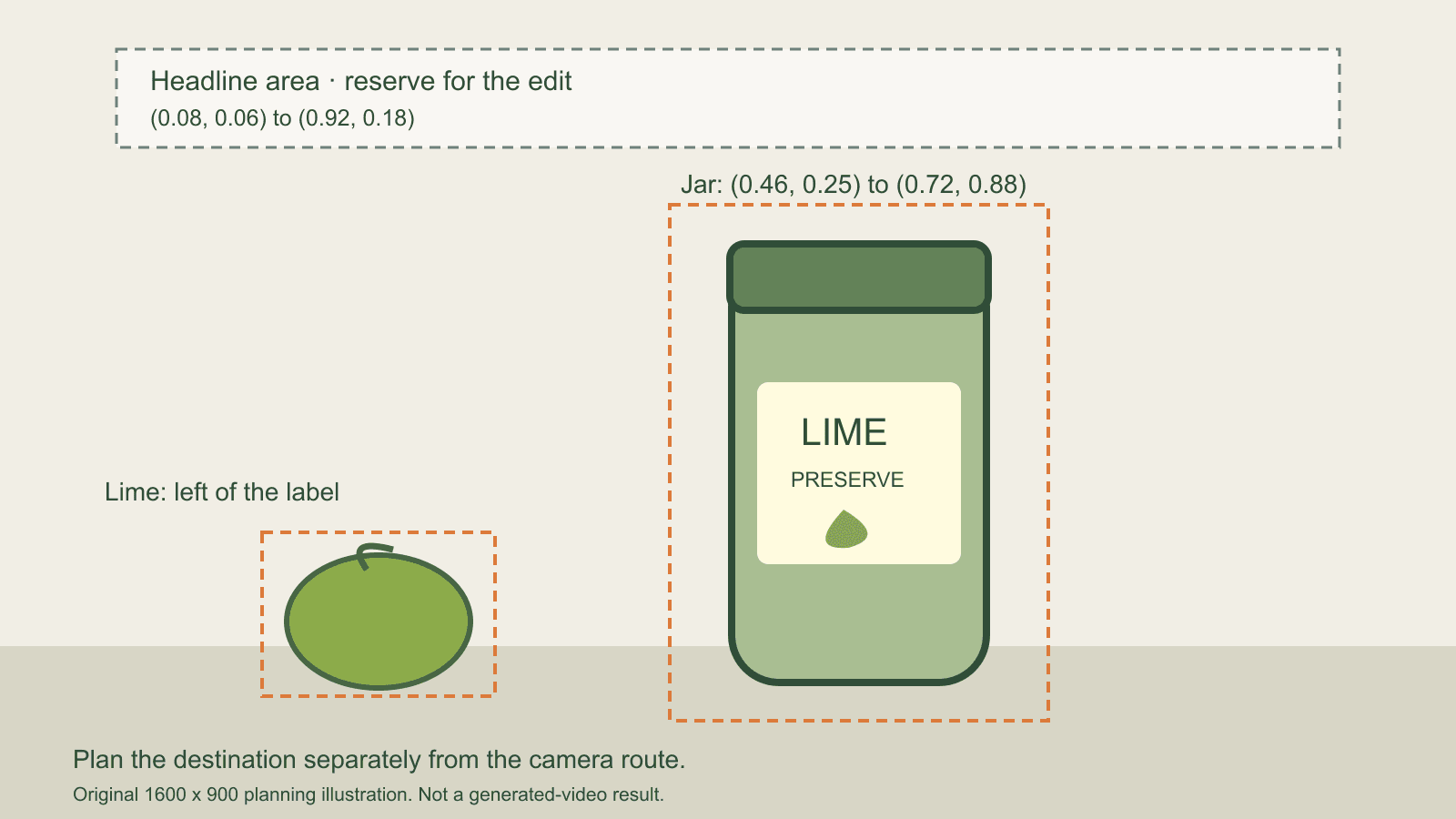
Plan an AI video ending: camera route and final-frame layout
Plan an AI product reveal with separate camera and final-frame requirements. An original layout example makes placement, identity and arrival easier to review.
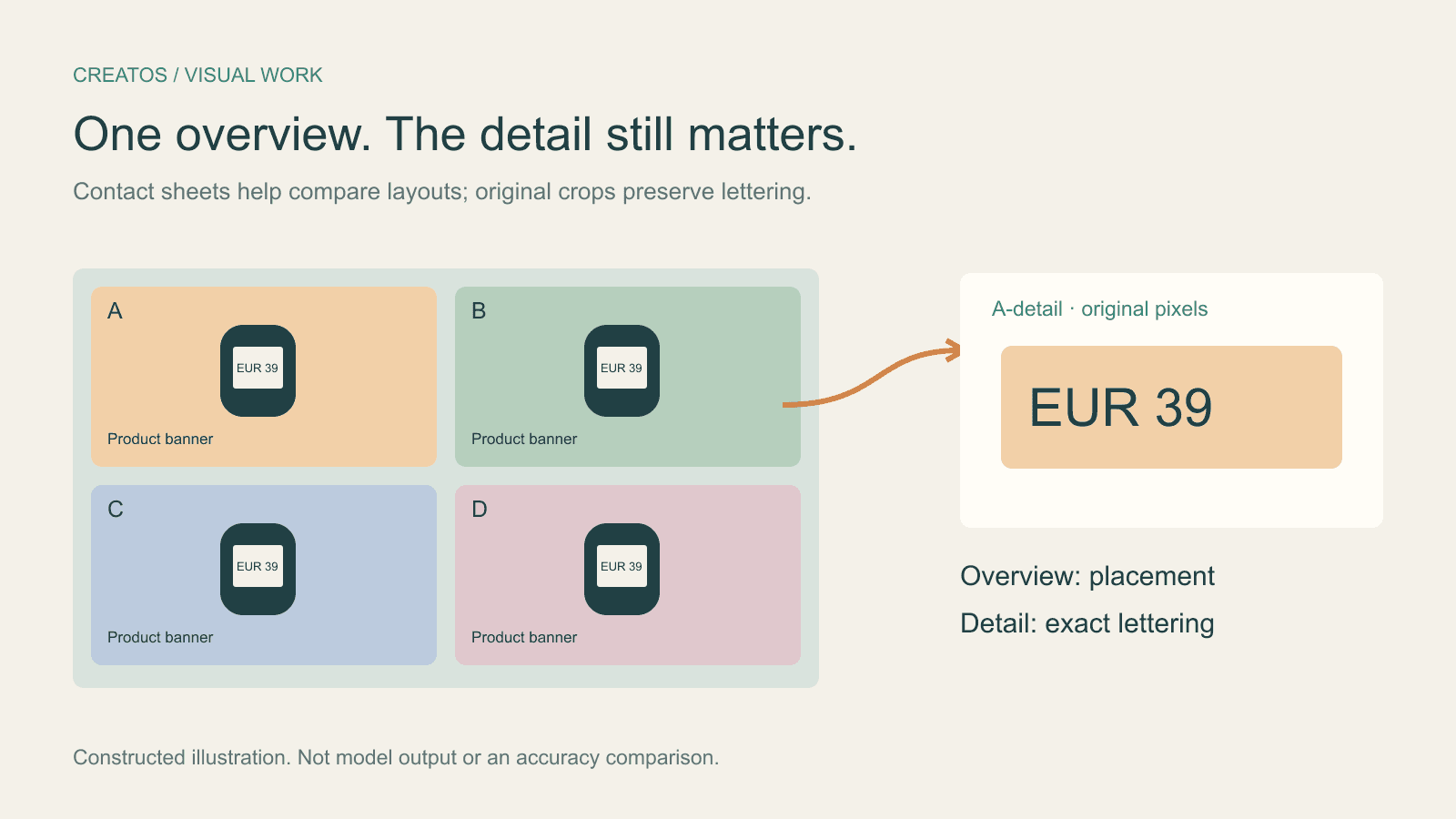
Claude image review: keep small text readable
Compare a contact sheet, separate images and detail crops using Claude image limits, with reproducible pixel and token calculations for four banner variants.