
Can DeepSeek read images? V4.1 Flash support explained
Use the right DeepSeek image model, spot outdated V4 Pro advice, and compare visual answers without testing two aliases for the same model.
Sources checked:
Based on primary documentation and an attributed historical public question. Proposed image checks were not run against DeepSeek.
On this page
Yes. DeepSeek V4.1 Flash accepts images through the official API. Use deepseek-flash for a new setup. If you are following an older tutorial, check its model name: some names now point to a different model, and the planned retirement of V4 Pro changed. DeepSeek's current model table
For creators comparing screenshots, thumbnails or generated pictures, the model mapping affects how you interpret an answer. Two names in a model picker can send your images to the same model.
Documentation checked September 15, 2026. This guide covers the official DeepSeek API. A separate app or provider may expose different options. The comparison procedure below is a suggestion, not a report of a DeepSeek test we ran.
Which DeepSeek model accepts images?
DeepSeek introduced V4.1 Flash on September 10 with native visual understanding. The current API documentation gives the following mapping. Release announcement, model details
| Name sent to the official API | What it currently selects | What to do for image work |
|---|---|---|
deepseek-flash | V4.1 Flash | Use this name for a new image-input setup. |
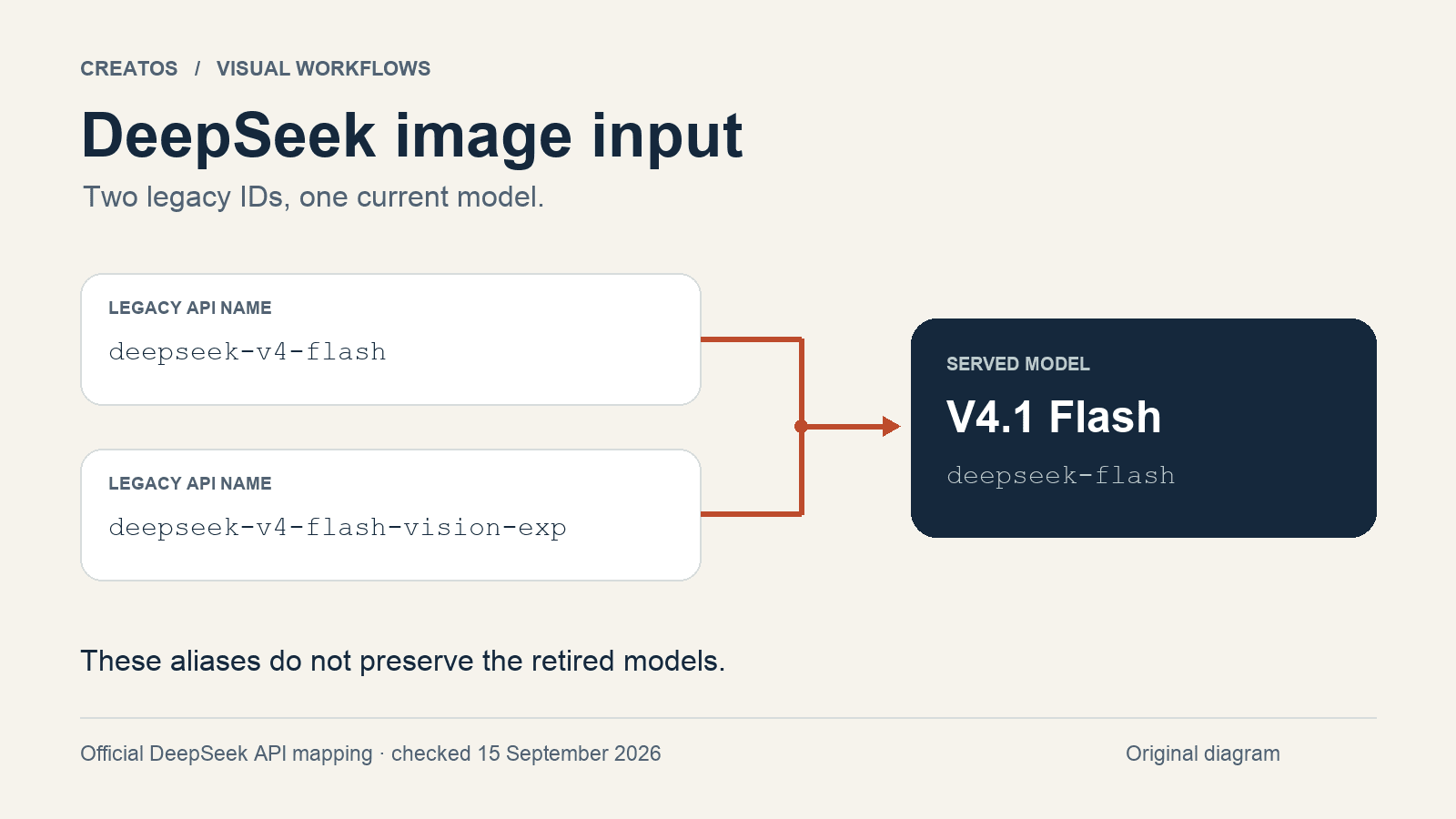
deepseek-v4-flash | V4.1 Flash, through a legacy alias | An accepted old name does not preserve the old model. |
deepseek-v4-flash-vision-exp | V4.1 Flash, through a legacy alias | The experimental model has retired; the alias remains accepted. |
deepseek-v4-pro | V4 Pro 0813 | The current model table lists vision as unsupported. |
The September 10 announcement said Pro requests would move to Flash after September 14. The current changelog instead says Pro service continues with unchanged billing. The current model table also lists Pro separately. Do not assume a Pro request now buys you Flash's image support. Launch plan, current changelog
Why older answers disagree
In an older public discussion, Reddit user Otherwise_Lunch_1239 asked whether V4 could accept screenshots for UI checks and visual review. Replies discussed an OCR workaround. That is evidence of the question people were trying to solve, not a description of today's API. Original discussion
The official timeline helps date an answer: V4 Flash Vision Exp arrived on August 21; V4.1 Flash followed on September 10. Advice written before either release can describe a different product. Check the date, provider and requested model together. DeepSeek changelog
OCR extracts text. If your question is whether a subject moved, a crop cut off a product, or the layout changed, a transcript of the lettering does not preserve all the visual evidence you need.
Prepare the images for the route you use
DeepSeek's vision guide documents image input through Chat Completions, Responses and its Anthropic-compatible interface. The request shapes differ. In Chat Completions, a user message contains text and image content blocks; putting a file path into an ordinary text prompt is not an image upload. Follow the example for your chosen interface. Vision guide
You can provide an inline base64 image, a reachable image URL, or an uploaded file ID. JPEG, PNG, GIF and WebP are supported. The Files API can reuse an uploaded image in later requests; its supported formats are images, so a PDF is not a supported image upload. Export the relevant page to an image when that is the material you need reviewed. Vision guide, Files API
For a first check, use one small, non-sensitive PNG. Keep the original file. For a crop comparison, preserve both the full frame and the crop, and label which is which. This makes a wrong-image problem easier to separate from a wrong-answer problem.
Avoid comparing Flash against itself
Suppose your app offers both deepseek-v4-flash and deepseek-v4-flash-vision-exp. On the official API, today's mapping sends both to V4.1 Flash. Different answers from those two selections do not establish a quality difference between the retired models. The aliases no longer give you that experiment. This follows from the documented routing, not from a benchmark we ran. Current model mapping
For a first check, ask a visual question whose answer is absent from the prompt. Try this suggested procedure with two thumbnail drafts:
- Save two clearly labeled files, A and B. Change one visible feature in B, such as moving the subject to the opposite side. Keep that change in your private answer key.
- Attach both files using a supported image route. Ask: "Which side is the main subject on in A and in B? Describe what you can see. If a detail is unclear, say so."
- Compare the response with the pictures yourself. A correct answer on this pair supports only that observation; it does not establish reliable text reading, design judgment or superiority over another model.
- If you then compare providers, send the same files and question to each. Record the actual provider, requested model, settings and date beside each answer.
You might find that both models locate the subject correctly but disagree about which composition works better. Separate those results: subject location is checkable against the image; a design preference needs your brief and intended audience. Our creative-brief comparison guide covers judging those proposals against explicit constraints.
Keep a short note with the evidence:
Question being checked:
Provider and request date:
Requested model / documented model version:
Image A and B filenames:
Detail, crop or resize settings:
Visible feature checked against the originals:
Answer that was wrong or uncertain:
Decision and reason:
In Creatos, Content nodes can hold imported images and pasted text. Use them to put A, B and the decision note on one canvas so the reference survives beyond a chat window. You can paste the results from the tool you used; this guide does not establish a direct DeepSeek integration in Creatos. Creatos quick start
Sources
- DeepSeek V4.1 Flash release announcement · DeepSeek ·
- DeepSeek Models & Pricing · DeepSeek
- DeepSeek Change Log · DeepSeek
- DeepSeek Vision guide · DeepSeek
- DeepSeek Files API · DeepSeek
- Does DeepSeek V4 actually support vision / image input? · Otherwise_Lunch_1239
- Creatos quick start · Creatos
Continue reading
Browse all posts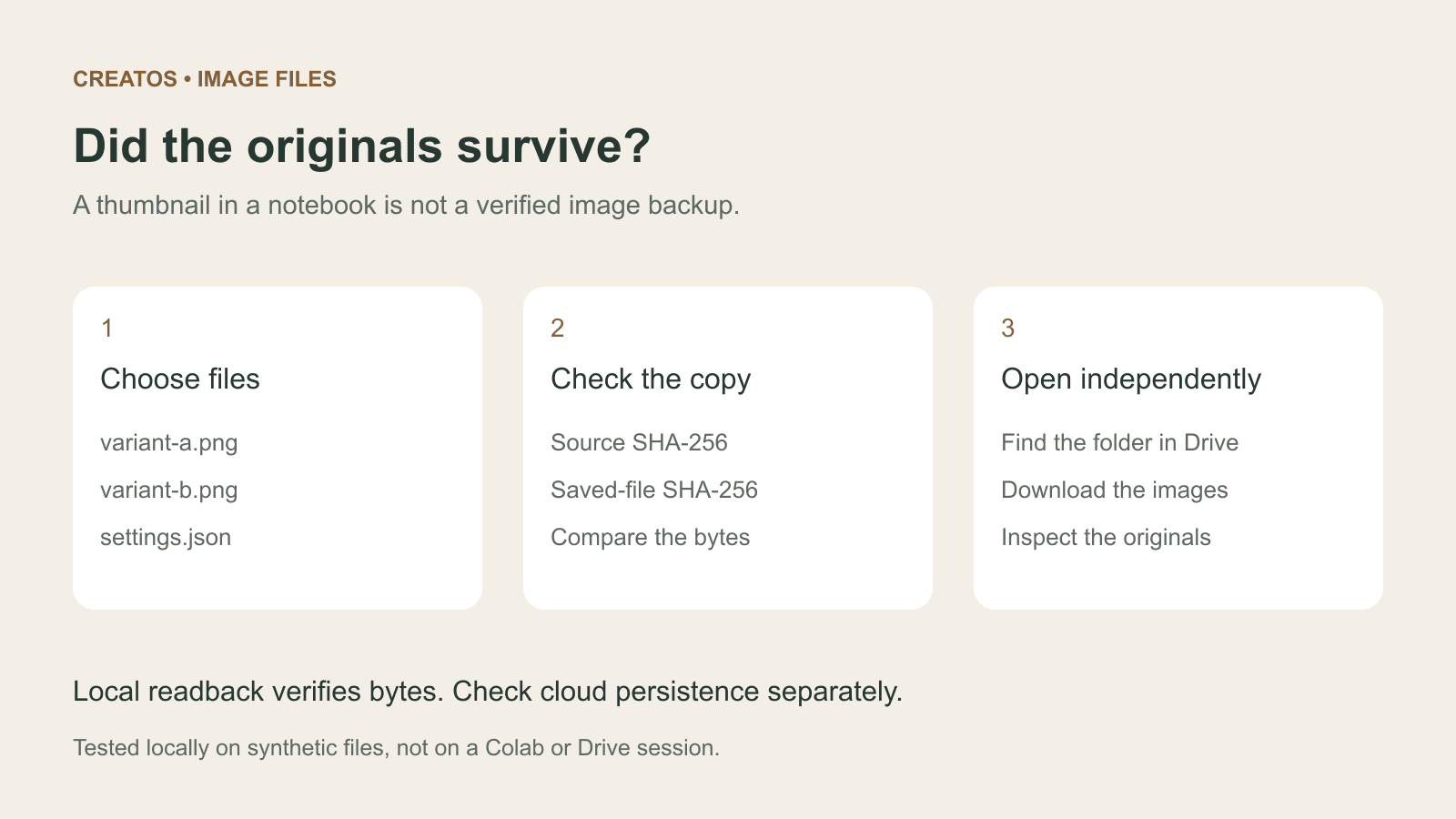
Save Colab images before a runtime reset: verify the copy
Keep generated PNGs and settings outside the Colab runtime. Use a locally tested copy-and-hash helper, then check the files independently in Drive.

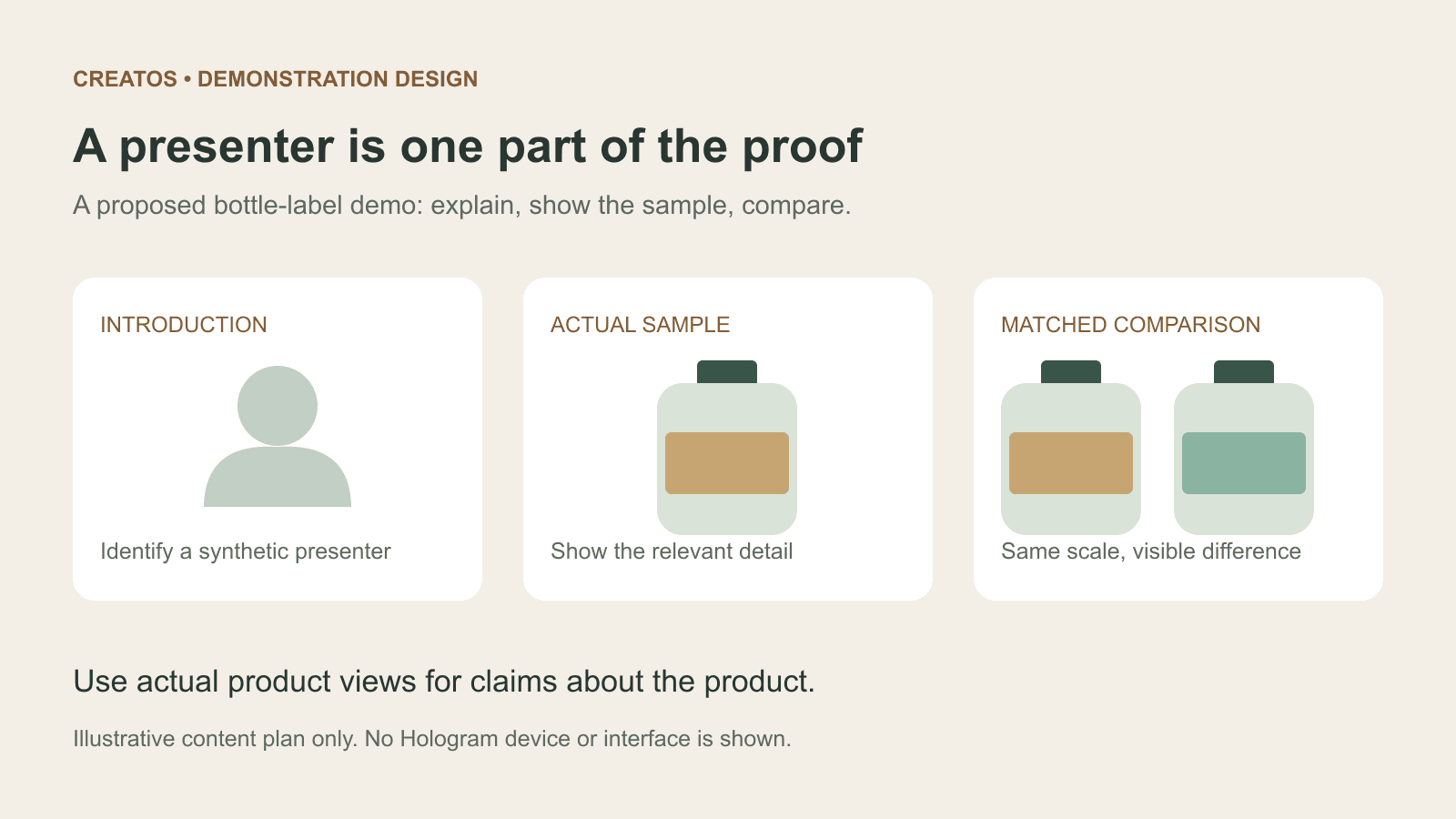
Meta Hologram vs a live camera in product demos
Separate an AI presenter from evidence of a product. A proposed 35-second label demo shows when to use actual photos, screen recordings and captions.
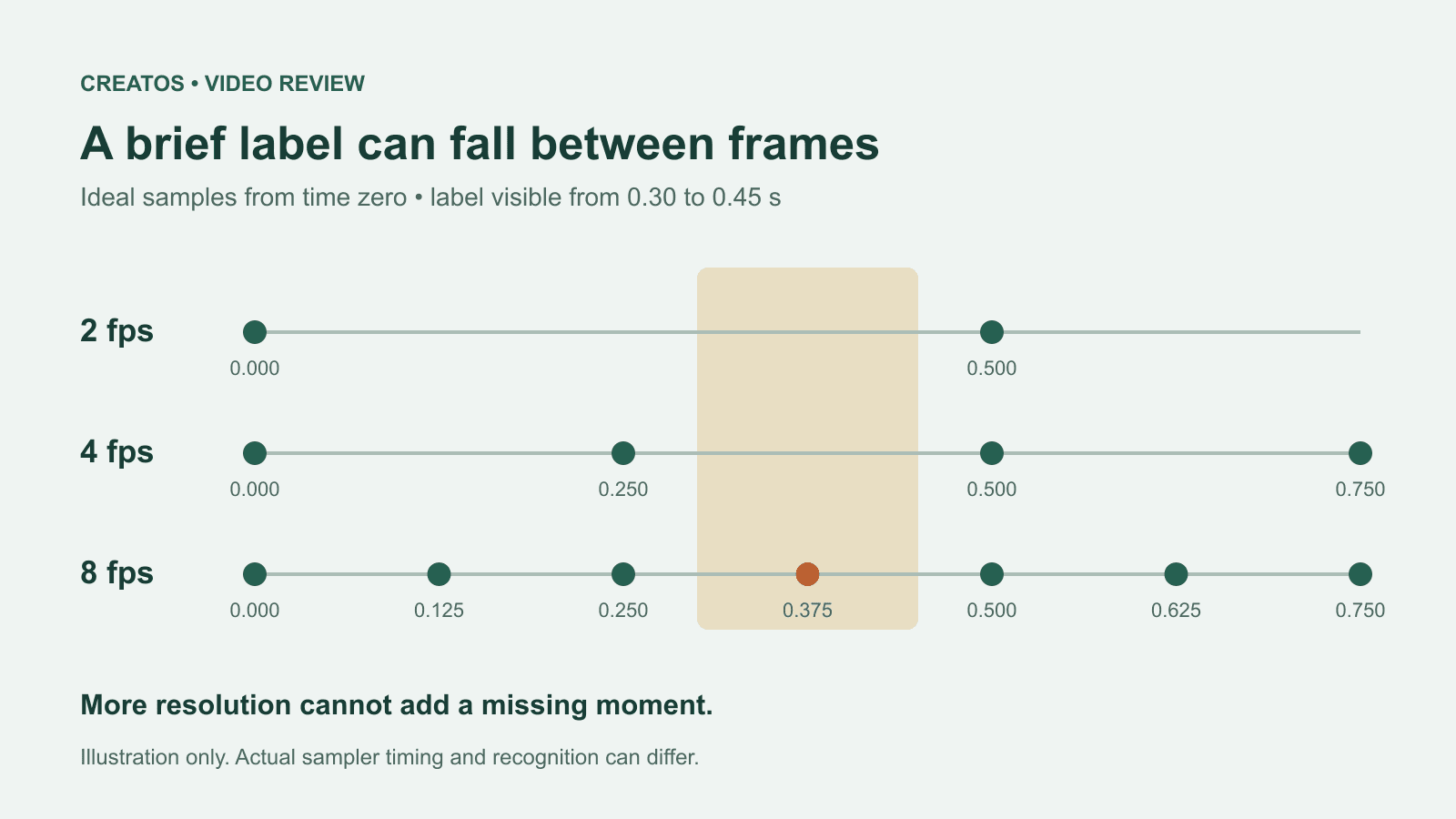
MiMo video review: why short details disappear
A worked sampling example shows why MiMo can miss a brief label, how fps differs from resolution, and what to check before approving a product video.