
How to compare AI answers for a creative brief
Compare AI proposals against one creative brief. A worked storyboard example shows what to keep, what to reject, and how to record the final decision.
Prepared with AI assistance; sources and conclusions are reviewed before publication. The worked example is fictional, not a Fusion test.
On this page
Comparing AI answers works best when you check each proposal against the same brief, record the unresolved claims, and keep the reason for your final choice. A fluent combined answer is not a substitute for those checks.
OpenRouter's September 10 Fusion explainer describes a panel of models whose responses are compared by a judge before a final answer is written. The company explicitly distinguishes that comparison from voting: repeated unsupported claims do not become true through agreement. We have not tested Fusion. The example below is an editorial exercise for creators comparing written proposals, not a report of its output.
What are you trying to choose?
Start with the deliverable. If you need a storyboard, compare storyboards. If you need an image-generation prompt, compare what each prompt asks the image model to preserve or change. Mixing a finished script with a brainstorm makes it harder to tell whether one answer is better or simply further along.
The practical concern predates Fusion. In a public discussion, Reddit user WideSuccotash2383 asked whether to rely on one response after noticing different reasoning and detail across models. That is one person's observation, not a reliability study. It points to a useful question: what would let you accept an answer, even if another model disagreed?
For a creative task, separate three things:
- Requirements: constraints the output must meet, such as duration, available images and required copy.
- Claims: statements that need support, such as an event date or a promised performance improvement.
- Preferences: choices such as quiet versus energetic pacing. These need a reason connected to the audience, not a truth verdict.
A single score can hide a failed requirement behind a high style rating. A beautiful idea that needs footage you do not have is still not ready to produce.
A complete comparison example
Everything in this section is constructed for explanation. The event, brief and proposals are fictional; Proposal A and Proposal B are not attributed to real models.
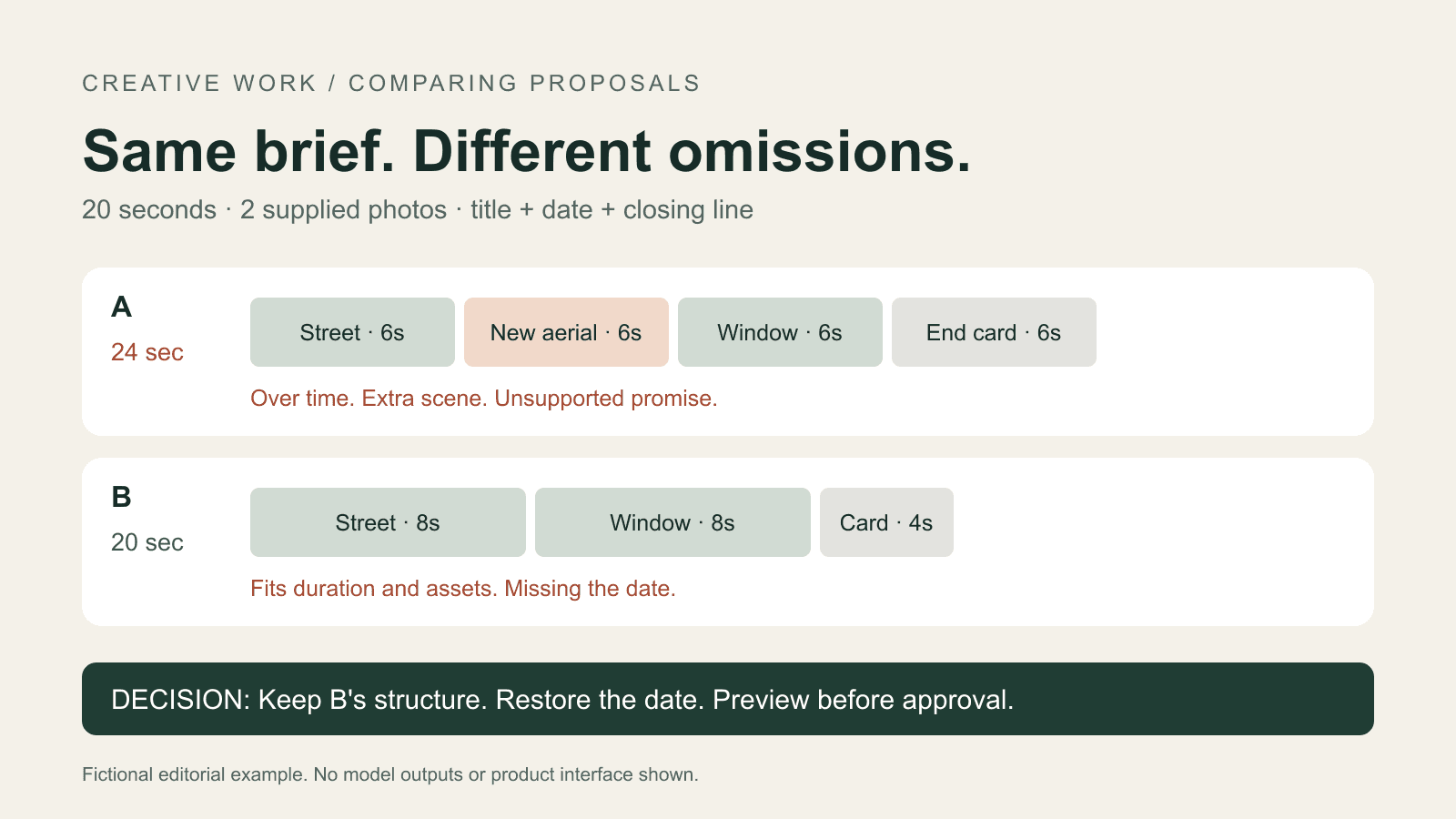
Shared brief: Make a 20-second vertical teaser for a fictional photography exhibition called Night Forms. Use only two supplied still photographs: a street at dusk and a lit window. Pans, crops and typography are allowed; new generated scenes are not. Include the exact text “Night Forms” and “14 October”. Finish with “See the exhibition”. No narration. Aim for a quiet, curious mood.
Proposal A: Four six-second shots: dusk street, a newly generated aerial view, lit window, then a title card reading “Night Forms — 14 October — See the exhibition”. Use slow transitions. Describe the aerial scene as guaranteed to increase attendance.
Proposal B: Three sections: dusk street for eight seconds, lit window for eight seconds, then a four-second title card reading “Night Forms — See the exhibition”. Use gentle crops on the existing photographs. Keep the tone quiet and leave the opening date out to reduce text.
The two proposals have different problems. Their shared quiet mood does not resolve either one.
| Check | Proposal A | Proposal B |
|---|---|---|
| Exactly 20 seconds | Four × six = 24 seconds; fails | Eight + eight + four = 20 seconds; passes |
| Only the two supplied photographs | Adds an aerial scene; fails | Uses the two photographs; passes |
| Required title, date and closing line | All three included | Missing “14 October”; fails |
| Attendance claim supported by the brief | No; remove the guarantee | No attendance claim made |
| Quiet, curious mood | Slow transitions proposed | Gentle crops proposed |
The mood row records an intended treatment, not a measured audience response. A rendered preview would still be needed to judge pacing and legibility.
Use B's timing and assets as the starting point. Restore the date from the brief. Keep A's idea of a complete closing card, but discard its extra scene and attendance promise. The decision tells the editor exactly what to change.
Revised production plan: 0–8 seconds, slow crop of the dusk street; 8–16 seconds, gentle pan across the lit window; 16–20 seconds, a card with “Night Forms”, “14 October” and “See the exhibition”. Keep the text within the intended layout and check it on a phone-sized preview before approval.
The timing adds to 20 seconds and the text requirements are present. No video was rendered for this article, so the plan's visual quality remains untested.
Keep the evidence beside the choice
Before combining answers, save the exact shared brief and the original responses. For real runs, note the model label, date and whether browsing or reference files were available. If one answer used a different brief, correct the comparison before drawing conclusions.
For each disputed point, add a short note with four fields: what was said, where it came from, what you checked, and what you decided. Here is the note for the fictional example:
Decision: use B's 8/8/4-second structure and add the date from the shared brief. A's closing-card wording is useful, but its aerial scene exceeds the permitted assets. Remove the attendance guarantee because neither the brief nor a source supports it. Still to check: final card readability and pacing in the rendered teaser.
This gives another collaborator enough information to continue without asking the models to reconstruct why a choice was made.
If the disagreement concerns a real tool's export limit or an actual event date, open the relevant current documentation or event page. Save the link and the applicable condition. An answer with a citation still needs that citation checked; a page about another plan or an earlier release does not settle your case. Leave unresolved claims marked unresolved instead of merging them into a confident sentence.
When another answer is worth getting
Ask for another proposal when it can change a concrete decision: a different visual treatment, a missing constraint, or an explanation for a disputed claim. If the existing plan already meets the brief and you only need the missing date restored, make that revision. Another round of broad brainstorming would expand the decision you were about to finish.
For readers considering Fusion specifically, OpenRouter describes extra model calls and latency, and advises selective use. Its deep-research benchmark should not be treated as evidence that it will produce a better storyboard. Evaluate the result against your own brief. OpenRouter's explanation
Organize the comparison in Creatos
You can keep this material together in Creatos: paste the brief and each proposal into clearly named Content nodes, add the reference images, and keep the decision note beside them. The Creatos quick start documents pasted text, image imports and editable outputs. This is a suggested arrangement using those features; it does not require or imply a Fusion integration.
Keep the original proposals when you save the final plan. The next person should be able to see both what you chose and what remains to be checked.
Sources
- OpenRouter Fusion: How It Works and When to Use It · OpenRouter ·
- Do you compare multiple AI responses or rely on just one? · u/WideSuccotash2383
- Creatos Quick Start
Continue reading
Browse all posts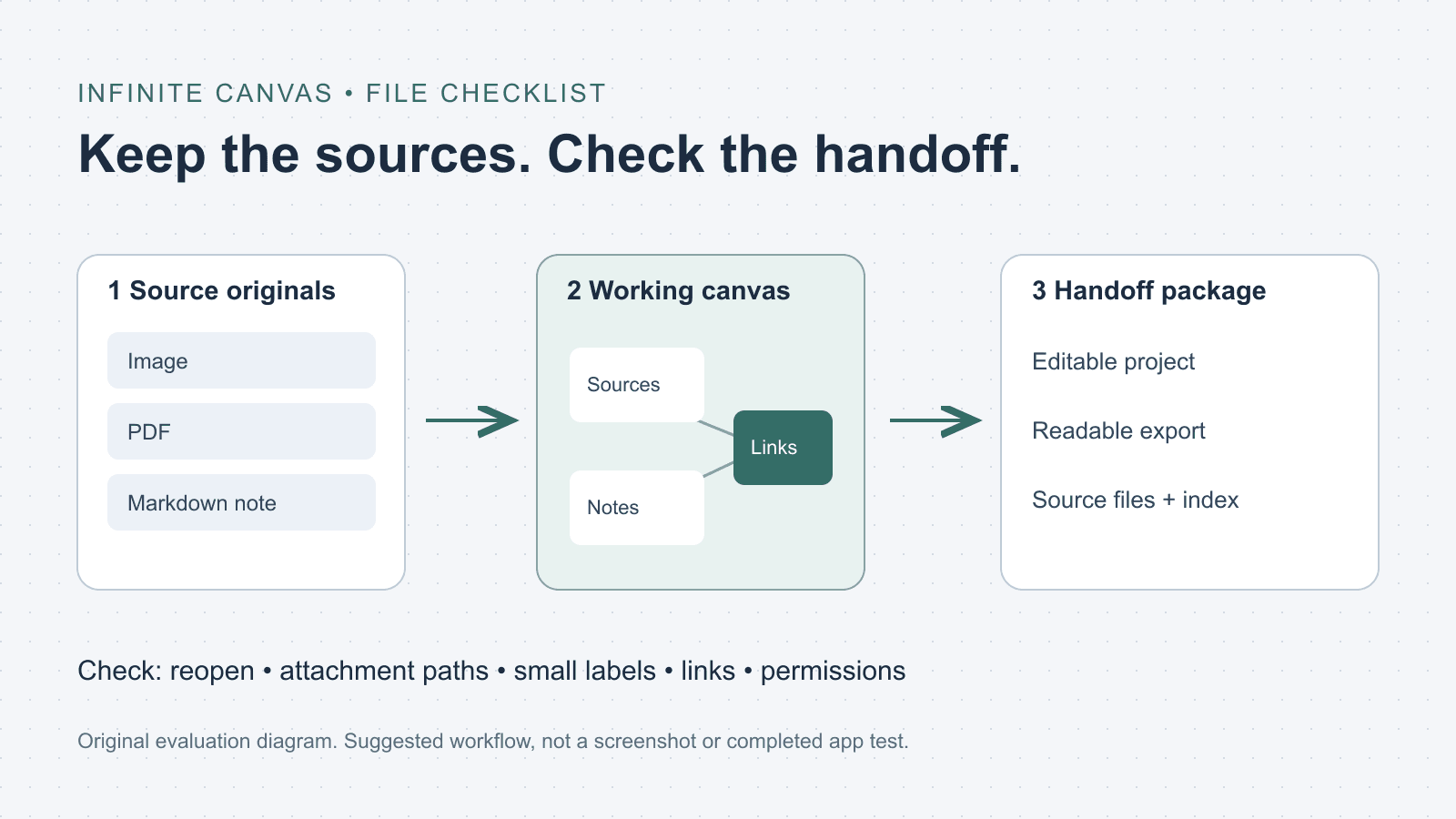
What is an infinite canvas? A file and handoff checklist
Choose an infinite canvas by checking file imports, editable projects and export limits. Includes a three-file evaluation checklist and a handoff folder template.

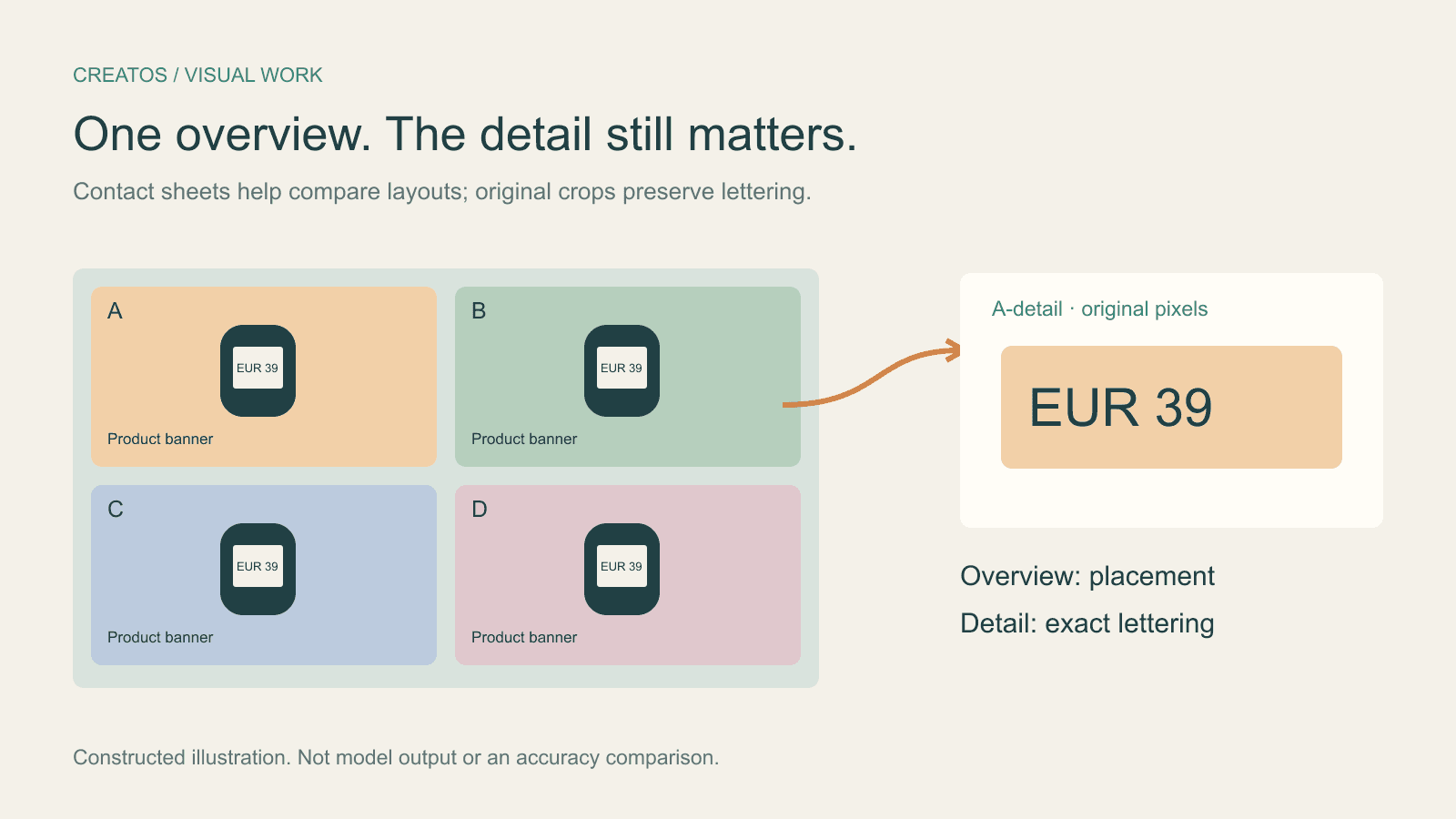
Claude image review: keep small text readable
Compare a contact sheet, separate images and detail crops using Claude image limits, with reproducible pixel and token calculations for four banner variants.
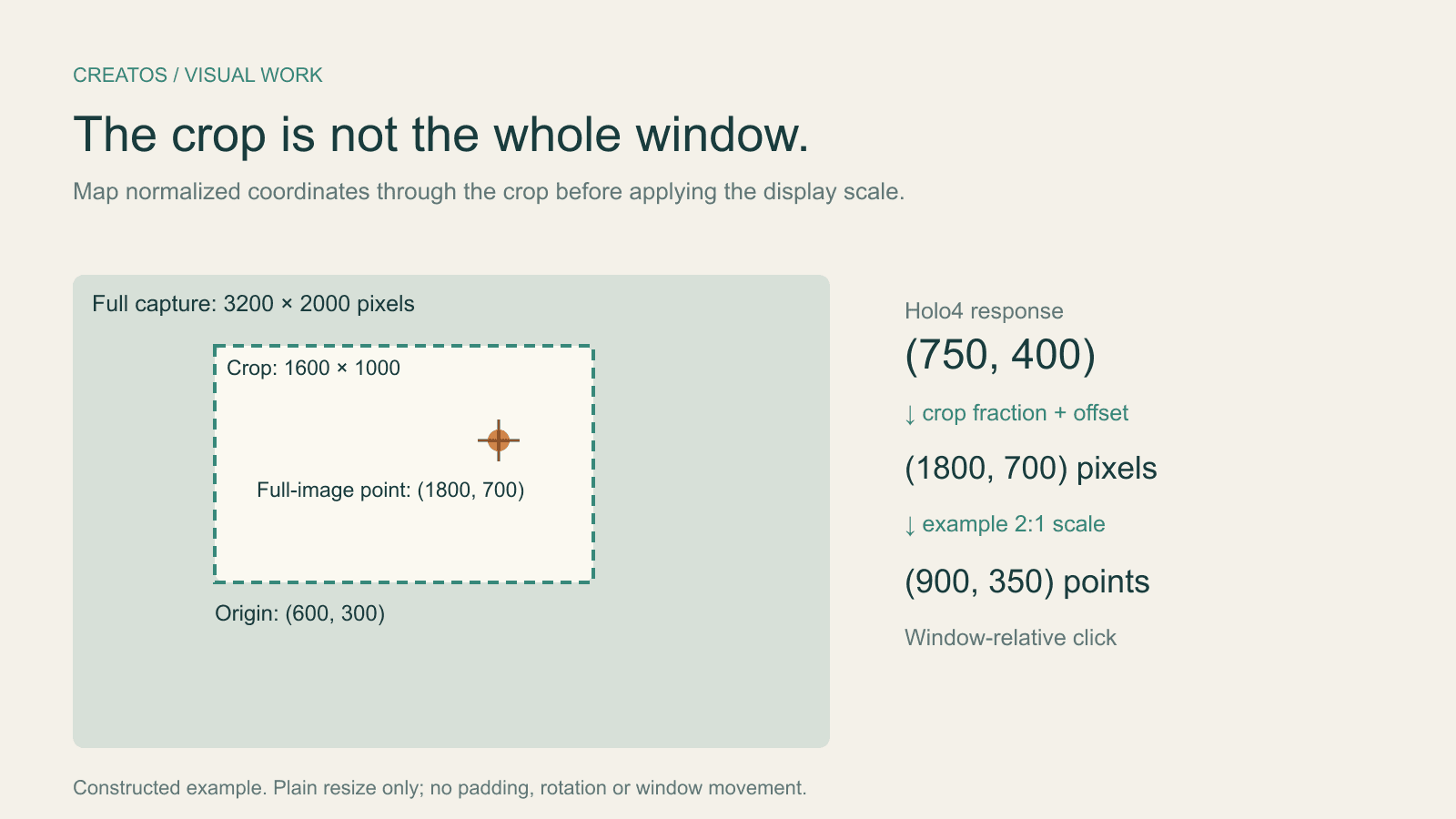
Holo4 click coordinates: fix crop and Retina offsets
Map Holo4 normalized coordinates from a cropped screenshot back to a design app. Includes a worked Retina example and locally tested Python conversion.