
Gemini 3.8 TTS voice consistency: reuse the narrator
Keep a narrator consistent when replacing voiceover lines. Use Gemini 3.8 TTS voice IDs, separate delivery cues and review each edit against approved audio.
Sources checked:
Prepared with AI assistance and checked against the linked sources. The ceramics scene and listening notes are illustrative; no audio comparison was performed.
On this page
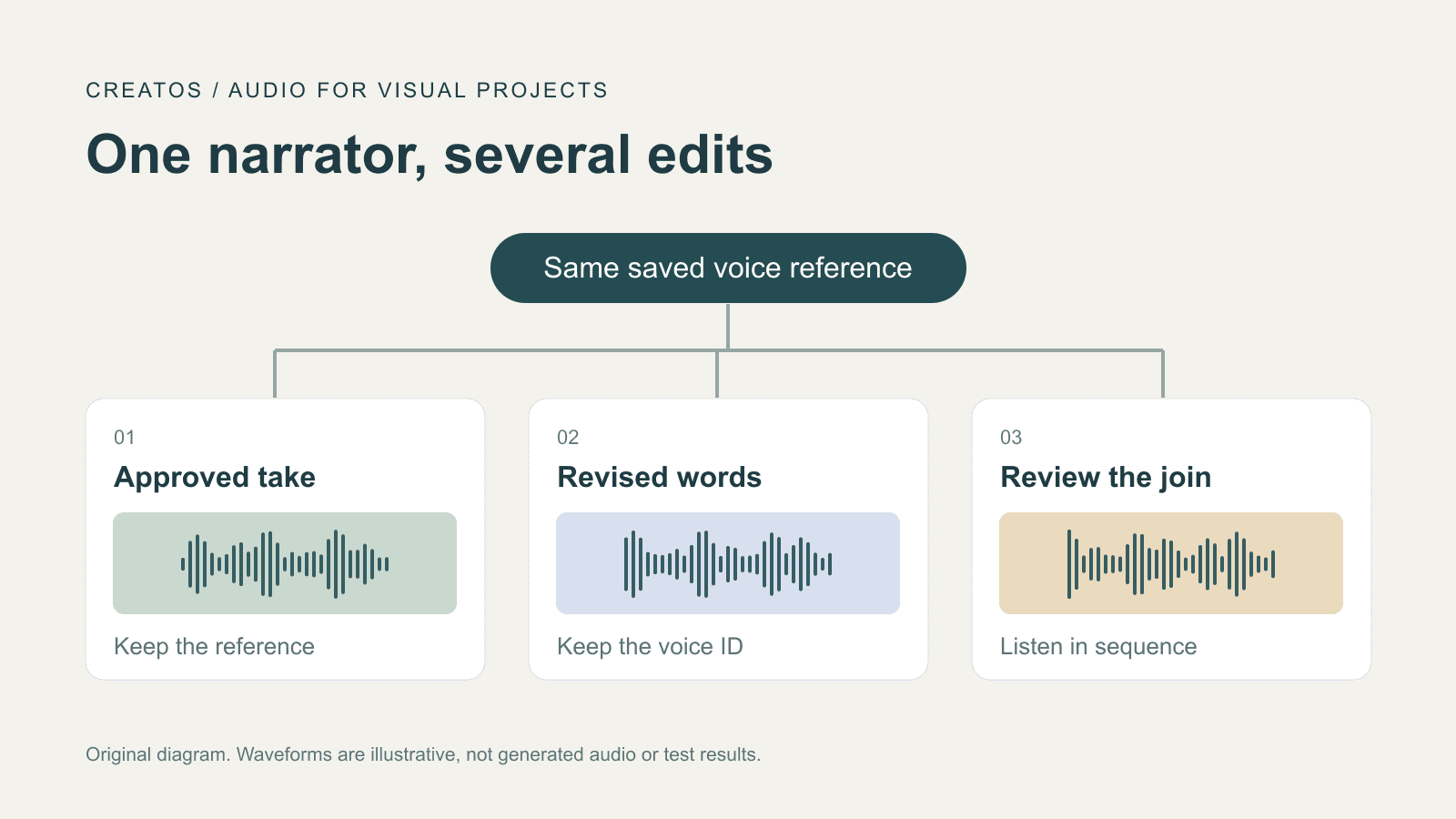
For a video that needs the same narrator across several edits, Gemini 3.8 TTS offers a useful starting point: create or choose the voice once, then reuse its voice identifier. Keep the wording and delivery directions separate from that identity. A saved voice is a reference for the next generation; you still need to listen to the join between an approved clip and its replacement.
Google announced Gemini 3.8 Flash TTS and Flash-Lite TTS on September 23. Its release announcement describes voice creation and reuse for ongoing projects. This guide turns the current documentation into a proposed editing workflow. We have not run an audio comparison or verified that the new models eliminate voice drift.
Why a longer prompt can make the problem harder
In Google's developer forum, Herian reported voices switching during dialogue generation on earlier Gemini TTS models. The thread includes later follow-ups about 3.1. Those reports explain the concern; they do not establish how 3.8 performs.
Google's current consistency guidance specifically advises against repeatedly sending long persona descriptions or instructions demanding an identical voice. It recommends a voice reference, an initially empty style field, and brief delivery adjustments when needed.
Keep track of which setting changed before trying another generation. If the voice, script and acting directions all change together, a better-sounding result tells you little about which change helped.
Give the narrator one identity
Voice design creates a custom persona from a text description and returns a reusable voice_... identifier stored in the project. Google AI Studio supports designing and auditioning it. Both new TTS models support this feature. Put lasting traits in that description, then keep the resulting ID for subsequent clips.
For an imaginary ceramics tutorial, a voice description might be:
An adult narrator with a light Scottish accent and a clear, slightly dry speaking voice. Explain the workshop process with an easy, conversational baseline.
This is our constructed example, not a tested prompt or a description of a real person's voice. Audition it before deciding it belongs in the project. If it is unsuitable, change the design at this stage rather than treating the first result as approved.
In the example below, voice_YOUR_SAVED_ID is a placeholder for an actual returned ID. It will not generate audio by itself.
| Part of the request | Example | What an edit should change |
|---|---|---|
| Voice | voice_YOUR_SAVED_ID | Keep the chosen narrator reference |
| Spoken text | "Turn the cup slowly so you can see the glaze." | Replace the sentence when the edit requires it |
| Delivery | Empty initially; later, a brief direction such as "gentle and unhurried" | Change only when the scene needs a different performance |
Google's Voice design guidance separates permanent vocal traits from situational emotion. In API requests, turn delivery belongs in speech_metadata.style. Do not put a new age or permanent accent into that field to repair a single line.
Replace one line without losing the reference
Suppose the first cut says, "Turn the cup slowly so you can see the glaze," but the revised shot shows a bowl. The required correction is small:
Turn the bowl slowly so you can see the glaze.
Keep the approved voice ID, model and delivery setting while changing the object in the spoken text. Save the result as a new take, leaving the approved original available for comparison. If the replacement sounds noticeably more excited, compare it with the same replacement text and an empty style field. That is a proposed diagnostic comparison, not a proven fix.
A word correction and a performance revision need separate approval. "Say bowl instead of cup" and "sound more excited" are two decisions. Review them separately so that a correct noun does not silently approve an unwanted change in the narrator.
For a timing problem, compare the line against the actual shot duration. Shortening the wording may be more useful than asking for a faster delivery. Our voiceover script and pronunciation guide covers that separate preparation task.
Listen at the edit, not only to the new clip
A replacement can sound pleasant alone and still feel out of place next to the previous sentence. Before accepting it, play the end of the preceding clip, the full replacement, and the start of the following clip in sequence.
Use three focused comparisons:
- Does the same person seem to be speaking across the cut? Listen for changes in accent and vocal texture as well as pitch. A louder clip is not, on its own, evidence of a different identity.
- Does the new line fit the scene's energy? An excited reading may suit a reveal and distract from a quiet demonstration.
- Are the required words present, and does the line finish within the shot? Note a clipped ending or an audible join separately from voice identity.
Keep a short listening note beside each take, for example: "Bowl wording correct; tone too excited beside scene 2; keep for comparison, not approved." This is an illustrative review note. It is not a result from Gemini.
For the first scene, there is no approved neighboring clip yet. Choose a short reference passage, approve its reading, and retain that audio as the comparison point for later edits. Avoid judging continuity from memory alone.
Keep the voice record with the visual edit
Save the model name, voice ID, exact script, delivery setting, audio filename and approval note together. Retain the accepted audio files as well: Google's voice management documentation lists a one-year lifetime for stored custom voices. A saved ID is not a permanent archive of your finished narration.
If the project grows into a conversation, check the setup again. The current TTS limitations restrict single-request dialogue to two speakers using prebuilt voices; custom-voice turns must be generated separately and assembled. Do not assume one custom narrator configuration becomes a complete two-person scene just by adding another name.
Creatos can hold the visual side of this review: put scene images in image nodes and keep the approved script, voice reference and take decisions in text nodes. These are documented Content Node uses. Generate and listen to the audio in your speech tool or editor; this workflow does not depend on a Creatos TTS integration. Keep the accepted take clearly identified before handing the sequence to another editor.
Sources
- Gemini 3.8 Flash TTS and Gemini 3.8 Flash-Lite TTS · Leland Rechis and Alan Cowen ·
- Voice design · Google AI for Developers
- Text-to-speech generation (TTS) · Google AI for Developers
- 2.5 flash tts multispeaker: no/wrong voice switch · Herian ·
- Creatos Content Nodes · Creatos
Continue reading
Browse all posts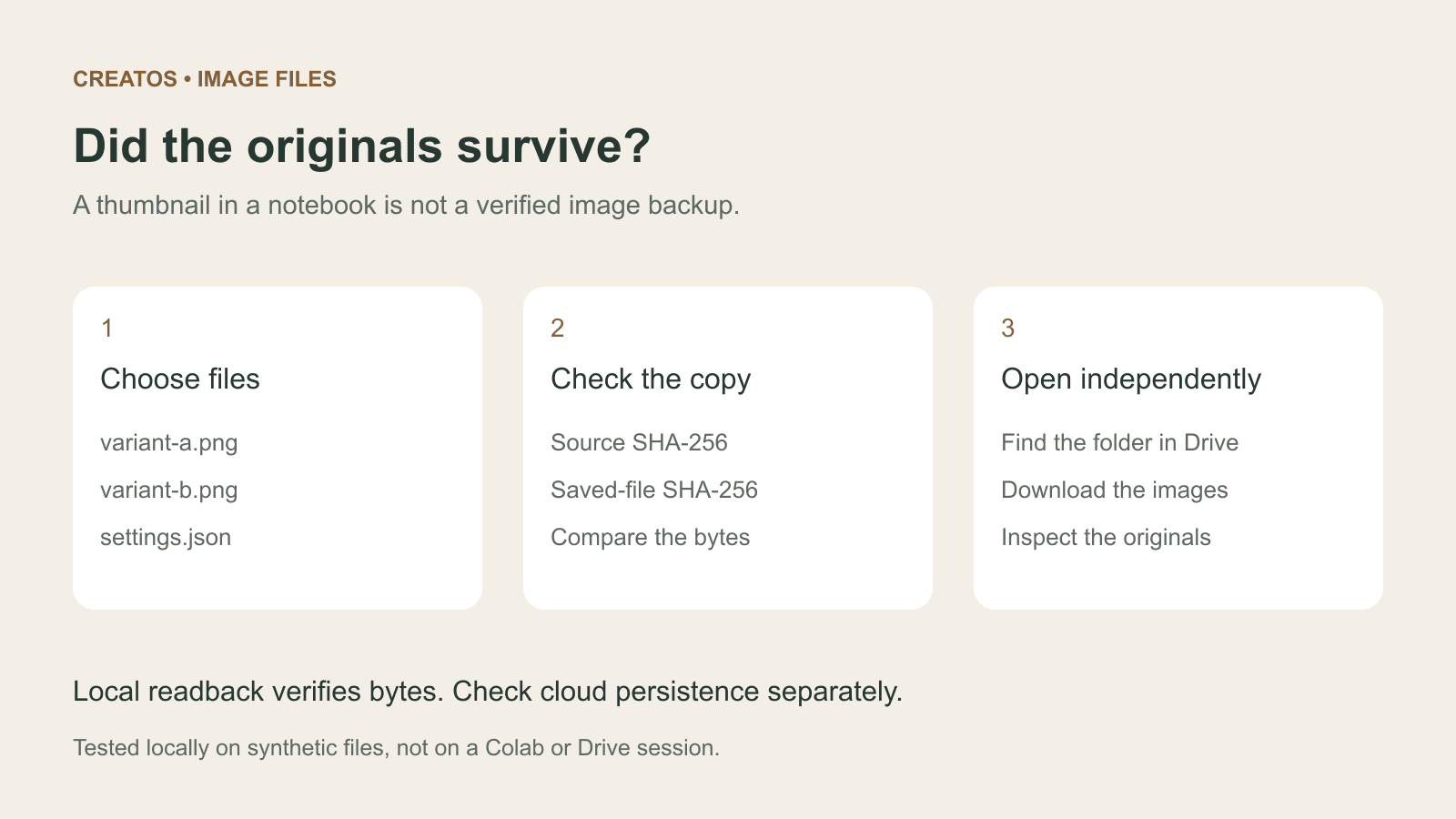
Save Colab images before a runtime reset: verify the copy
Keep generated PNGs and settings outside the Colab runtime. Use a locally tested copy-and-hash helper, then check the files independently in Drive.

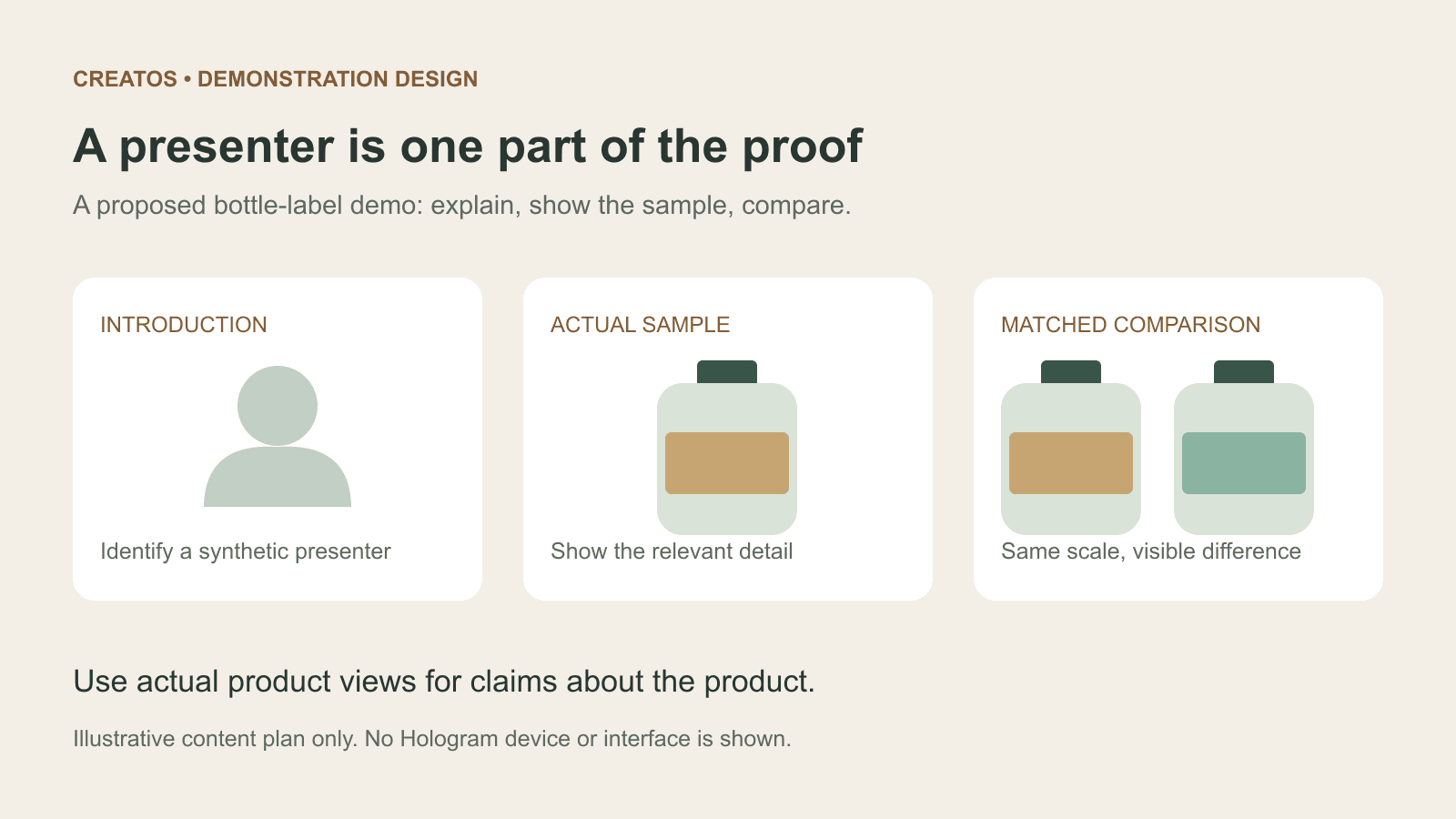
Meta Hologram vs a live camera in product demos
Separate an AI presenter from evidence of a product. A proposed 35-second label demo shows when to use actual photos, screen recordings and captions.
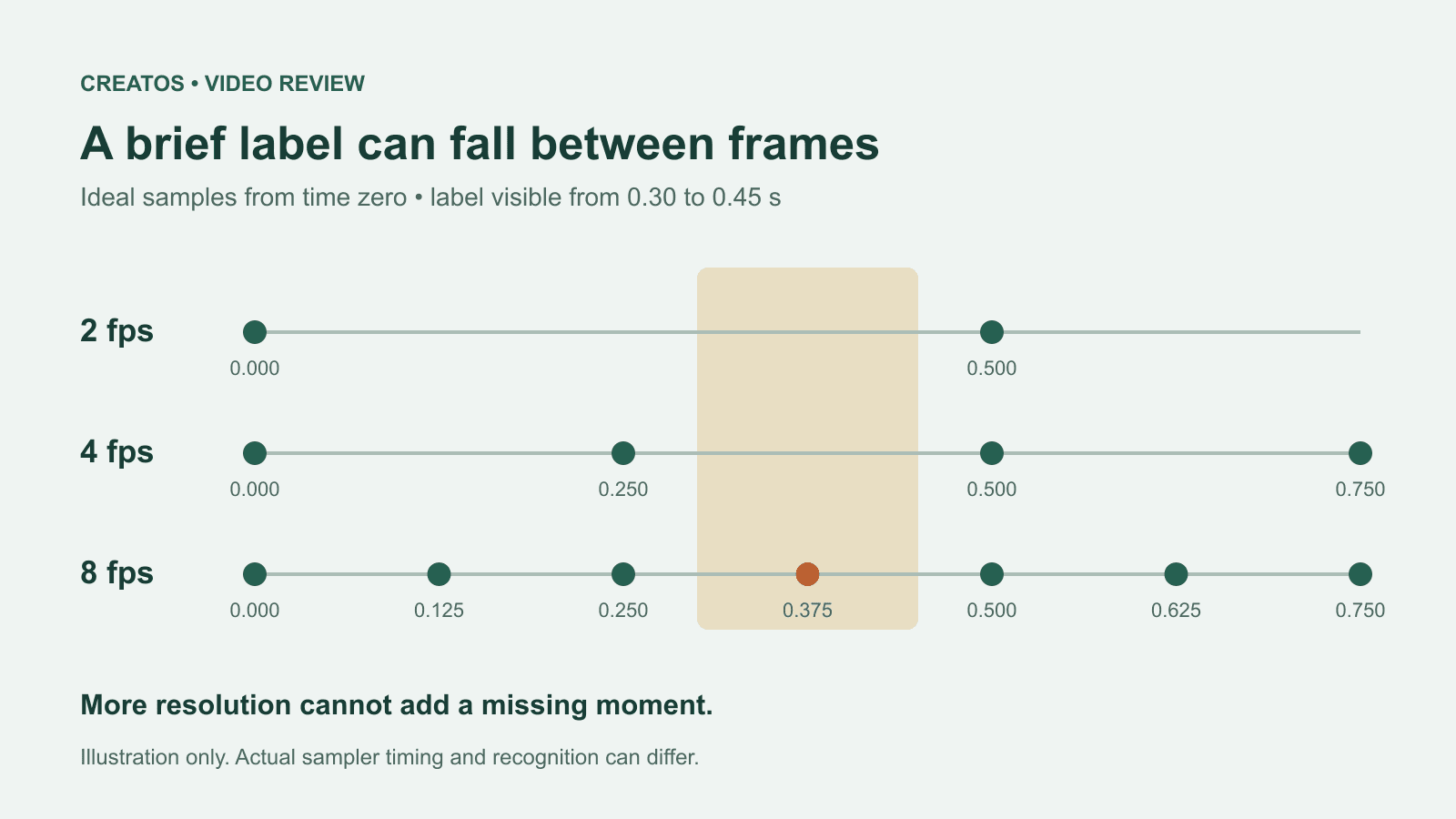
MiMo video review: why short details disappear
A worked sampling example shows why MiMo can miss a brief label, how fps differs from resolution, and what to check before approving a product video.