
Can LongCat 2.5 generate images? Choose the right model
Separate LongCat 2.5 image understanding from LongCat-Image generation and Image-Edit, with a proposed poster correction brief and concrete output checks.
Sources checked:
Prepared with AI assistance from official documentation. The poster example and diagram are illustrative; we have not run these models or verified a Creatos integration.
On this page
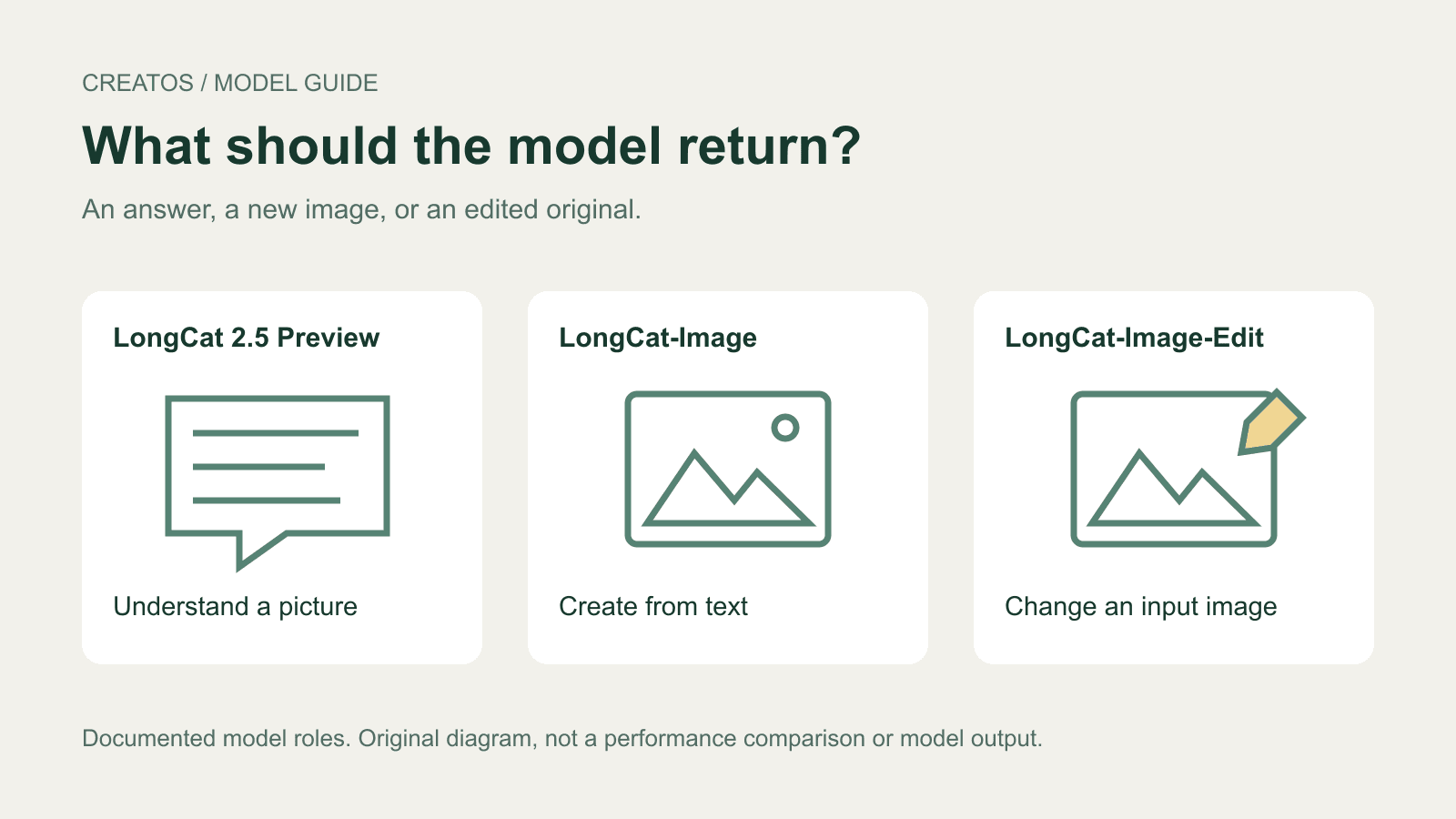
LongCat-2.5-Preview adds image understanding: the September 25 release notes describe answering questions about pictures, summarizing them and visual reasoning. They do not announce native image generation. For creating a picture or editing its pixels, the official LongCat family has separately named models: LongCat-Image and LongCat-Image-Edit. LongCat release notes
For a job such as "fix this product poster," reading the poster, writing an edit instruction and returning a revised image are different deliverables. A useful description of the change is still not an edited file.
Choose by the output you need
| Your task | Documented model or route | What to expect from that route |
|---|---|---|
| Ask what is visible in an image | LongCat-2.5-Preview | Image understanding, such as a written answer or summary |
| Create a new image from a description | LongCat-Image | A generated image; its model card demonstrates a text-to-image pipeline |
| Modify an existing image | LongCat-Image-Edit | An edited image; its model card supplies an input image and editing prompt |
The two image-output rows come from the owner-published LongCat-Image and LongCat-Image-Edit model cards. Their downloadable pipelines are separate from the new chat-model announcement. Do not assume that selecting LongCat-2.5-Preview in a compatible chat client also loads either image pipeline.
An application could connect a language model to a separate image tool. If an app returns a picture that way, check which tool made it before attributing image generation to the chat model itself.
This article compares published documentation. We have not run these models or verified LongCat compatibility inside Creatos.
Work through one poster correction
Consider a fictional product poster containing a bottle, a pale background and the headline "SPRING SALE". The requested deliverable is a new image with the headline changed to "AUTUMN SALE", while the bottle and layout stay the same.
Sending the poster to an image-understanding model can help describe what needs changing. But if the response only says "replace the headline," the requested file is still missing. For this task, the editing route is the relevant one because the existing composition must be supplied as input.
A request for a brand-new bottle poster would be a different task and could use the text-to-image route. Recreating a similar scene from a description does not establish that the original bottle or layout was preserved.
For the editing request, use an explicit brief such as:
Input: the existing product-poster image.

Replace the headline "SPRING SALE" with "AUTUMN SALE".
Keep the headline in the same location and retain its visual style.
Preserve the bottle shape, cap, label, background and overall layout.
Return the edited image for review.
This is a proposed brief, not a prompt we tested. The quotation marks are deliberate: the official image model cards instruct users to put the target text in quotation marks to activate their special text-rendering handling. That guidance does not guarantee an accurate edit. LongCat-Image-Edit model card
If you already know the exact change, you can write that editing brief directly. A separate image-understanding pass is useful when you need help describing the picture or identifying an uncertain detail; it is not a required stage for every edit.
Decide what would count as a successful file
For this fictional poster, inspect the result at two scales. At full composition size, compare the bottle silhouette, placement and background. Then inspect a crop of the headline at readable size to catch incorrect letters or leftover text. A small thumbnail can make a misspelled word look plausible.
| Returned item | Decision for this example |
|---|---|
| A written explanation of the replacement | Useful preparation, but the edited-image deliverable is missing |
| A new image with correct headline and an altered bottle label | Reject: it changed a detail the brief required preserving |
| An image with an attractive headline that reads "AUTUM SALE" | Reject: the wording is wrong |
| An image with the exact headline and the specified fixed details intact | Candidate for acceptance after the visual comparison |
These are constructed acceptance cases, not observed LongCat outputs. Judge the returned file against the requested change. For a more detailed review of unchanged details, see our AI image edit review guide.
Keep the comparison visible
Creatos can import the original image and the returned edit as image nodes, with the edit brief in a text node. For this poster, place the full images side by side and add readable headline crops prepared in an image editor. The crops answer the spelling question; the full images answer whether the composition changed.
The flow editor documentation explains image imports, text nodes, grouping and PNG export. Generate or edit with your chosen image tool, then use the canvas to present the comparison. No direct LongCat integration or automatic image validation is implied.
Name the deliverable before starting: an answer about the picture, a new picture, or an edited copy of the original.
Sources
Continue reading
Browse all posts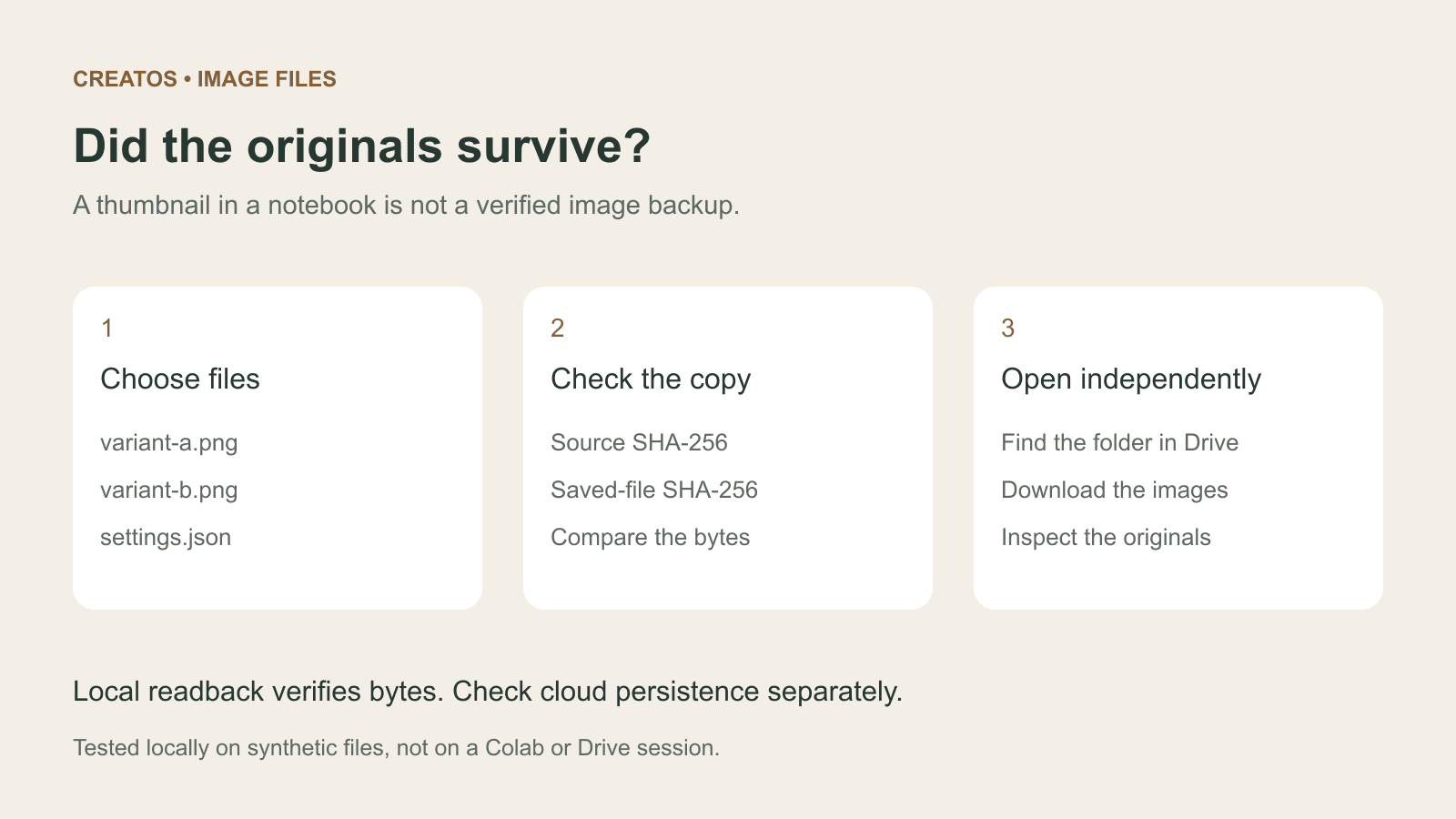
Save Colab images before a runtime reset: verify the copy
Keep generated PNGs and settings outside the Colab runtime. Use a locally tested copy-and-hash helper, then check the files independently in Drive.

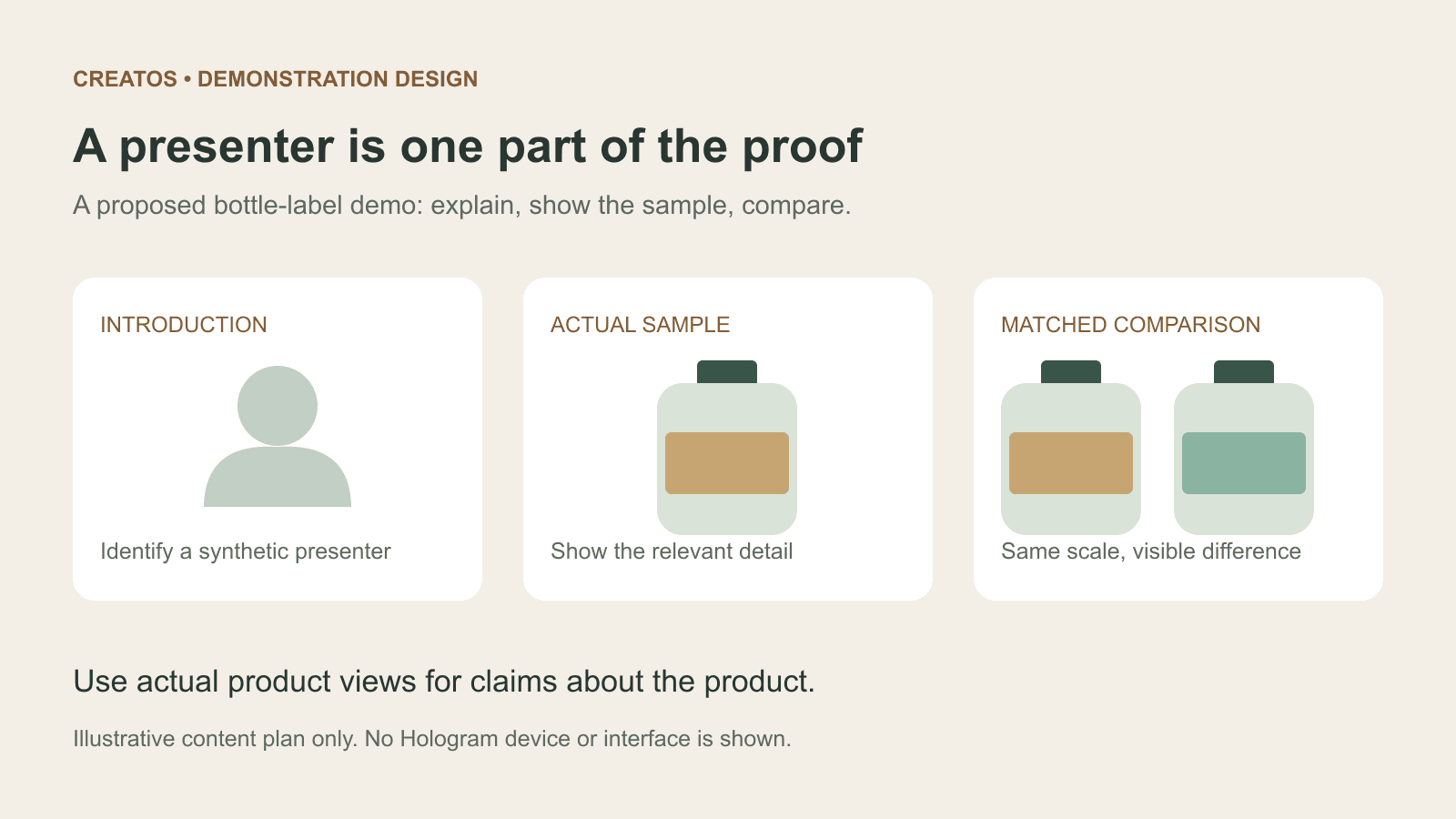
Meta Hologram vs a live camera in product demos
Separate an AI presenter from evidence of a product. A proposed 35-second label demo shows when to use actual photos, screen recordings and captions.
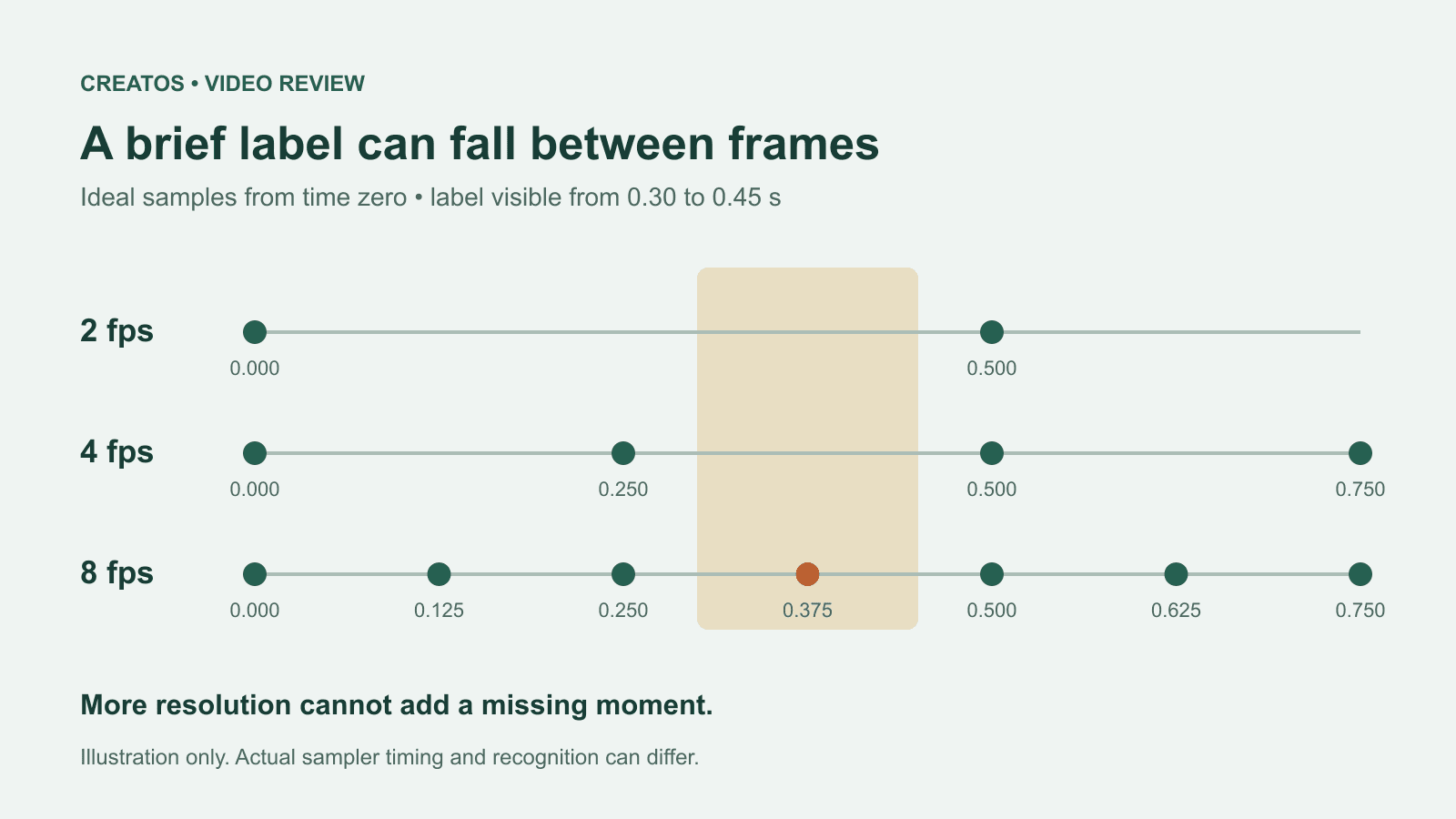
MiMo video review: why short details disappear
A worked sampling example shows why MiMo can miss a brief label, how fps differs from resolution, and what to check before approving a product video.