
Screenshot to website with AI: what to include in the handoff
Prepare screenshots, exact copy, assets and mobile behavior for an AI website builder, with a worked portfolio brief and a clear review process.
Sources checked:
Source-based guidance with a fictional portfolio brief and original illustration. No model or screenshot-to-code tool was tested for this article.
On this page
To turn a screenshot into a website with AI, send the image together with its intended display width, the exact text and assets, and a short account of what should happen on smaller screens and after a click. Ask the builder to identify missing decisions before it starts. A screenshot shows one view; it leaves many implementation choices open.
Arena's Image-to-WebDev leaderboard, checked on September 16, ranks models on generating websites from images and screenshots. The table itself is dated September 13. It can help you shortlist a builder, but it does not specify how your particular page should behave.
This guide uses a fictional portfolio to show how a designer can hand an approved concept to a website builder. The brief and illustration are editorial examples; we have not tested them against the ranked models.
What is missing from the picture?
In a public question about converting generated UI mockups into pages, Reddit user tangerine-94 described losing consistency in spacing, typography and responsive behavior during conversion. This is one person's experience; it does not establish how often these problems occur.
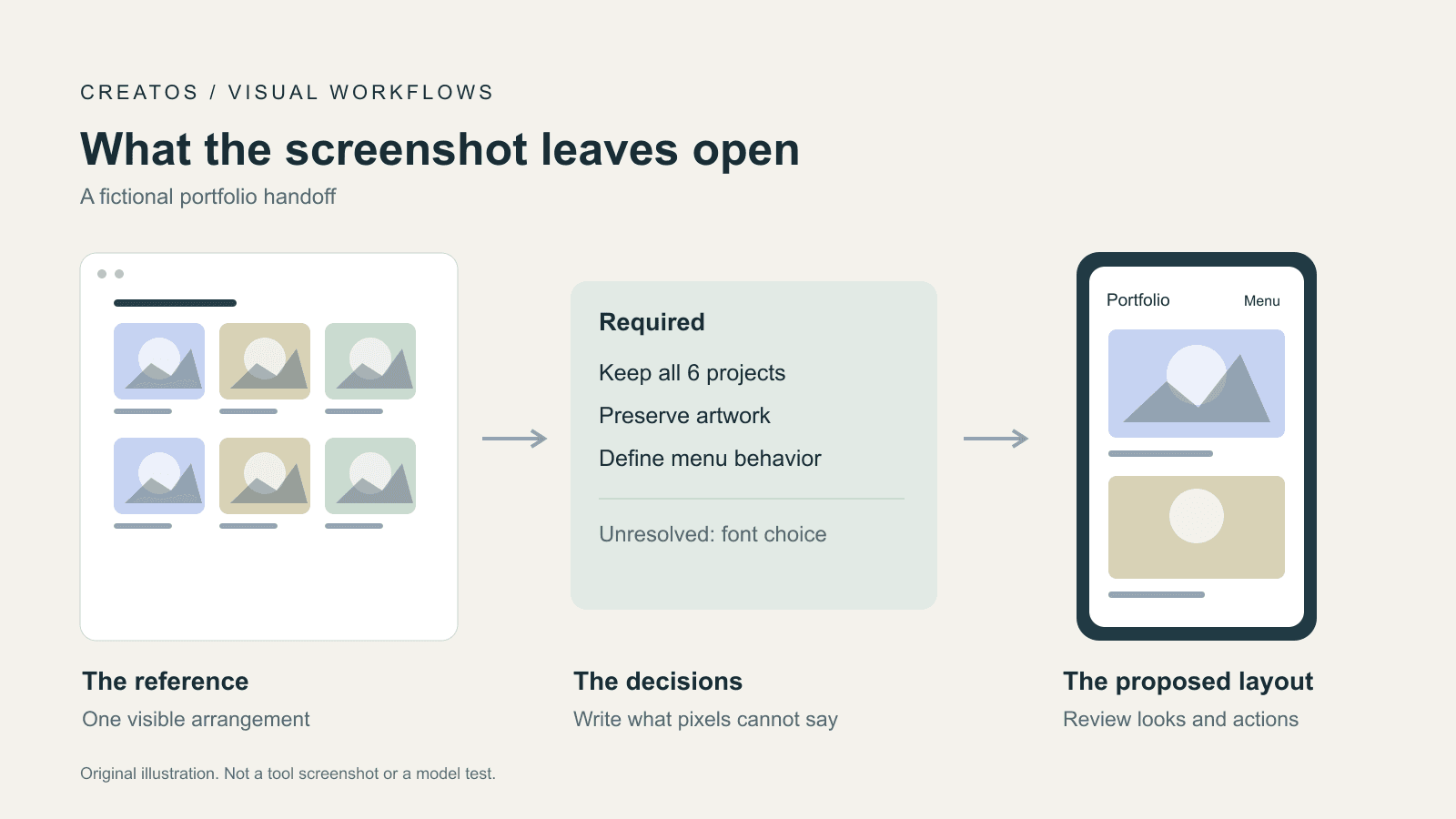
A desktop picture can show a three-column project grid. It cannot tell you whether a phone should show one column, a swipeable row or a shorter selection of projects. An image of a button cannot tell you its destination. Even a second picture only shows another state; someone still has to decide how the page moves between them.
MDN's responsive design guide explains flexible layouts and using media queries to respond to available space. For the person supplying the reference, the useful question is therefore: which content must stay, and how may its arrangement change?
Separate observations from decisions
Create one note next to the reference image. Give each uncertain detail one of three labels: observed, required, or unresolved. This prevents a reasonable guess from being treated as something the image proved.
Here is a fictional brief for an illustrator's portfolio. These are design choices for this example, not requirements inferred from a real screenshot.
| Detail | What the reference establishes | What the brief must add |
|---|---|---|
| Project gallery | Desktop concept shows three cards across | Required: retain all six projects; use one column at the supplied phone width |
| Card image | Artwork is visible inside each card | Required: preserve the whole artwork; do not crop a face or signature to fill the box |
| Navigation | Desktop labels are visible | Required: at narrow widths, use a Menu button with an explicit open state |
| Contact button | Label reads "Contact" | Required: link to the supplied contact page; do not invent a form or send mail |
| Typography | A visual style, but no reliable font identity | Unresolved: use the supplied font if licensed, otherwise propose a named fallback for approval |
Use the same note to review the result. If the phone layout loses three projects, ask the builder to restore them in the supplied order. That gives it a specific correction instead of "the page feels wrong."
Send a small reference package
Keep the full reference, close-up details and actual source assets separate. A crop can help explain a button or card, but it should retain a label linking it to the full page. A raster crop of a heading is not the same thing as editable heading text.
For the portfolio example, the package could contain:
portfolio-reference-desktop.png
portfolio-reference-mobile.png  # only if an approved mobile design exists
portfolio-card-detail.png
copy.txt
assets/                         # artwork and permitted font files
handoff.txt
In copy.txt, put the exact heading, project names, button labels and destinations. In handoff.txt, record which file controls which decision. If there is no mobile design, write that explicitly and ask for a proposed layout; do not call an invented mobile layout a faithful reconstruction.
Record the intended viewport width in CSS pixels when you know it. For a generated concept image, the image's pixel width alone does not establish a browser viewport. Write "concept image; target desktop viewport 1280 CSS px" as a design requirement rather than claiming it was captured at that size.
A handoff you can adapt
The following is a suggested brief for the fictional portfolio. It has not been run against a model. Replace the example choices and supply the named files before using it.
Build the illustrator portfolio represented by the attached concept.

References
- Desktop concept: portfolio-reference-desktop.png.
- Target review width: 1280 CSS px.
- No approved mobile reference is supplied.
- Propose the mobile arrangement, then identify any unresolved decisions.
- Use portfolio-card-detail.png only for card styling, not page layout.

Content and assets
- Use copy.txt verbatim for visible text and link destinations.
- Keep all six projects in their supplied order at every width.
- Use the supplied artwork without cropping it.
- Keep text editable; do not render the whole page as an image.

Narrow layout requirements
- At 390 CSS px, show one project per row.
- Replace the desktop navigation with an operable Menu button.
- Opening Menu reveals the same destinations; closing it restores the page.
- Preserve a visible keyboard focus indicator.

Before building
List conflicting references, missing assets and decisions you cannot infer.
Do not invent destinations, font licenses or backend behavior.

Review evidence
Render at 1280 and 390 CSS px, then inspect an intermediate width.
Return screenshots with their viewport widths, unresolved differences,
and the results of clicking navigation and opening/closing Menu.
The two review widths are example checkpoints, not universal breakpoints. The intermediate check matters because a layout may fit the two supplied views yet fail between them. Change the widths to match the actual project.
Review appearance and behavior separately
First compare the render with the reference at the same intended width. Check content order, line wrapping and artwork visibility before adjusting small shadows. If the reference is a generated concept, distinguish deliberate implementation choices from visible discrepancies.
Then operate the page. Open and close the menu, follow its links, and navigate with the keyboard. A screenshot cannot show whether those actions work. Record an untested action as untested rather than accepting it because the button looks finished.
The author of screenshot-to-html documents a render, compare and refine loop, followed by interaction checks. That is a useful example of an existing implementation workflow; we have not installed or evaluated that skill. Our contribution here is the handoff before that loop: identify which reference controls each decision and which behavior still needs an answer.
For a correction, preserve the current version and write a bounded request:
At 390 CSS px, version B hides projects 4 to 6. Keep all six in the original order, one per row. Preserve the approved desktop layout. Return the updated mobile view and recheck the desktop view.
That is a constructed correction, not a reported model failure. It makes the expected change reviewable without reopening every approved choice.
Keep the decision beside the reference
When comparing concepts, keep each image with its brief and the latest accepted render. Label proposed mobile layouts separately from approved ones. If you also revise the source artwork, our AI image edit review guide covers checking what changed between image versions.
Creatos can hold the references and notes together: its quick start documents importing images into Content nodes, pasting text and renaming nodes. For this handoff, use readable names such as "Desktop concept," "Mobile proposal" and "Approved requirements." The website builder still needs the actual reference files and requirements; this organization step does not convert a canvas into a website.
Sources
Continue reading
Browse all posts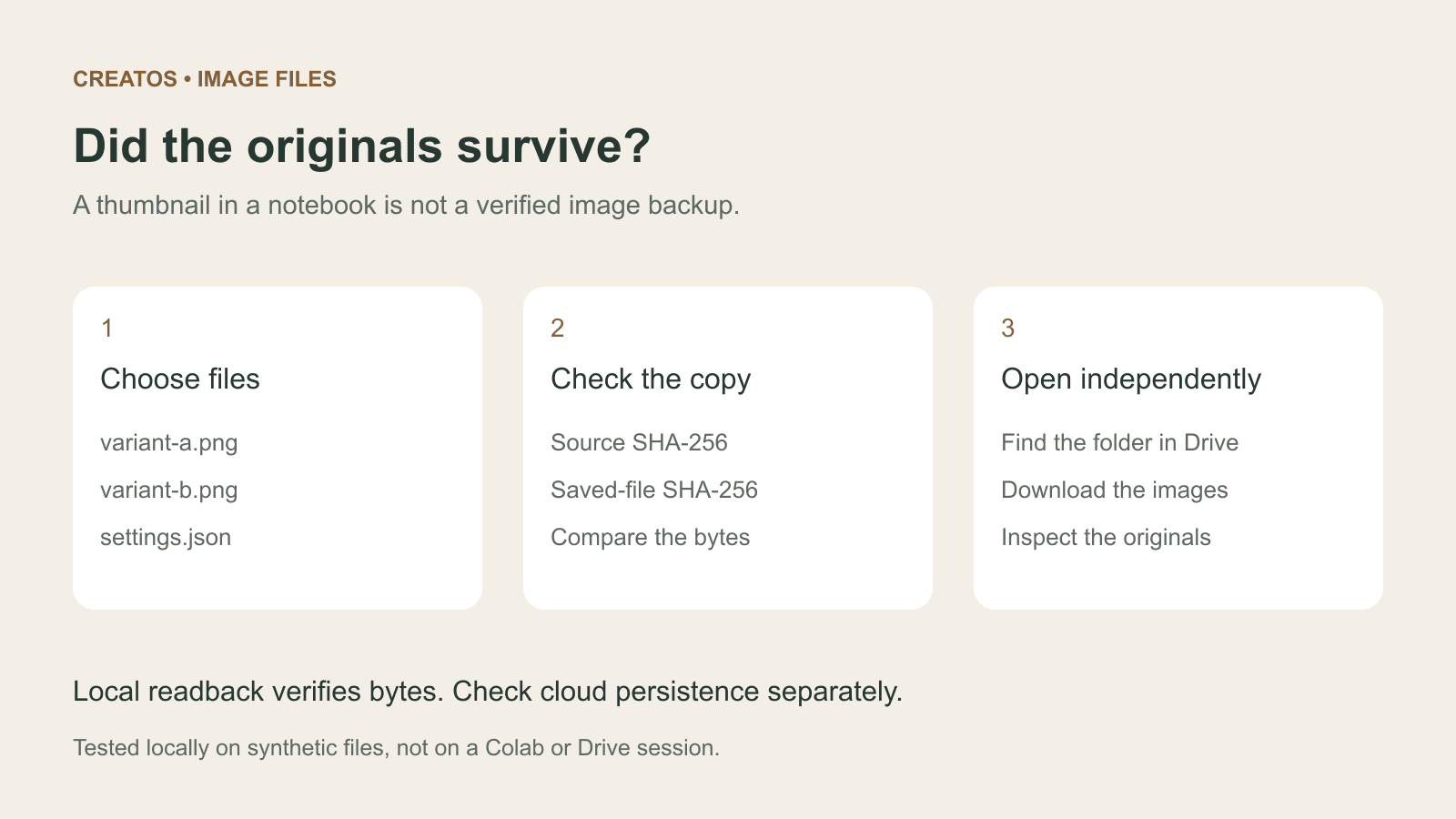
Save Colab images before a runtime reset: verify the copy
Keep generated PNGs and settings outside the Colab runtime. Use a locally tested copy-and-hash helper, then check the files independently in Drive.

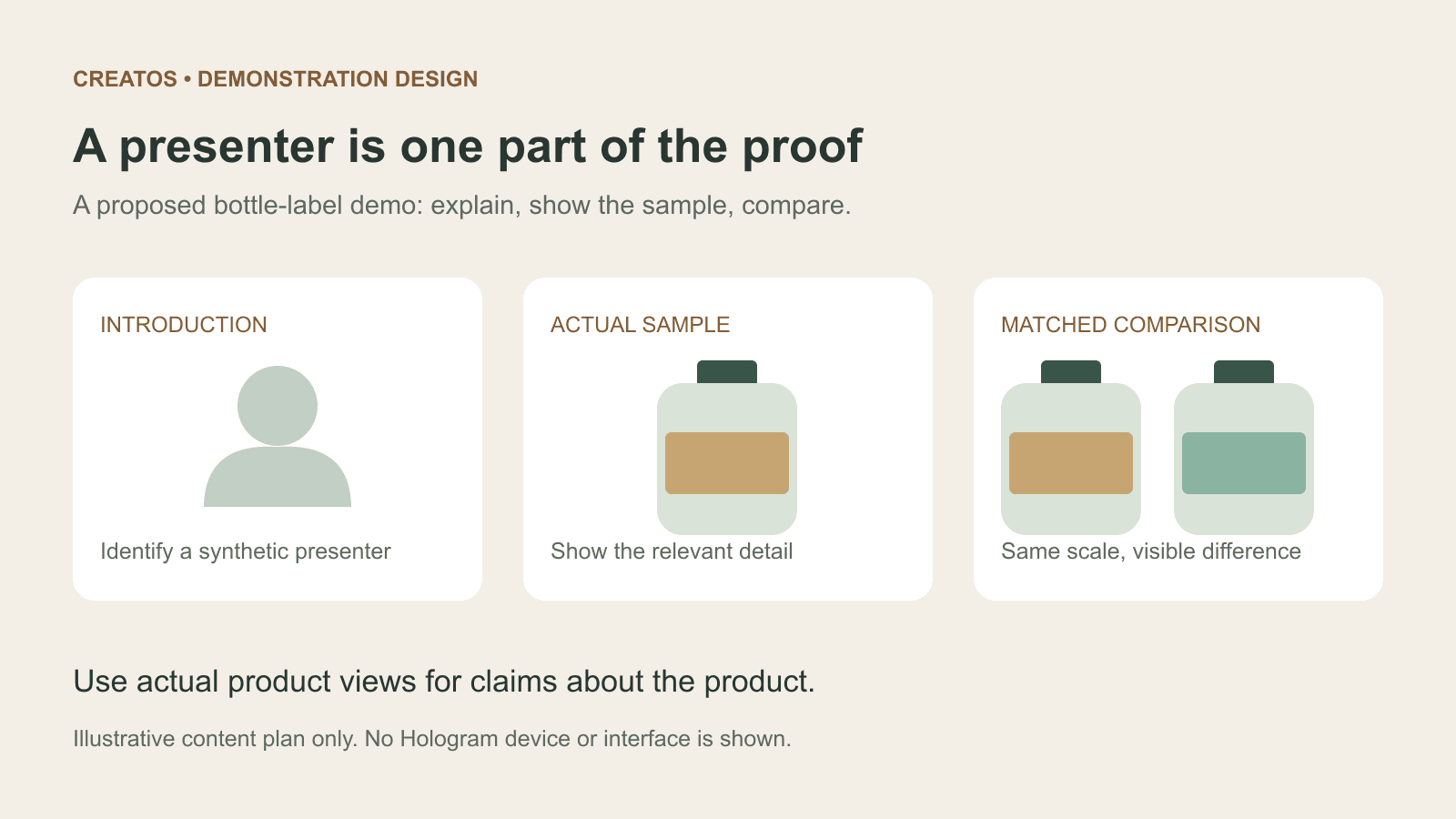
Meta Hologram vs a live camera in product demos
Separate an AI presenter from evidence of a product. A proposed 35-second label demo shows when to use actual photos, screen recordings and captions.
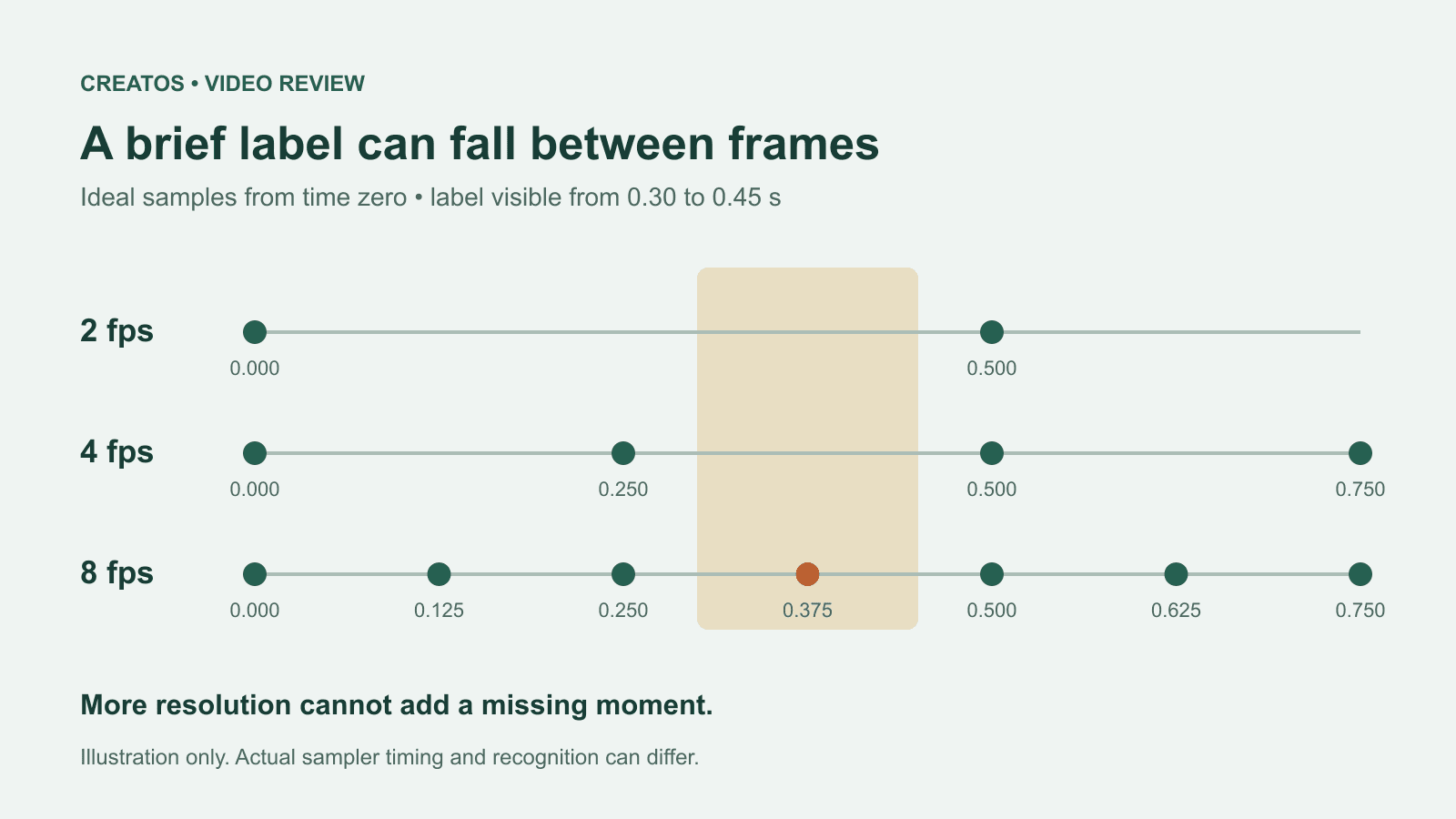
MiMo video review: why short details disappear
A worked sampling example shows why MiMo can miss a brief label, how fps differs from resolution, and what to check before approving a product video.