
When does Seedance 2.5 Draft mode save money?
Calculate Seedance 2.5 Draft mode costs when keeping several video variants. Includes a break-even formula, six-candidate example and visual shortlist workflow.
Sources checked:
Prepared with AI assistance and source review on September 25, 2026. Budget units and production choices are illustrative; no Seedance generation test was performed.
On this page
Seedance 2.5 Draft mode saves generation costs only if you reject enough previews before making the finals. Turn most previews into finished clips and it can cost more. Both stages are billed.
For equally priced candidates, compare all draft and final charges with generating every candidate directly at delivery resolution. Count every billed final attempt, including ones you reject.
BytePlus's Draft mode documentation describes a 480p preview followed by a 1080p generation from its task ID. Drafts use normal 480p billing. The final is a separate charge, and the draft ID expires seven days after creation. Its prompt, references, seed, duration and aspect ratio carry over; you should not submit those parameters again.
This is a calculation guide based on documentation, not a Seedance generation test. The units below are deliberately illustrative. Replace them with quotes for your own provider, account, inputs and clip duration.
Calculate the whole batch
Let N be the number of candidate takes, D the price of each draft, F the price of each full-resolution generation, and R the total number of billed finals after drafting. Assume equal clip lengths and inputs, the same full-resolution price through either route, and comparable candidate selection at both resolutions.
- Generate every candidate directly:
N × F. - Preview every candidate, then finalize selected takes:
N × D + R × F. - Drafting costs less when the final-attempt fraction
R / Nis below1 − D / F.
R includes charged final attempts that you reject, not just files you deliver. Refunded failures do not count as billed attempts. This comparison excludes editing time, storage, taxes and subscription commitments. When candidate lengths or prices differ, add the individual quotes instead of multiplying by one average.
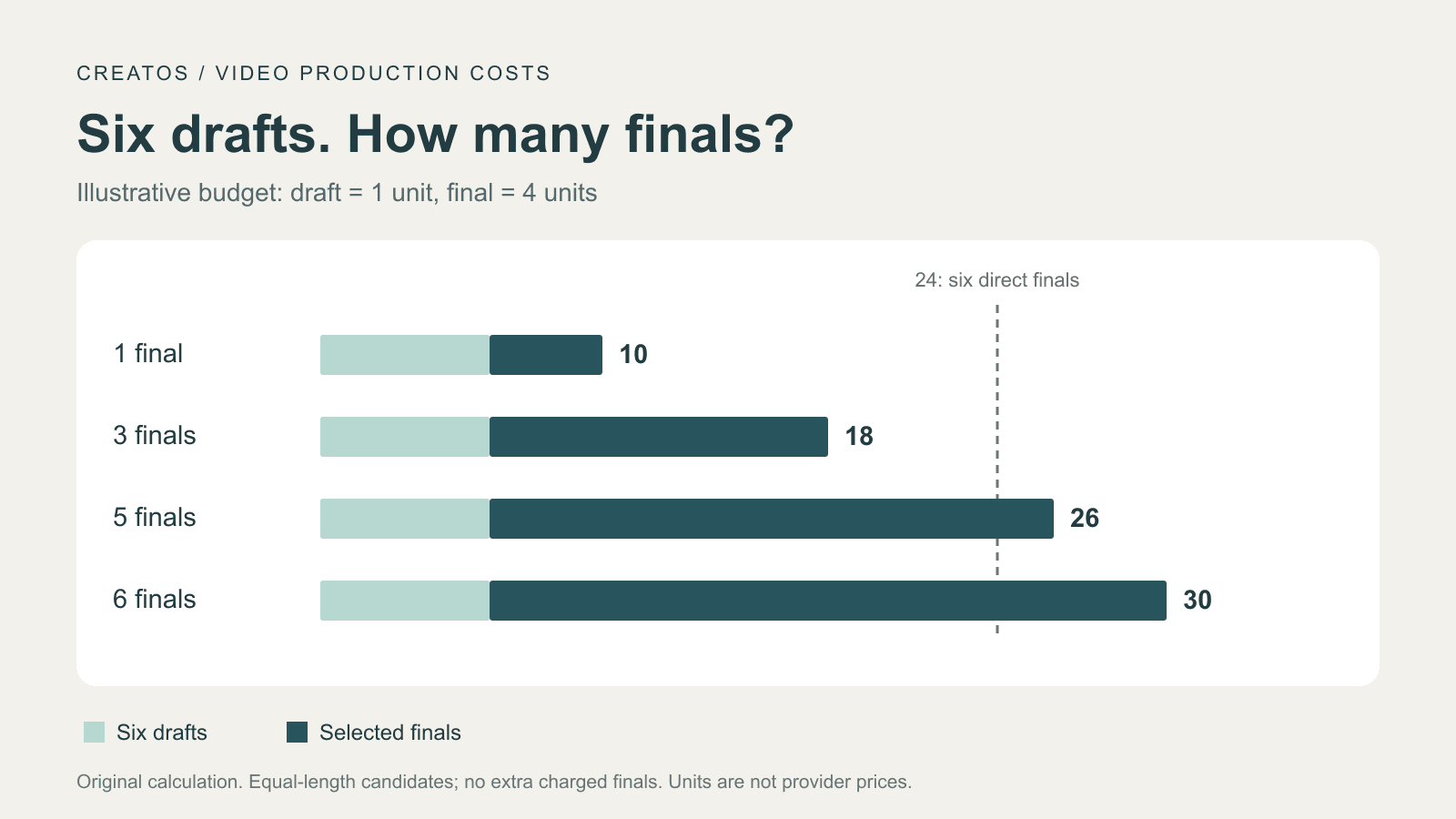
Suppose you are exploring six camera treatments for a product shot. Each draft costs 1 unit; each full-resolution generation costs 4 units. These are invented budget inputs, not current Seedance prices. Generating all six directly costs 24 units.
| Finals | Total units | Change vs direct |
|---|---|---|
| 1 | 10 | 14 fewer |
| 3 | 18 | 6 fewer |
| 5 | 26 | 2 more |
| 6 | 30 | 6 more |
At this price ratio, fewer than 75% of the six candidates can become billed finals if you want a saving. With whole attempts, that means at most four finals: 6 + 4 × 4 = 22. A fifth brings the total to 26.
A defect visible only at full resolution could make you reject a final that passed preview. The arithmetic cannot predict that failure rate. If three selected drafts need two extra charged final attempts, use R = 5, not R = 3.
Existing guides already explain the one-final case. AiuniVid's guide, for example, compares repeated drafts with repeated 1080p generation using its own service's credits. The table above extends the decision to several retained versions without treating one platform's price as a universal rate.
Ask whether the preview can answer your question
A creator making six optional camera treatments faces a different decision from someone who must deliver six distinct shots. In the second case, all six may need finals, so drafts add a review stage rather than automatically reducing generation charges.
Before spending, write the decision you need each preview to support. For a product reveal, that could be whether the camera reveals the object before the planned cut, whether the silhouette reads clearly, or which composition leaves room for a caption. Watch the actual clips for motion and timing. A contact sheet alone cannot answer those questions.
BytePlus describes drafts as a way to review scene structure, camera direction, subject movement and prompt interpretation. Its final-generation billing also depends on any reference video supplied to the draft; the draft itself is not an additional input video for that calculation. Official tutorial
If your acceptance decision depends on tiny lettering or surface texture, budget for inspection at delivery resolution. Do not count a rejected high-resolution result as a successful saving just because the preview looked acceptable.
Choose finalists before paying to render them
For the six-treatment example, make a comparison board with a representative frame from each candidate at the same point in the action. Label each frame with its task ID and the decision it supports. Add a frame from the moment where the shot succeeds or fails when one still would hide the difference.
A hypothetical shortlist might keep two treatments for a client and one backup. That gives you three planned finals, or 18 units in the table. Rendering all six “just in case” raises the planned total to 30. These are alternative production choices, not measured client behaviour.
Creatos's Flow Editor supports importing images, adding text nodes, grouping with sticky notes and exporting the canvas as a PNG. You can use those documented tools to arrange the extracted frames against your shot requirements and share the shortlist. Generate and watch the videos in your video tool; this board does not require a Seedance integration or establish one.
For a sequence where identity and object state must survive cuts, the three-shot continuity worksheet covers a different part of the review. Complete those checks before deciding which clips deserve a final render.
Recalculate when the decision changes
Once you have already paid for a draft, its cost is spent. The batch comparison helps you plan a workflow; it should not make you discard an approved take afterward. At that point, compare the remaining cost and uncertainty of finalizing it with starting again.
Check that the draft ID will still be valid when the decision arrives. Downloading a preview preserves the file, but does not extend the provider's seven-day finalization window. If you must create another draft, add that charge to your revised budget.
One public question by Key-Lychee-913 asks how to make a longer AI video more cheaply while retaining assets and workflow. That is a useful budgeting problem; the prices suggested in replies are not a verified rate card. Keep your own draft and final quotes together, including any reference-video charges and the number of versions you expect to deliver.
Sources
Continue reading
Browse all posts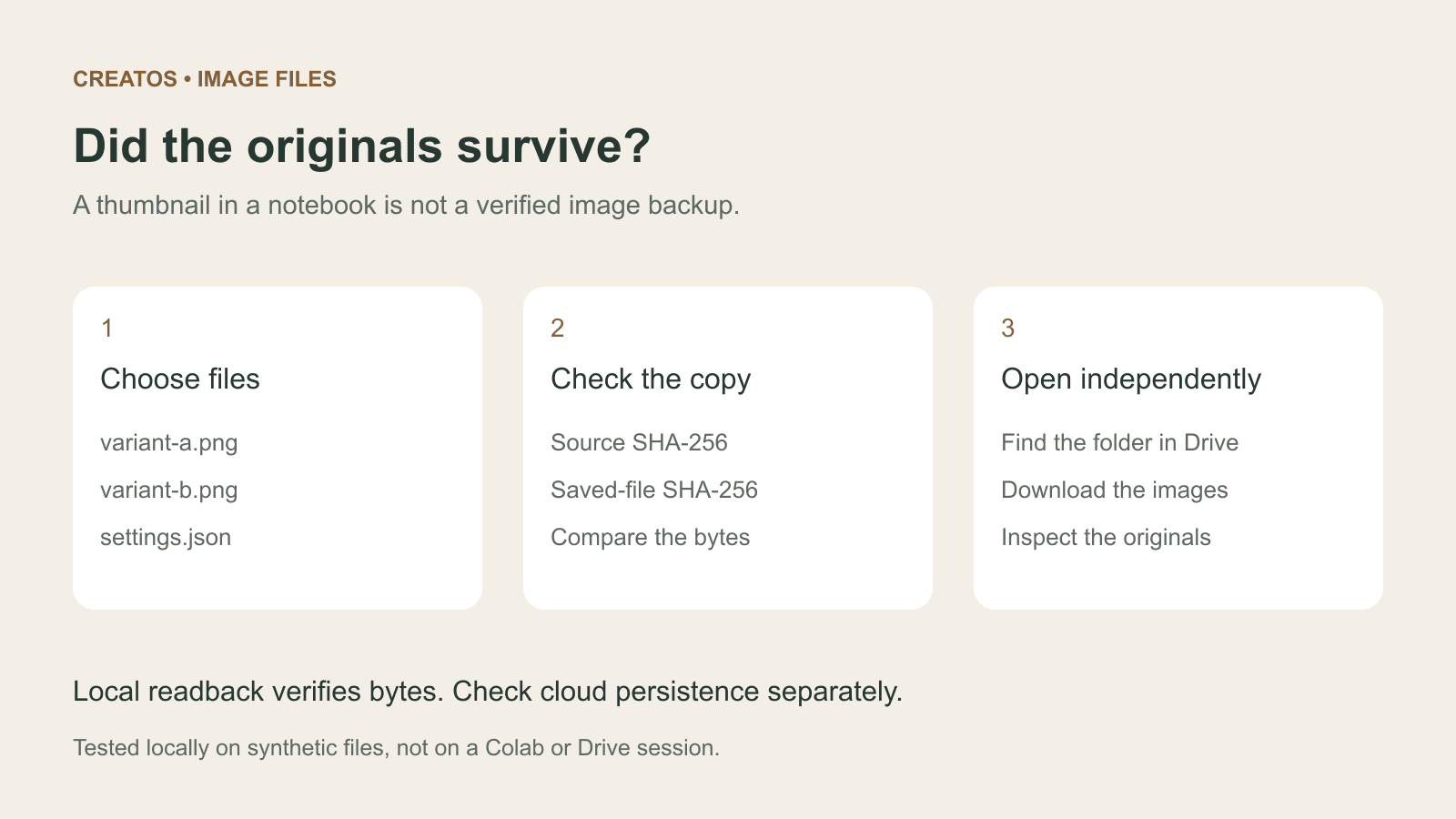
Save Colab images before a runtime reset: verify the copy
Keep generated PNGs and settings outside the Colab runtime. Use a locally tested copy-and-hash helper, then check the files independently in Drive.

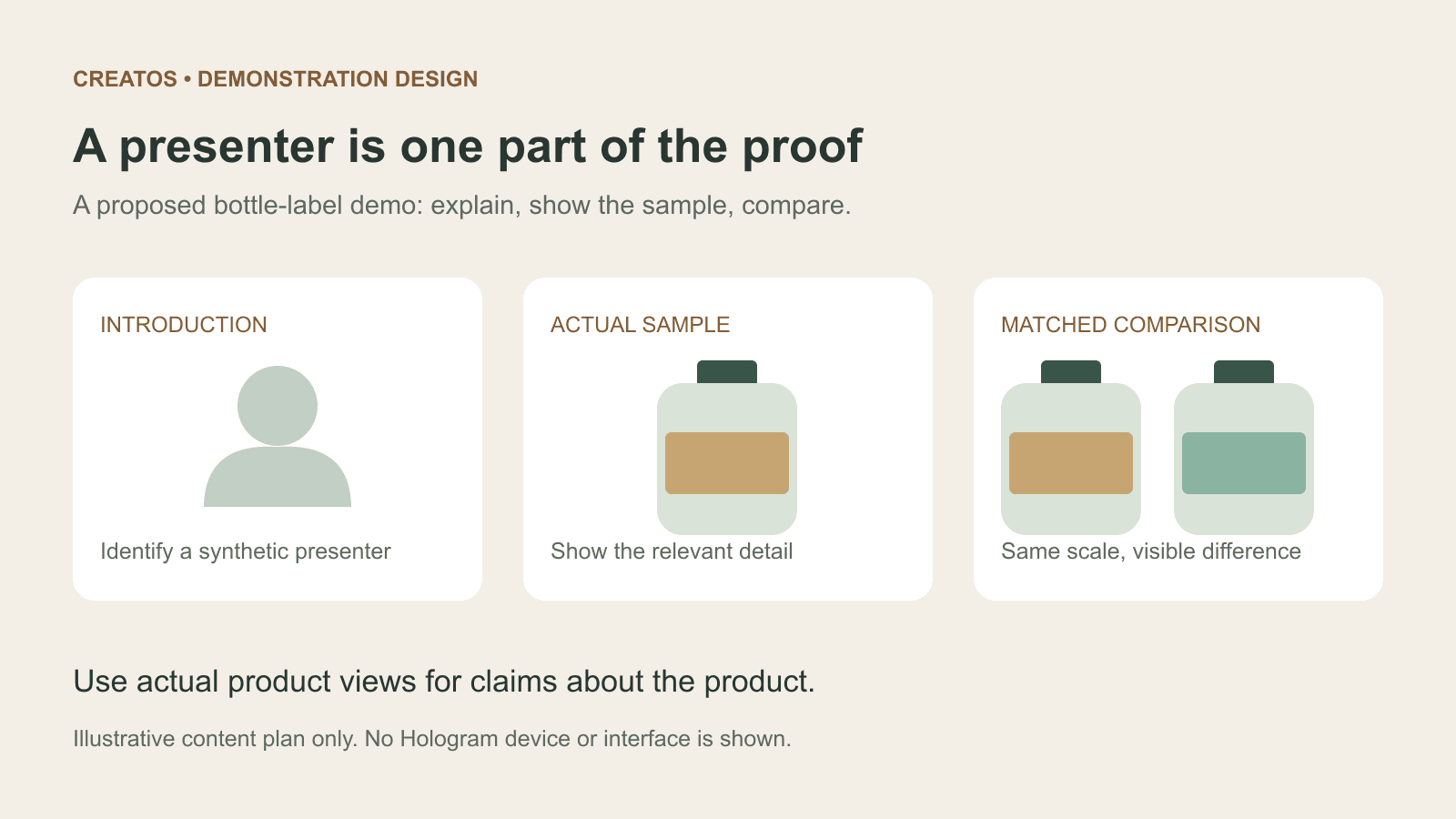
Meta Hologram vs a live camera in product demos
Separate an AI presenter from evidence of a product. A proposed 35-second label demo shows when to use actual photos, screen recordings and captions.
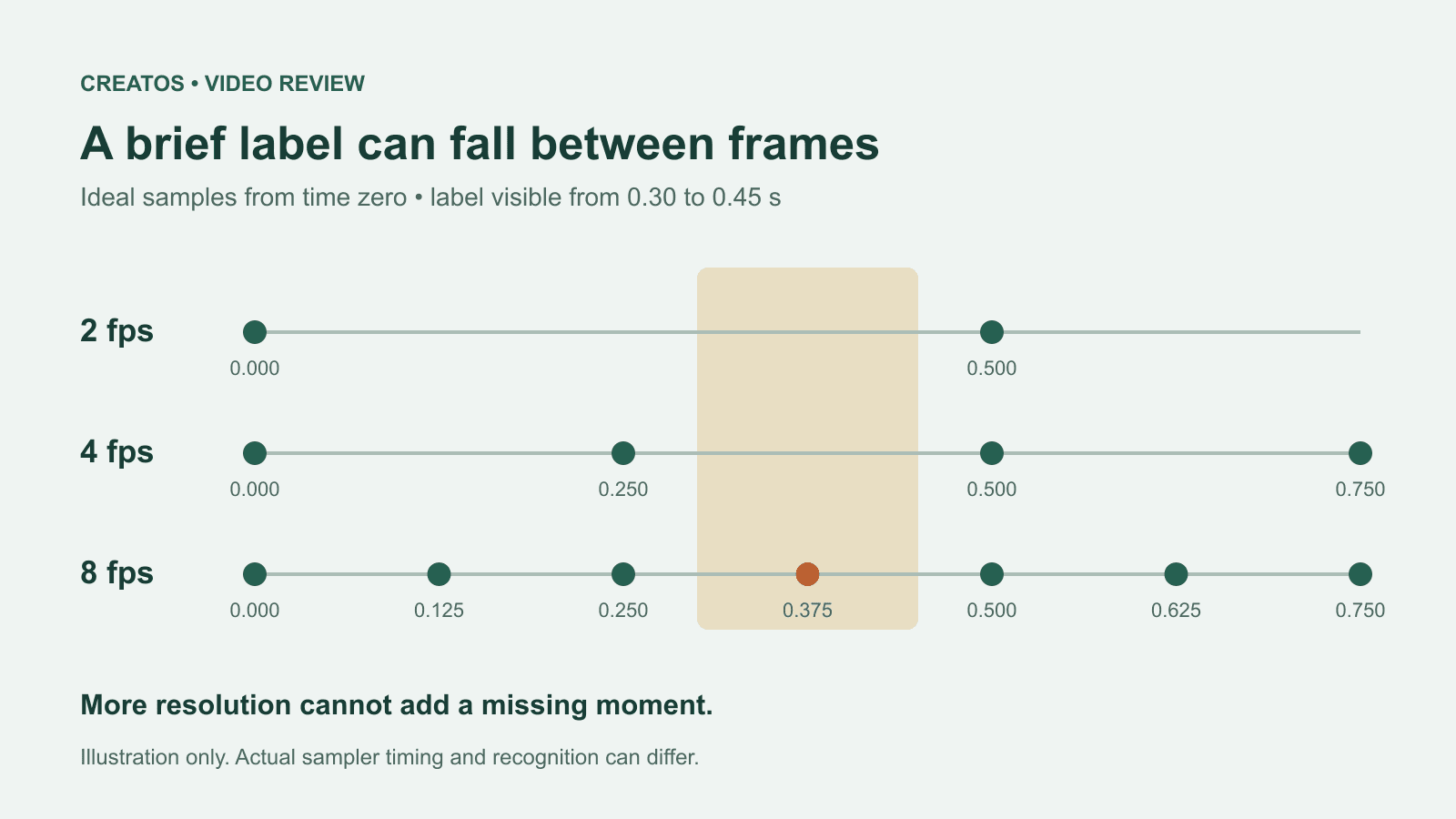
MiMo video review: why short details disappear
A worked sampling example shows why MiMo can miss a brief label, how fps differs from resolution, and what to check before approving a product video.