
GPT-6 Astra prompting: three task briefs to try
Three GPT-6 Astra prompt examples for model demos, script editing, and website work, with an annotated edit and checks against the source material.
Updated:
Sources checked:
Prepared with AI assistance and checked against the linked documentation. The prompts have not been benchmarked; the worked edit is a constructed editorial example, not a recorded model response.
On this page
Tell GPT-6 Astra what to deliver, which decisions it can make, and how you will check the result. These three prompt examples cover preparing a model demonstration, editing its explanation, and adding the finished material to a website.
We wrote the briefs below for creators who turn AI news into explanations and presentations. They have not been benchmarked against shorter prompts. The worked editing example is an editorial demonstration, not a recorded Astra response.
Our diagram summarizes the structure used in these examples. It describes the proposed briefs, not measured model performance.
What the Astra guidance changes in these briefs
OpenAI's Astra prompting guidance documents the behaviors below. The matching instructions are our adaptations, not tested results.
| Behavior described by OpenAI | Instruction in these briefs | What the instruction specifies |
|---|---|---|
| Astra may ask a question when missing information could change the result. | "Choose the order and wording yourself." | Grants routine editorial choices. |
| Responses tend to be detailed and formatted. | "Return a spoken explanation in short paragraphs." | Specifies a script someone can read aloud. |
| Instructions in skills and project files can strongly influence its behavior. | "If another project instruction prevents that work, identify the file and the conflicting instruction." | Makes the conflict inspectable. |
| Small coding tasks can receive broader testing than they need. | "Run the existing checks required for this change." | Connects verification to the actual change. |
Existing tools and project instructions can also affect the result.
Research: prepare a demonstration people can follow
"Research this new model" leaves the audience and purpose open. A creator preparing a demonstration needs to know what can be shown, what needs qualification, and which claims still lack evidence.
Supply the model name, announcement URL, and the audience before using this brief:
Prepare a briefing for a creator explaining [MODEL] to [AUDIENCE]. Use [ANNOUNCEMENT_URL] and the current official documentation.

Choose the order and wording yourself. Deliver a one-page explanation and a comparison table covering the changes relevant to this audience. Link factual claims to their sources. Separate features available now from announced plans, and distinguish the vendor's claims from independent observations.

Suggest a demonstration outline. For each scene, state the point it would explain and the input or image we would need. Mark scenes that require a real test before we can present a result. For third-party images, record the original source and the stated reuse terms. Suggest an original diagram if reuse permission is unclear.

Ask me only if a missing required source or an unresolved audience choice would change the briefing. If sources disagree, show the conflict and their dates. Finish with questions the evidence cannot answer yet.
Permission to choose the order lets the agent prepare a briefing without asking the creator to approve every heading. Requiring an input for each scene also separates a demonstration plan from a result. A proposed comparison of two image edits still needs the actual images before you can say which one preserved a logo more accurately.
Writing: keep the facts when shortening a script
An instruction to make text "sound human" should also say what must survive the edit. Supply the draft and identify its audience:
Edit this draft for a creator explaining an AI workflow to people who do not develop software.

Return a spoken explanation in short paragraphs. Put the practical answer first. Keep the names, numbers, source links, direct quotations, and qualifications. Remove unsupported praise and explain a technical term only when the reader needs it.

Return the complete edited script. Then list any factual gap you could not resolve from the supplied material and any claim you removed because the material did not support it. Do not add personal experiences or imply that we tested a product.
Give it a paragraph of your own writing if you want an established voice. Then compare the result with the source draft. "Available to selected accounts," for instance, must not turn into "available to everyone."
A worked edit you can check
We constructed this short draft from the documented actions in Creatos's Flow Editor. The final sentence deliberately adds an unsupported claim. Both the draft and the suggested revision are editorial examples; neither is a model test result.
Input:
In Creatos, pasting plain text creates a Text content node. You can import images as image content nodes. Canvas export supports JSON for reuse and PNG for visual sharing. This game-changing setup guarantees a clearer presentation.
Suggested revision:
In Creatos, pasted plain text creates a Text content node, and imported images create image content nodes. Export the canvas as JSON to reuse the workflow or PNG to share it visually.
| Check against the supplied draft | Result in the revision |
|---|---|
| Plain text creates a Text content node. | Preserved, including the node name. |
| Images become image content nodes. | Preserved. |
| JSON is for reuse; PNG is for visual sharing. | Both formats and their purposes remain. |
| The setup guarantees a clearer presentation. | Removed. The documented actions do not establish this outcome. |
If you want to arrange your source notes and demonstration images on a canvas, our Creatos Flow Editor guide covers these steps and exports. It is also the source for the factual details in this example.
A website change: give the agent a clear finish
Once the explanation and images are ready, you may want a page that viewers can revisit. This brief assumes the agent has access to the site's files and that you want a local preview before public release:
Add the supplied explanation and demonstration images to this site's existing article template in a separate working branch.

Reuse the existing styles and image components. Keep captions, source credits, and qualifications beside the relevant images. You may fix formatting and broken local links in this article. Complete the local work before asking me to review it.

Check that the article renders, that its links work, and that the phone layout is readable. Run the existing checks required for this change. Report what you actually ran and any unresolved issue. If another project instruction prevents that work, identify the file and the conflicting instruction.

The stopping point is a working local preview with the actual images. Wait for my approval before publishing it to the public site.
Change the last paragraph when you intend to authorize publication too. The brief should reflect the authority you are giving the agent; account permissions still apply. If a project instruction blocks the task, inspect the named file before adding another instruction to "keep going."
Check a brief with one representative task
Save the exact prompt, source material, and result. On a comparable attempt, change one instruction and inspect what changed. A single example can reveal a missing qualification or an unnecessary pause, but it does not establish a general performance advantage.
| Check | What to inspect |
|---|---|
| Completion | Did it deliver the requested artifact, or only describe a plan? |
| Fidelity | Do the facts, quotations, and qualifications match the sources? |
| Independence | Did it make the routine choices you had already authorized? |
| Boundary | Did it stop at the review or publishing point you specified? |
Start with the brief closest to your work. Replace its audience, input, and deliverable, then keep the result beside the original material while you check it.
Sources
- OpenAI: Model guidance — GPT-6 Astra · OpenAI
- Creatos: Flow Editor · Creatos
Continue reading
Browse all posts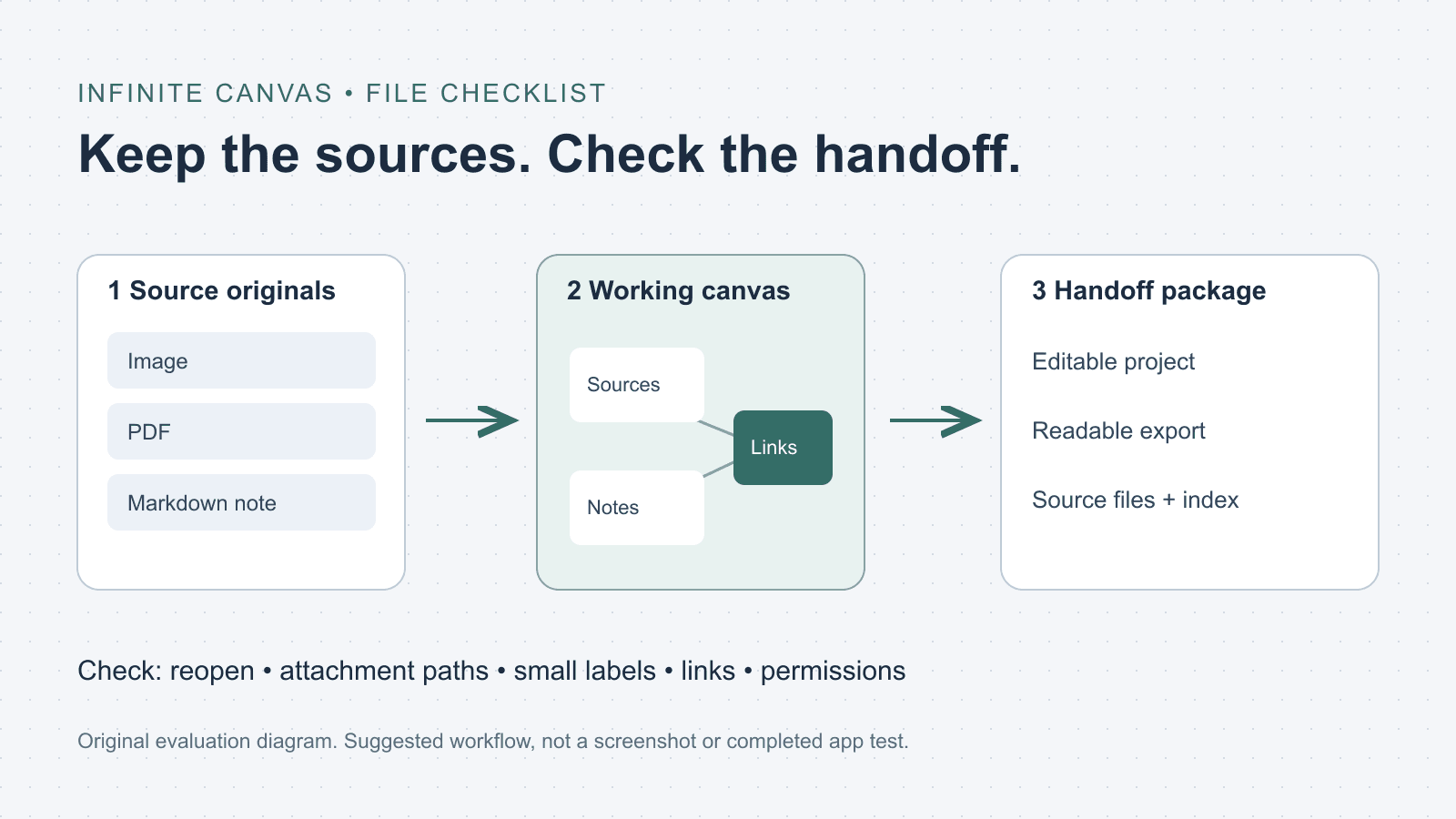
What is an infinite canvas? A file and handoff checklist
Choose an infinite canvas by checking file imports, editable projects and export limits. Includes a three-file evaluation checklist and a handoff folder template.

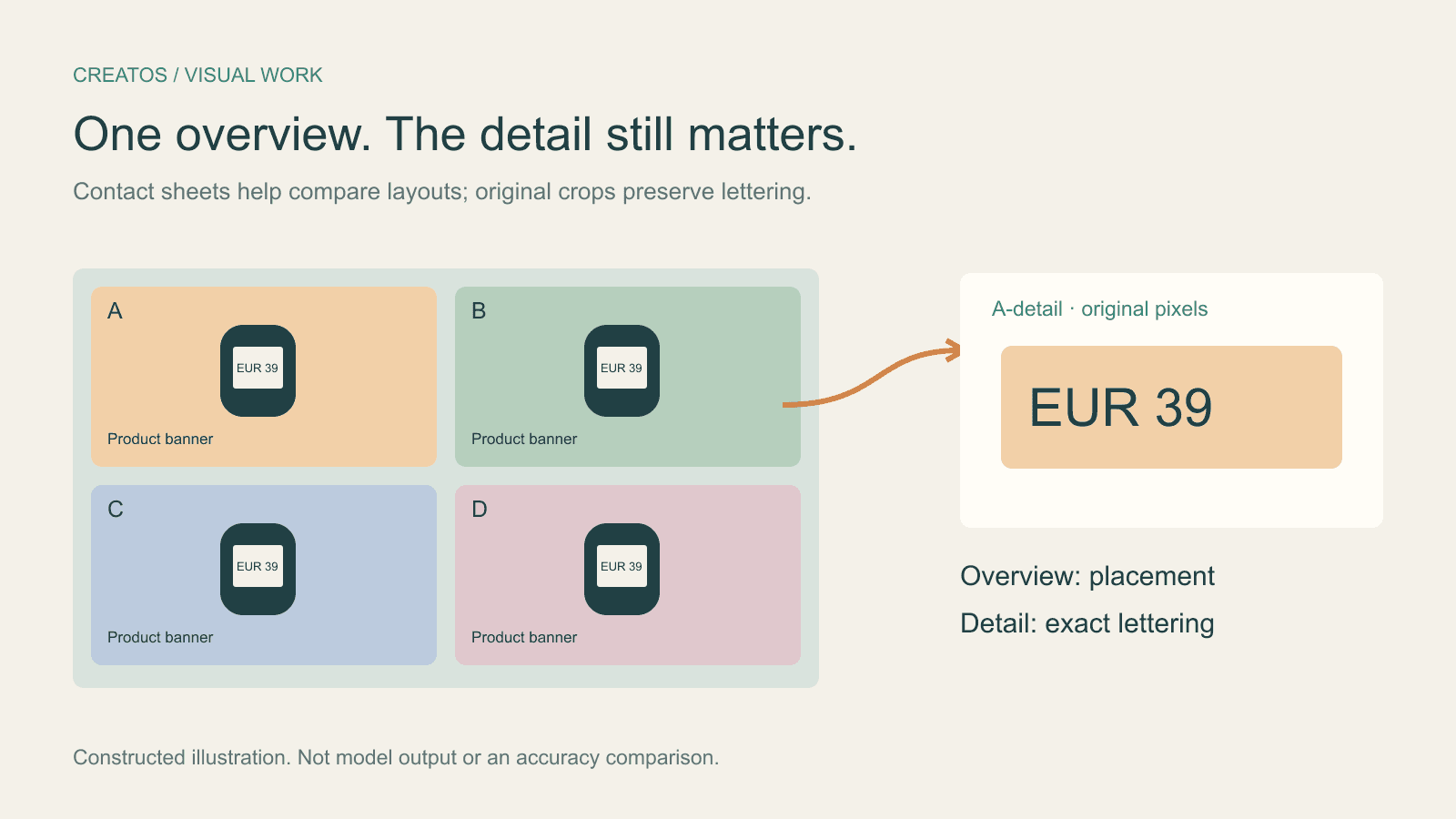
Claude image review: keep small text readable
Compare a contact sheet, separate images and detail crops using Claude image limits, with reproducible pixel and token calculations for four banner variants.
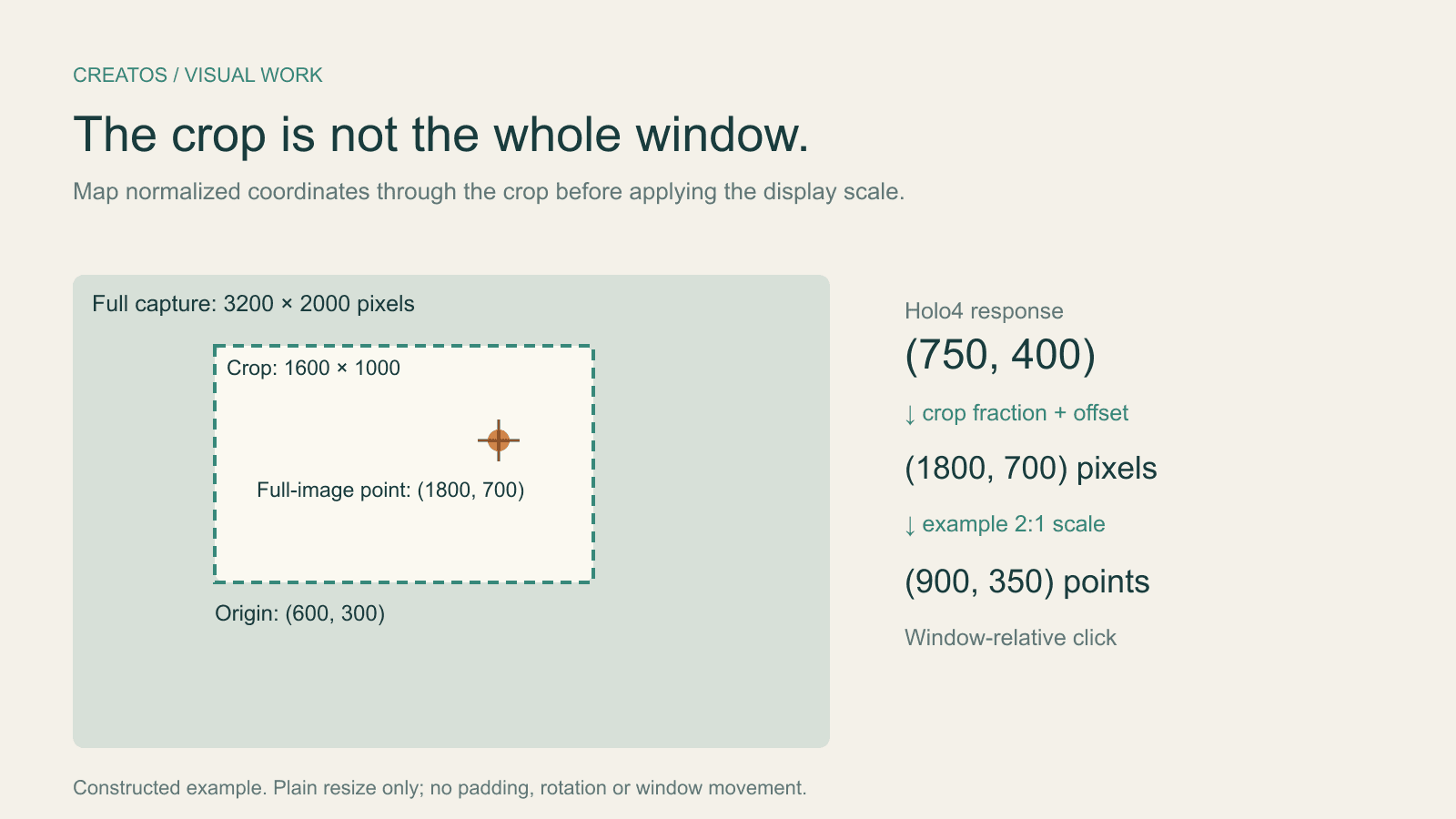
Holo4 click coordinates: fix crop and Retina offsets
Map Holo4 normalized coordinates from a cropped screenshot back to a design app. Includes a worked Retina example and locally tested Python conversion.