
AI agent productivity: what 3.1 workdays actually measures
Understand OpenAI’s 3.1 agent-workdays metric, then measure your own AI workflow with accepted outputs, review time and a worked example.
Prepared with AI assistance; sources and conclusions are reviewed before publication.
On this page
OpenAI's 3.1 agent-workdays figure measures accumulated agent runtime relative to human working time. It does not establish a 3.1-fold improvement in useful output. To evaluate your own AI workflow, count accepted deliverables and the human time needed to get them accepted.
In its September 6 research acceleration report, OpenAI reports 3.1 agent-workdays per human workday by mid-August, using an eight-hour day. The company describes its measurements as preliminary. It also reports that more than half of successful tasks in the four-to-eight-hour difficulty bucket involved human intervention; that bucket reflects estimated human task duration.
Those qualifications matter when deciding how much work to delegate. This article explains the units, then gives a small worksheet you can use to measure a recurring research or content task. The worksheet contains constructed numbers, not results from a Creatos or model benchmark.
Three clocks can describe the same job
Imagine four agents each running for two hours at the same time. Together they accumulate eight agent-hours, while only two hours pass on the clock. If you spend 30 minutes preparing their inputs and reviewing their outputs, your active time is half an hour. All three numbers describe that job, but answer different questions.
| Measure | Count | What it helps you judge |
|---|---|---|
| Aggregate agent runtime | Add runtime across agents | How much agent execution the workflow uses |
| Elapsed time | Start to accepted delivery | Whether the result arrives by your deadline |
| Human active time | Briefing, intervention, review and repair | How much of your attention the workflow consumes |
Longer runtime might reflect more exploration, retries or parallel attempts. You need the finished work to tell those possibilities apart. Keep rejected attempts in your records, even if only the successful result appears in your presentation.
Compare equal batches of accepted work
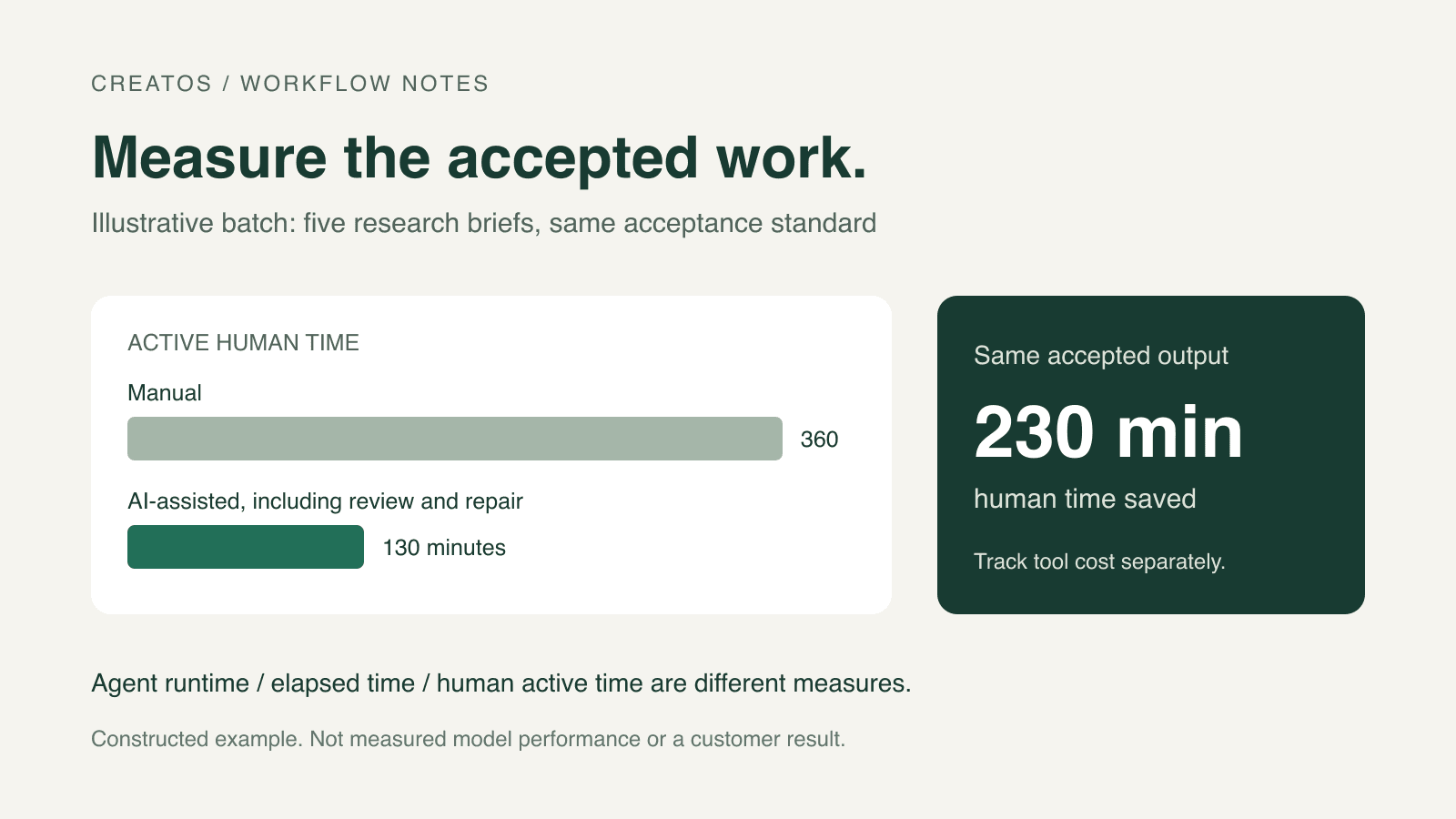
Suppose you produce five short research briefs each week. Define acceptance before comparing workflows: each brief must answer the agreed question, link evidence for its factual claims and identify unresolved points. Use similar difficulty and the same reviewer standard in both batches.
The following example is invented to demonstrate the arithmetic. It assumes the AI-assisted batch delivers all five acceptable briefs after the listed repairs.
| Human work | Manual batch | AI-assisted batch |
|---|---|---|
| Research and drafting | 300 min | 0 min |
| Preparing the agent brief | 0 min | 25 min |
| Checking sources and reviewing | 50 min | 60 min |
| Intervention and repair | 10 min | 45 min |
| Total active human time | 360 min | 130 min |
| Accepted briefs | 5 | 5 |
Human minutes per accepted brief fall from 360 / 5 = 72 to 130 / 5 = 26. The batch saves 230 active minutes, about 64% of the manual baseline. For the same accepted output, output per human hour rises by 360 / 130, about 2.77 times.
These calculations exclude machine waiting time and spending. Record both separately. If the briefs arrive too late, the time saving may not help your deadline. If unfinished briefs remain, include the time spent on them and report the smaller accepted count; do not quietly drop failed attempts from the batch.
Keep business value separate from time saved
The 1Password customer story published by OpenAI illustrates another distinction. It reports a 20.9% productivity improvement for a Codex user cohort, but its estimated annual capacity value also uses assumptions about attribution and how much freed capacity becomes productive work. It is a vendor-published customer account, not a forecast for your team.
For a small workflow, record actual tool spending alongside time saved. Keep any monetary estimate of freed time clearly labeled. A saved afternoon becomes revenue only if it leads to paid work or another measurable business result; it is not automatically money received.
A log you can reuse
For each batch, save the task definition, input count, accepted output count, human active minutes, elapsed time and actual tool cost. Add links to the delivered files and a short reason for each rejection or repair. Keep the quality checklist unchanged during the comparison, or record why it changed.
Start with a task you already repeat so you have a manual baseline. If defining an acceptable result is the difficult part, use our task-brief examples to specify the output and review criteria first. Then measure whether the next batch delivers that result with less work from you.
Sources
Continue reading
Browse all posts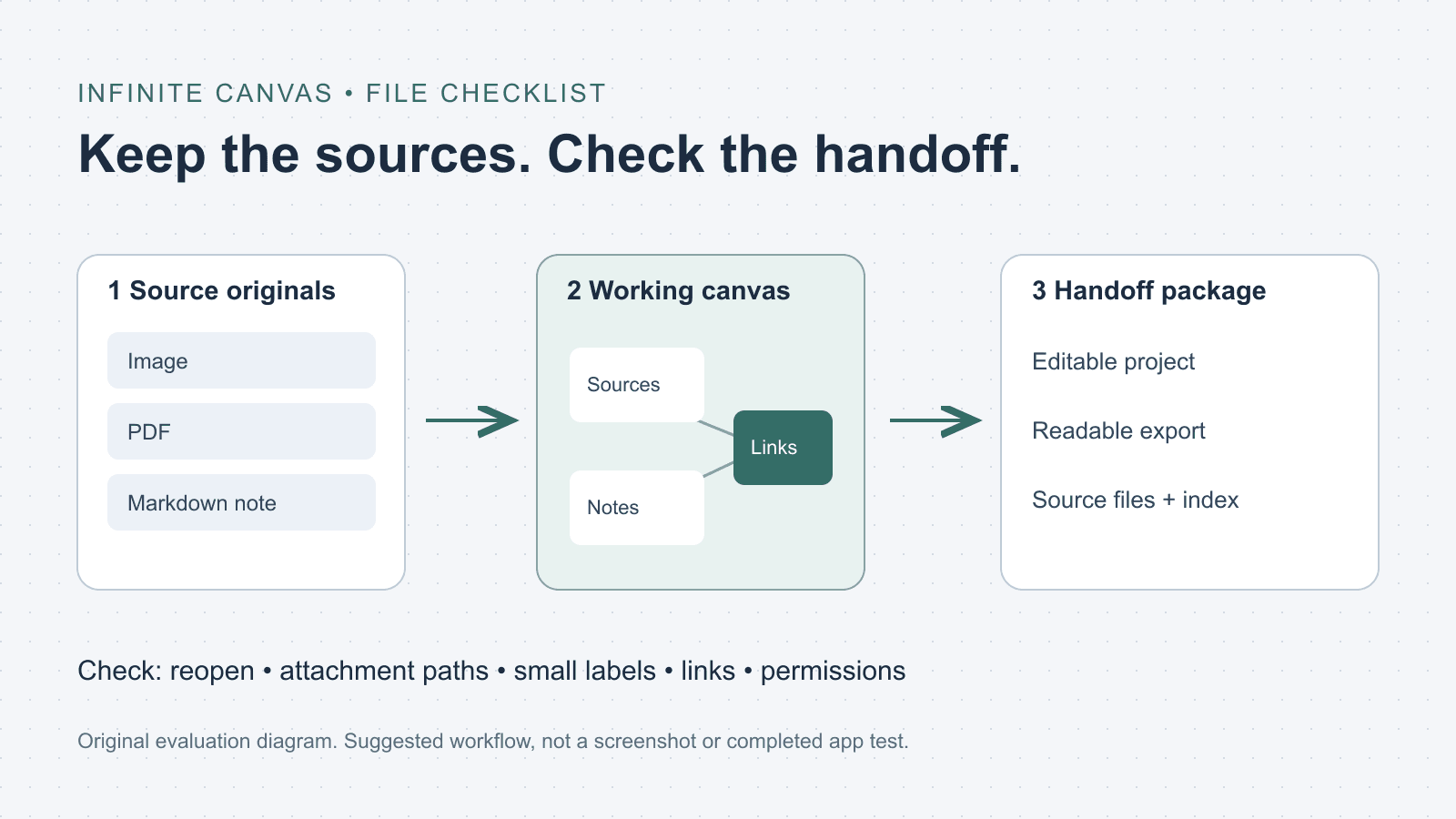
What is an infinite canvas? A file and handoff checklist
Choose an infinite canvas by checking file imports, editable projects and export limits. Includes a three-file evaluation checklist and a handoff folder template.

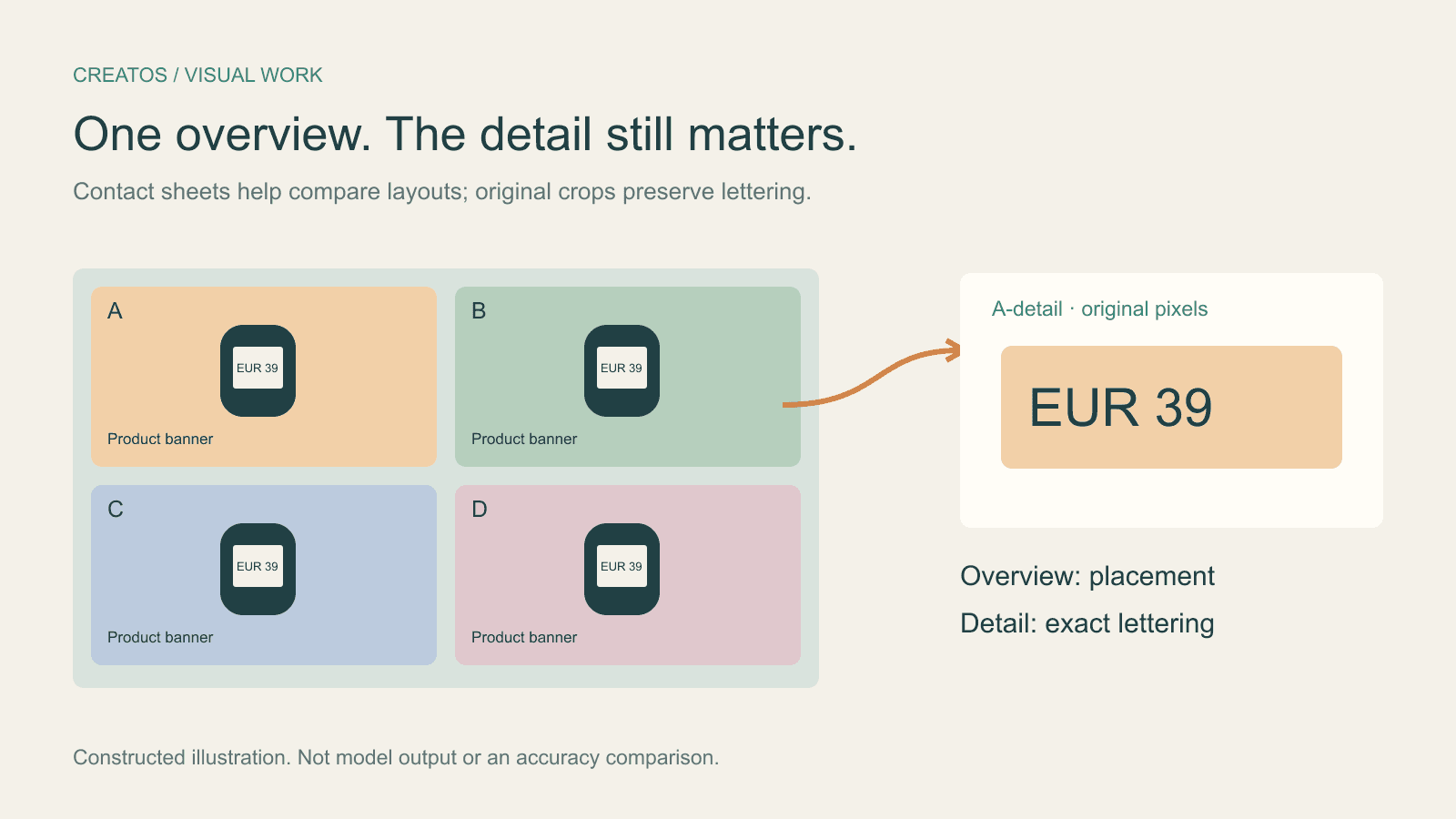
Claude image review: keep small text readable
Compare a contact sheet, separate images and detail crops using Claude image limits, with reproducible pixel and token calculations for four banner variants.
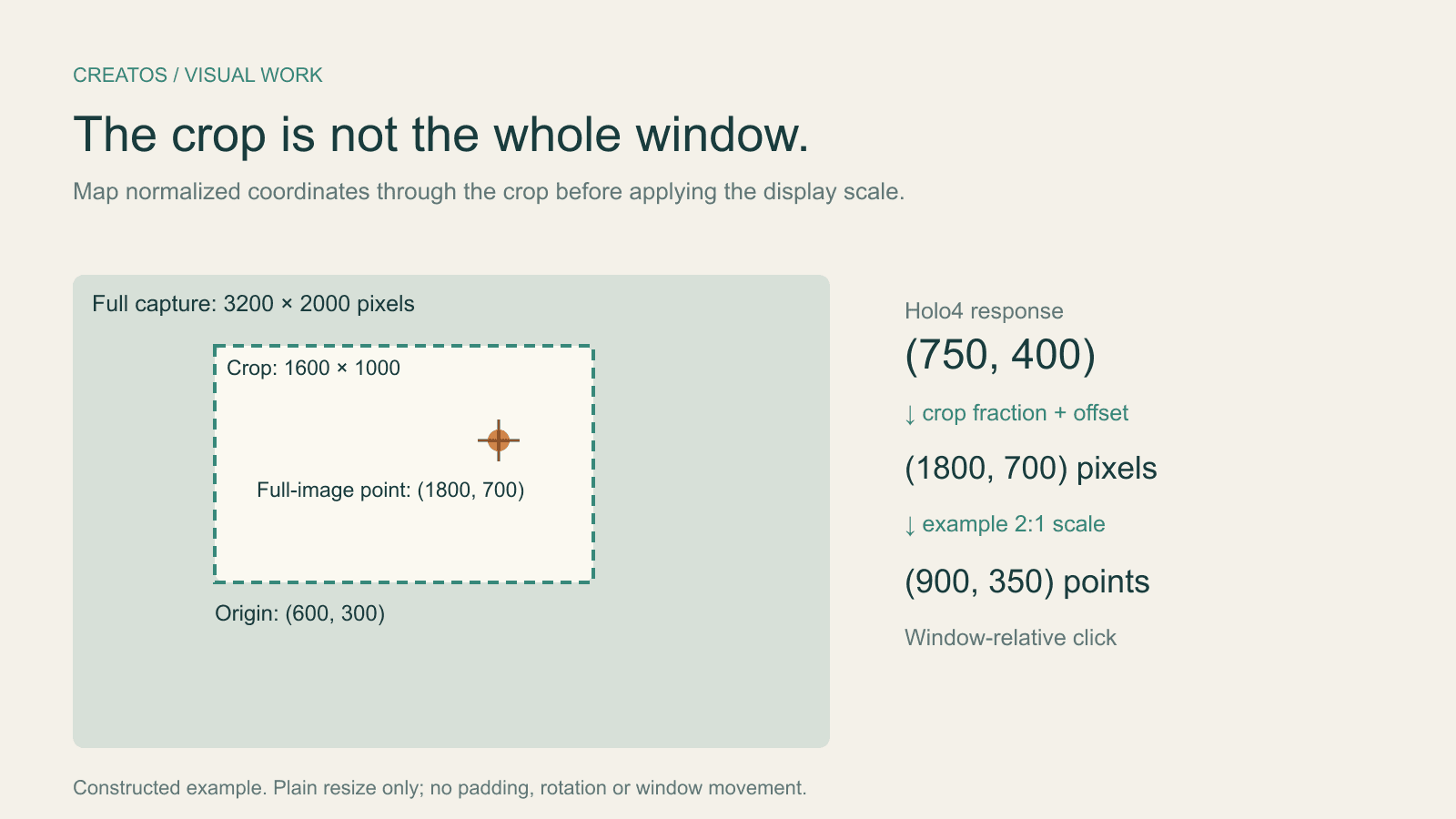
Holo4 click coordinates: fix crop and Retina offsets
Map Holo4 normalized coordinates from a cropped screenshot back to a design app. Includes a worked Retina example and locally tested Python conversion.